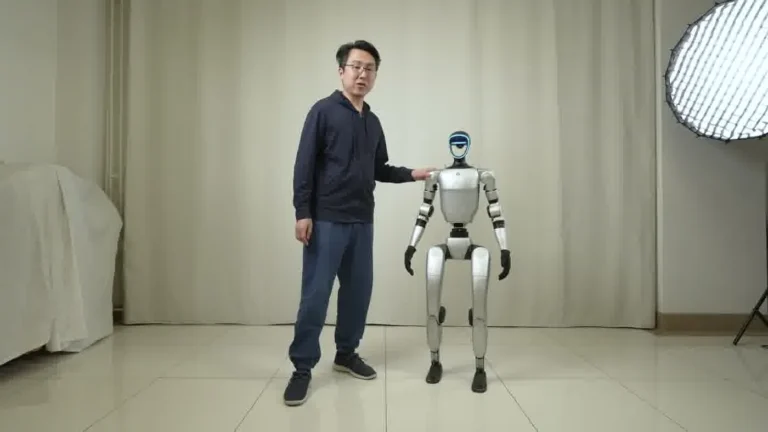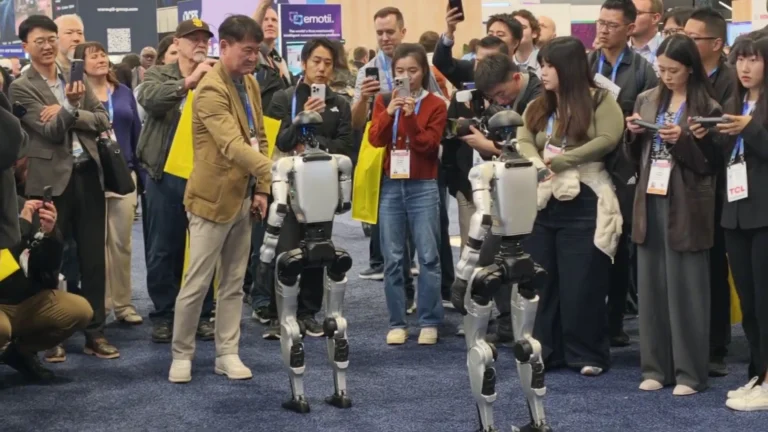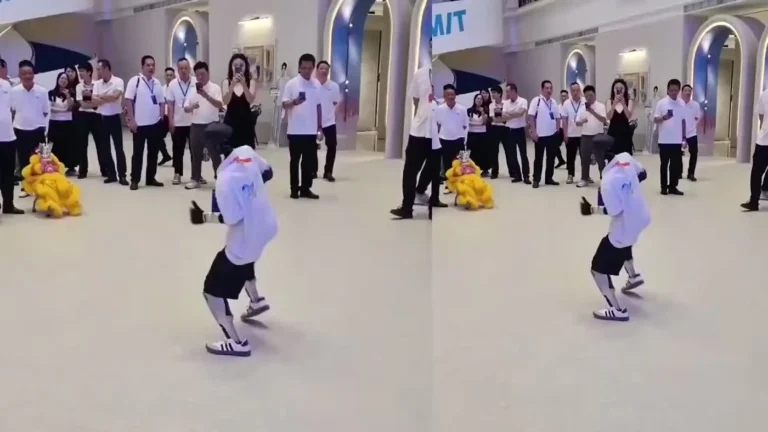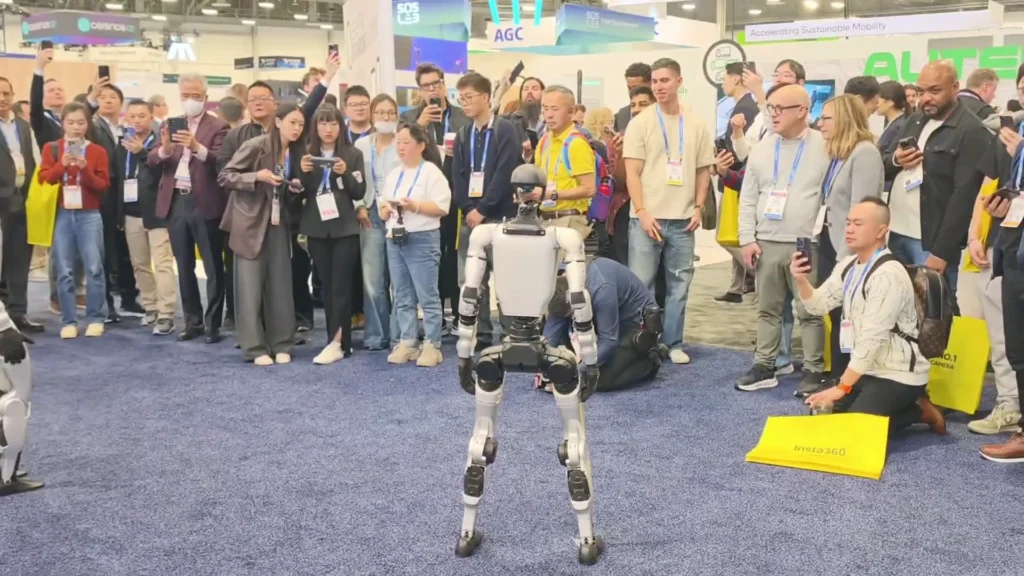
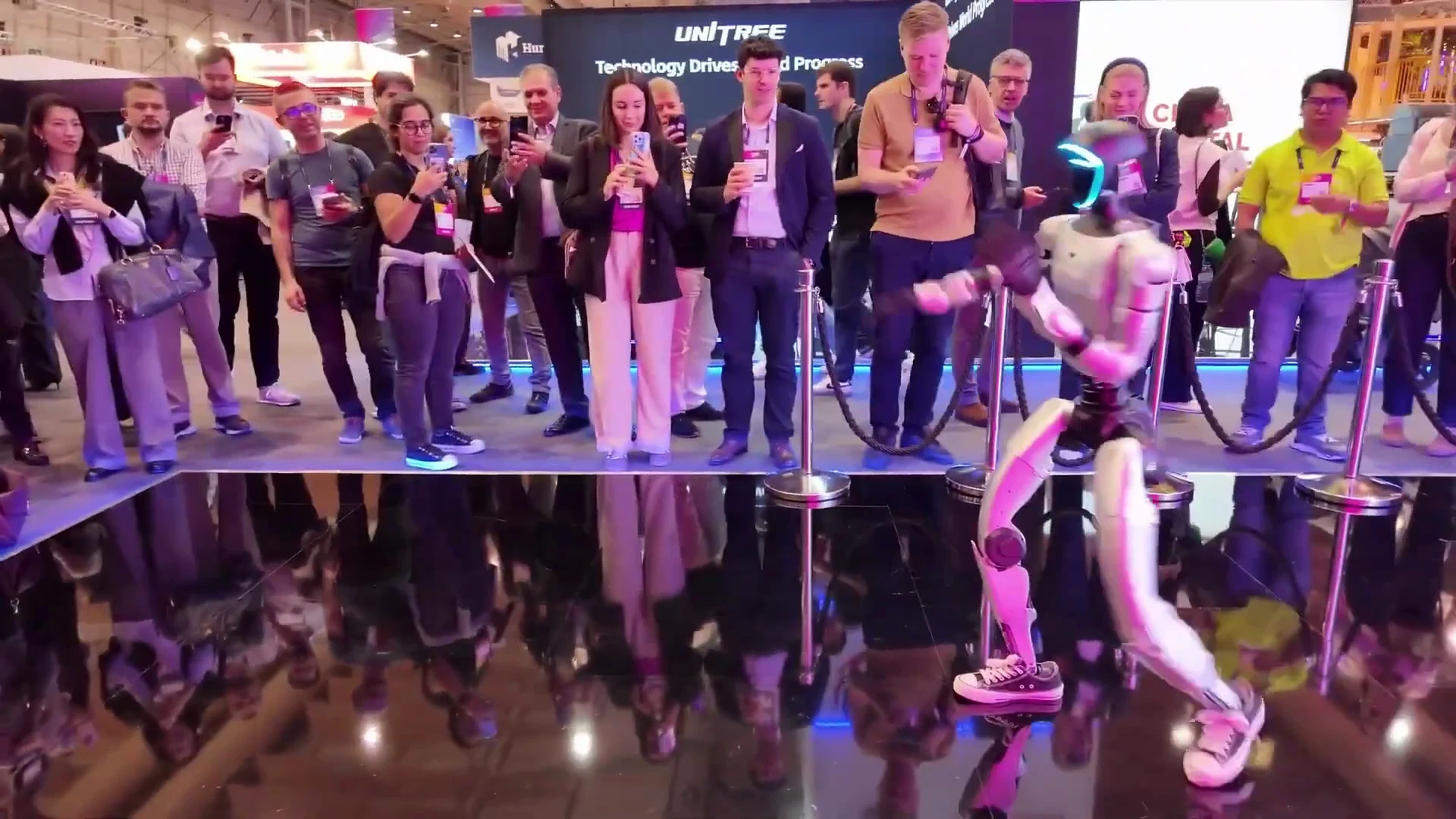
We ran 2x Unitree G1 robots at a Boston product launch in September 2025. 400 expected attendees, a 3-day window, and a client who had never seen a humanoid robot in person. Five operational phases later, it ran without incident. To rent Unitree G1 for any event type, those same phases apply.
Table of Contents
- Before You Book: What to Confirm First
- Venue Requirements: What the Site Survey Covers
- Delivery: What Arrives, What Doesn’t
- Pro Setup & Training: What That Window Covers
- Running the G1 All Day: Battery Windows and Demo Loops
- Crowd Safety and Operator Supervision
- What’s Not Included in a Standard Booking
- Teardown and the Handover Record
- Mistakes First-Time Renters Make
- What You Should Know
- People Also Ask
- The Bottom Line
This guide walks through every phase — pre-booking to teardown — drawn from G1 deployments at trade shows, product launches, and brand activations.
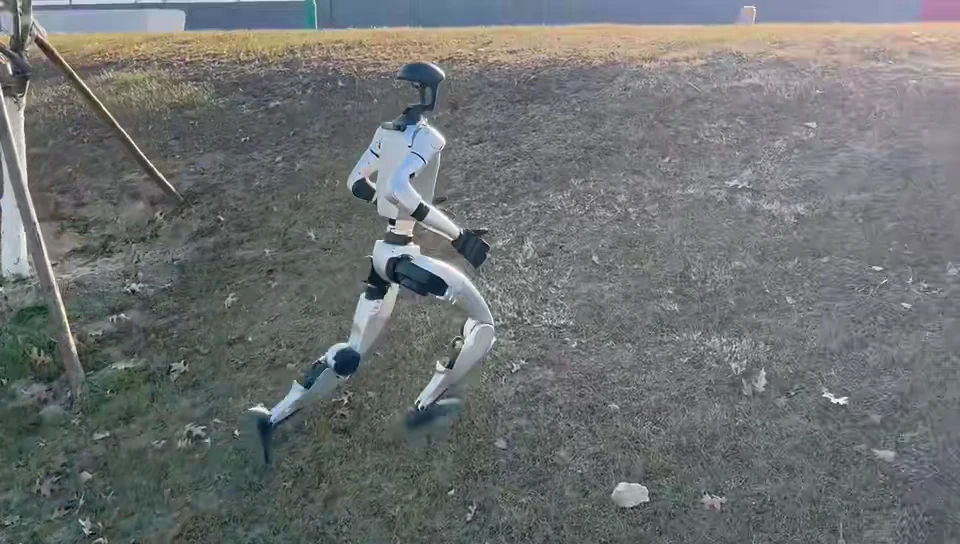
Unitree G1 Self-Recovery: What Happens When the Robot Falls
Before You Book: What to Confirm First
Every failed G1 deployment we have seen traced back to something that wasn’t confirmed before the booking was placed. Not a hardware issue. Not a software issue. A planning gap. The five things to lock in before you commit:
1. Event type and headcount
A G1 at a trade show booth runs differently from one at a product launch or a university demo. The robot’s demo loop, interaction cadence, and operator workload all vary by event format. Tell your operator which type so the correct demo mode gets pre-loaded. Headcount matters because it sets interaction pacing: a 400-person launch needs more frequent demo cycles than a 50-person private briefing.
2. Runtime hours and date range
The Unitree G1 runs approximately 2 hours per charge. If your event runs 8 hours, that’s a minimum of four charge cycles — meaning you need either spare batteries on rotation or planned downtime windows. Map your event hours before booking so the number of batteries in your reservation matches the runtime. A 5-day booking at CES with 4 robots ran on rotating spare batteries all day, every day; the team that didn’t plan for that ran short by day two.
3. Power availability
The G1 draws up to 1,000 W during peak charging. You need at least one dedicated 15-amp circuit per robot charging simultaneously. Shared hotel or convention-center power strips are not enough. Confirm with your venue coordinator that a dedicated circuit is available at your exact booth or room location — not just somewhere in the building.
4. Floor type and clearance
The robot is 127 cm tall and 45 cm wide at the shoulders. Minimum doorway width is 0.8 m. If you are moving the robot through corridors, check every chokepoint in advance. Floor type matters: carpet is fine, polished concrete requires traction pads (available as an add-on), and loose rugs or raised thresholds need to be removed before runtime.
5. Booking lead time
Standard bookings require advance notice — check the Unitree G1 rental cost page for current availability windows by region. Last-minute bookings (under 4 days) add logistics surcharges that can increase total cost significantly. The Napa corporate retreat booked 4 days out and paid well above the standard rate for same-day-travel shipping. Build the lead time into your event planning calendar, not your last week of prep.
Once these five items are confirmed, placing the booking takes minutes. The Unitree G1 rental page covers full booking details and configuration options.
Venue Requirements: What the Site Survey Covers
A site survey is not optional. Even if you’ve run robots at other venues, each space has its own constraints. Here is what the pre-event survey must cover.
Doorway and corridor clearance
The G1’s minimum doorway requirement is 0.8 m width. Measure every doorway the robot will pass through — delivery entrance, service corridor, and the event floor itself. Automatic sliding doors, revolving doors, and narrow hotel corridors are common failure points. If any doorway is under 0.9 m, flag it before delivery day and plan an alternate route.
Floor surface
The G1 walks on most indoor floors without modification. Polished concrete, epoxy-coated warehouse floors, and smooth tile require traction pads under the robot’s feet — a lesson confirmed at a Detroit auto show on a freshly polished showroom floor. Carpet over 10 mm pile is borderline; the robot can walk on it but its gait pattern shifts slightly and battery draw increases. Avoid loose area rugs, cable covers not rated for pedestrian traffic, and any raised threshold over 20 mm.
Power access
Identify the power outlet locations on your floor plan and confirm the circuit type. Convention centers almost always have 20-amp circuits at booths, but the outlets may be shared with lighting rigs, AV equipment, and neighboring exhibitors. Request a dedicated outlet and have it confirmed in writing with the venue. For detailed convention floor power specifications, Exhibitor Magazine publishes trade show setup guides that cover standard circuit requirements by venue type. Bring a short UPS unit for charge continuity if your venue has power fluctuation history.
Wifi
The G1 does not require wifi for standard demo operation — it runs on pre-loaded routines and operator commands via the controller. Wifi is needed for software updates and remote telemetry monitoring. Event-provided wifi worked without issue at the Pfizer Boston launch; where it’s unreliable, use a dedicated mobile hotspot for the operator’s tablet. Do not rely on public event wifi for anything operationally critical.
Exclusion zone
Plan a 1.5 m clear radius around the robot’s operating area. More is better. This zone is the operator’s working space and the minimum safe distance for bystanders. At crowded activations, a rope barrier or pop-up stanchion system works well. Mark the zone on your floor plan and share it with event staff before the day.
Ceiling clearance
The G1 stands at 127 cm. Low-hanging signage, chandeliers, and dropped ceiling tiles can all become hazards during arm-extension demonstrations. Confirm minimum 2.5 m of clear vertical space above the operating area for full range-of-motion demos, or restrict the demo to lower movements in tighter spaces.
Delivery: What Arrives, What Doesn’t
The Unitree G1 ships in a hard transport case. Here is the full manifest of what arrives with a standard booking and what doesn’t.
What’s in the delivery
Every booking ships with: one Unitree G1 robot (35 kg), one transport case, at minimum one battery pack, one charging station, and the operator controller (for self-service bookings). Full-service event bookings include one ZMProbots-certified operator. The transport case dimensions vary by model but are designed to clear standard freight elevator dimensions in commercial venues. The robot arrives folded to a height of approximately 690 mm — smaller than most people expect.
Delivery to your venue
ZMProbots handles the full delivery and collection leg. You do not arrange shipping — it is part of the booking. What you do arrange is the receiving location at your venue: a loading dock, freight elevator reservation, or service entrance appointment with building management. Confirm these logistics at least two days before delivery day. A missed loading dock window on a multi-day event means a delayed start.
What doesn’t arrive
Third-party add-ons — staging, LED strips, branded wraps, custom backdrop structures — are your responsibility to source and install. The transport case must be stored somewhere safe and accessible for the duration of the booking; confirm a suitable storage area with your venue. Any furniture clearance needed to create the operating area is handled by your event crew, not ZMProbots.
Setup gantry
Unboxing the G1 requires a gantry or lifting frame to bring the robot upright safely. For self-service bookings, the setup gantry is available as an add-on. For full-service bookings, the operator brings the necessary tools. Do not attempt to lift the robot manually without the correct equipment — at 35 kg, it is manageable for two trained people, but the joint calibration can be disrupted by improper handling.
Pro Setup & Training: What That Window Covers
For self-service bookings, Pro Setup & Training is a mandatory first step before the robot is handed over to your team. For full-service bookings, the operator handles all of this — your team observes and asks questions. Either way, you need to know what this window covers so you can use the time effectively.
What happens during Pro Setup & Training
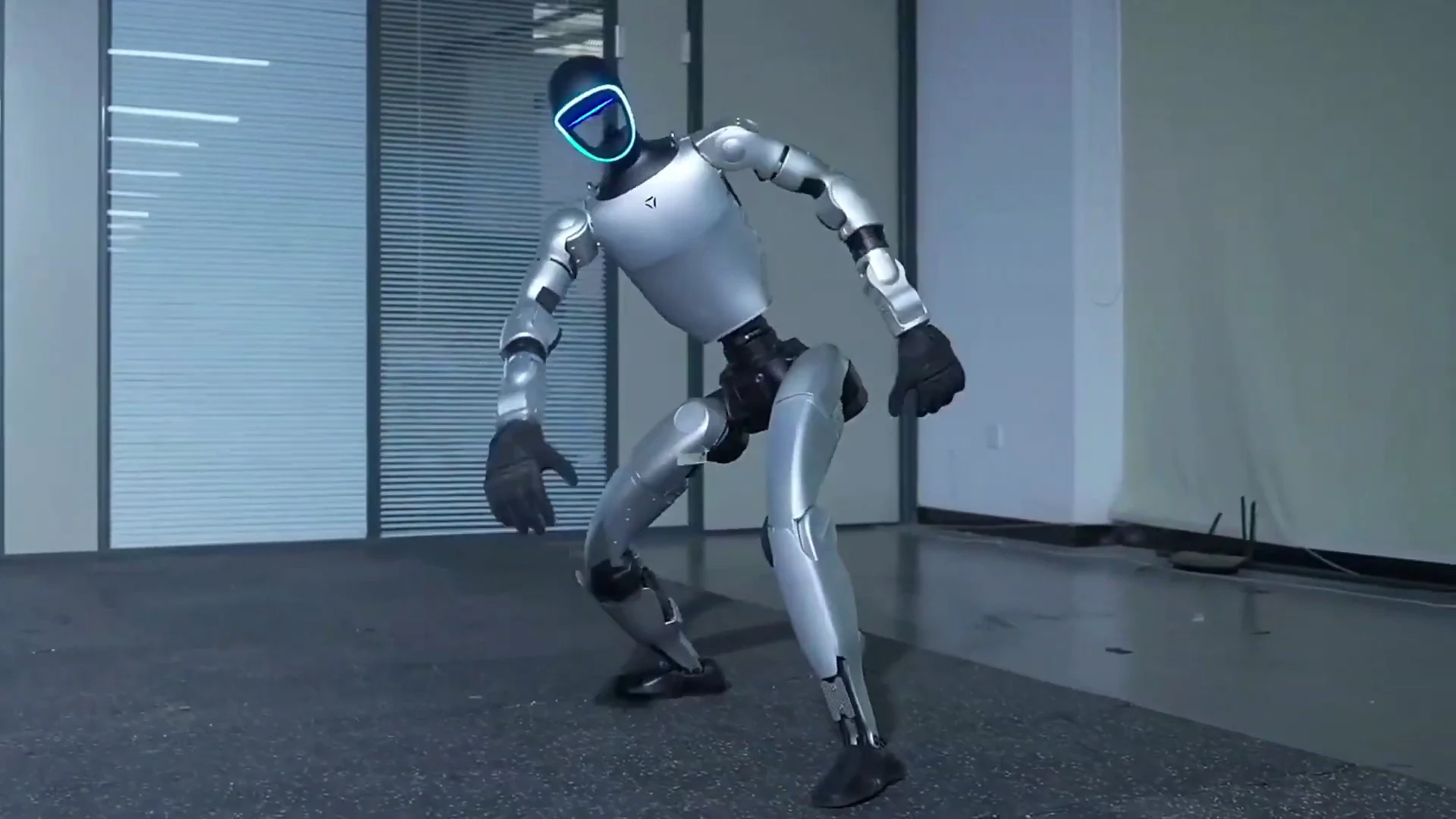
The window covers boot sequence and joint calibration, demo mode selection and configuration, controller orientation for your team, emergency stop procedures, battery swap protocol, and a live test run of the demo routine in your space. The ZMProbots operator runs through each step methodically. The Pfizer Boston activation used this window to pre-program the 20-minute demo loop cadence so the robot cycled without operator intervention during the main event period.
Duration
The Pro Setup & Training window runs for approximately an hour and a half in most venue configurations. Complex spaces with multiple operating zones, custom choreography, or non-standard demo modes may run longer. Schedule this window before your event opens — not during it. For a 9 AM event open, block the Pro Setup & Training window starting at 7 AM at the latest.
What your team needs to have ready
During the setup window, your team should have: the venue power circuit confirmed and available, the exclusion zone marked and cleared, any custom content or demo parameters written down and ready to communicate, and at least two members of your event team present for the controller briefing. You cannot brief your team on robot operation mid-event — the setup window is the only time for it.
Safety briefing
The operator covers crowd management at the close of the setup window: how to enforce the exclusion zone, what to say when attendees approach too close, how to pause the robot quickly, and what constitutes an Excluded Event requiring immediate shutdown. Make sure everyone managing the booth floor has attended the briefing. A staff member who wasn’t present at setup will make judgment errors on the day.
For specifications on the G1’s movement envelope, refer to Unitree’s G1 product documentation — the operating radius and joint limits are listed there and affect how much floor space your demo routine needs.
Running the G1 All Day: Battery Windows and Demo Loops
The Unitree G1 runs for approximately 2 hours per charge under continuous demo operation. On a full event day, this means you are managing battery cycles as actively as you are managing attendee flow. Teams that plan this in advance run clean days. Teams that don’t end up with gaps at the worst possible moments.
Battery cycle planning
A standard charge cycle on the G1 takes about 45 minutes from flat to operational charge. Full charge from empty takes longer — plan approximately an hour and a half for a complete recharge from zero. For an 8-hour event day, you need at minimum four full-charge cycles, which means either spare batteries rotating in or two planned downtime windows of 45 minutes each. At CES 2026, our team ran 4 robots across a 5-day show on a bank of spare batteries — each robot was never off the floor for more than 30 minutes at a time.
Demo loop cadence
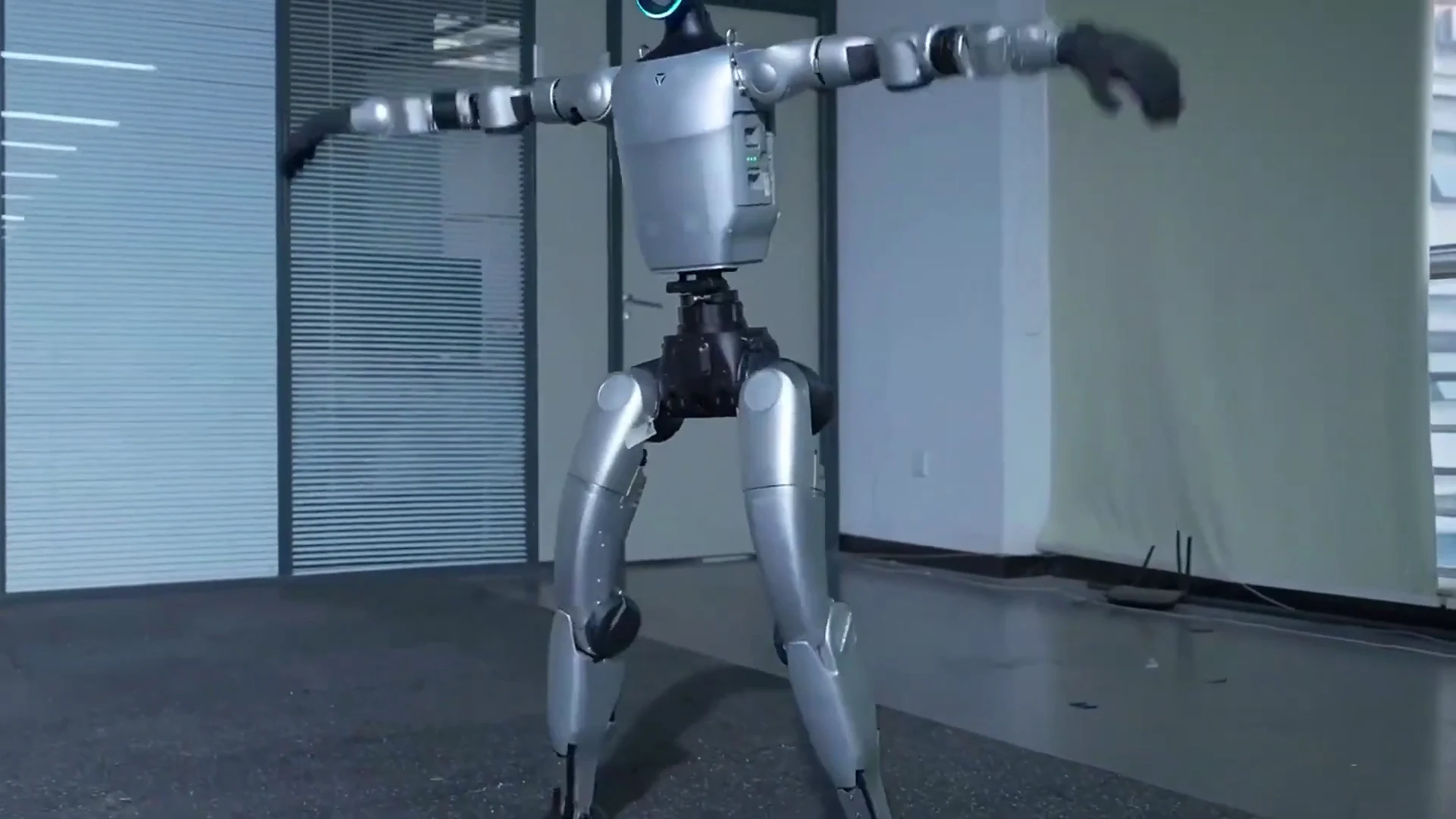
An unscripted robot standing at a booth burns battery and draws crowds without converting them. Pre-program a demo loop with a defined cycle: greeting motion, capability demonstration, photo-op position, return to neutral. The Pfizer Boston launch ran a 20-minute loop — greeting, a 3-minute demonstration sequence, a 90-second photo-op window, then return to neutral and restart. At that cadence, each battery charge covered five to six complete demo cycles.
Interaction windows
For trade-show-style events, the optimal attendee interaction window runs 60 to 90 seconds per group. Longer than 90 seconds and the next group starts to drift away; under 60 seconds and attendees feel rushed. Design your demo loop with this in mind. The operator or your event staff manages group flow at the exclusion zone boundary.
Autonomous vs. supervised operation
The G1 can run pre-programmed routines without active operator input during a demo cycle, but a trained operator or briefed staff member must remain within line of sight at all times. The wedding in Miami ran on autonomous mode most of the night due to a patchy wifi connection; the operator stayed within 3 meters the entire time. For events running 3 or more days, the multi-day robot rental guide covers extended deployment logistics.
Managing crowd surges
Battery swap downtime is predictable. Build it into your event schedule and communicate it to your floor team before the event opens. Counter this by placing printed or digital content about the G1’s capabilities at the booth during charge windows, and scheduling your downtime during lower-traffic event periods — typically late morning or early afternoon on multi-day shows.
Spare battery logistics
If you are running a multi-day or high-traffic event, spare batteries are the single most cost-effective add-on you can book. They eliminate demo downtime and give your operator flexibility. Charging one while running another is standard practice for events over 6 hours. The convention floor at CES has consistently borderline power — bring spare batteries and your own charging station rather than relying on shared venue power.
Crowd Safety and Operator Supervision
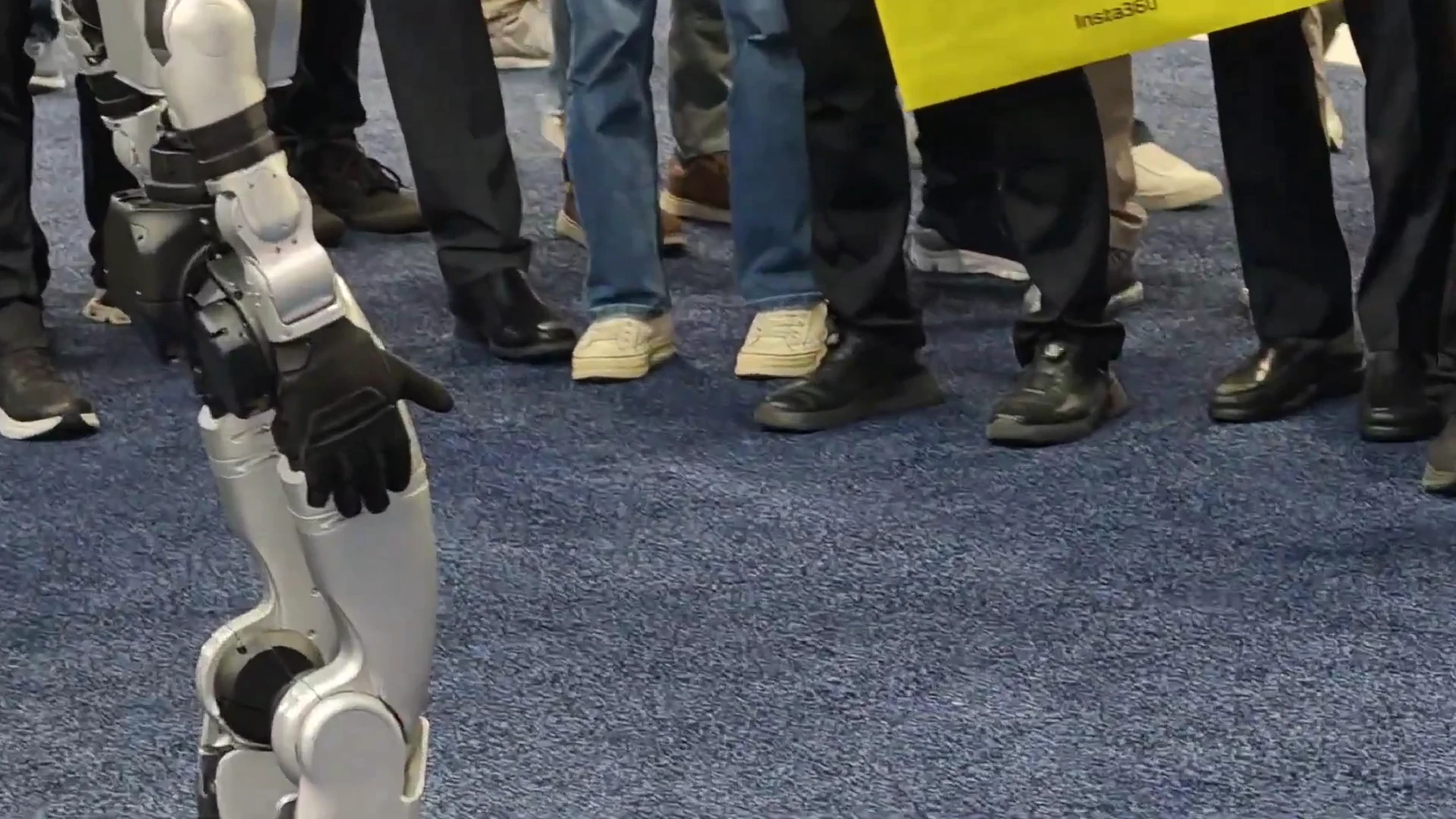
A humanoid robot at a public event draws a crowd. The operational question is how to manage that crowd safely without disrupting the demo. ZMProbots has a clear protocol, and the operator — whether yours or ours — is responsible for enforcing it.
Exclusion zone enforcement
The robot’s exclusion zone is 1.5 m minimum from the robot’s operating center. At busy events, this zone can collapse within minutes if it isn’t physically marked and actively managed. Use floor tape, a rope line, or pop-up stanchions to mark the boundary. Assign one staff member specifically to exclusion zone management — don’t split this responsibility across your full team. One person who owns the zone maintains it; multiple people who share it don’t.
Child interaction protocol
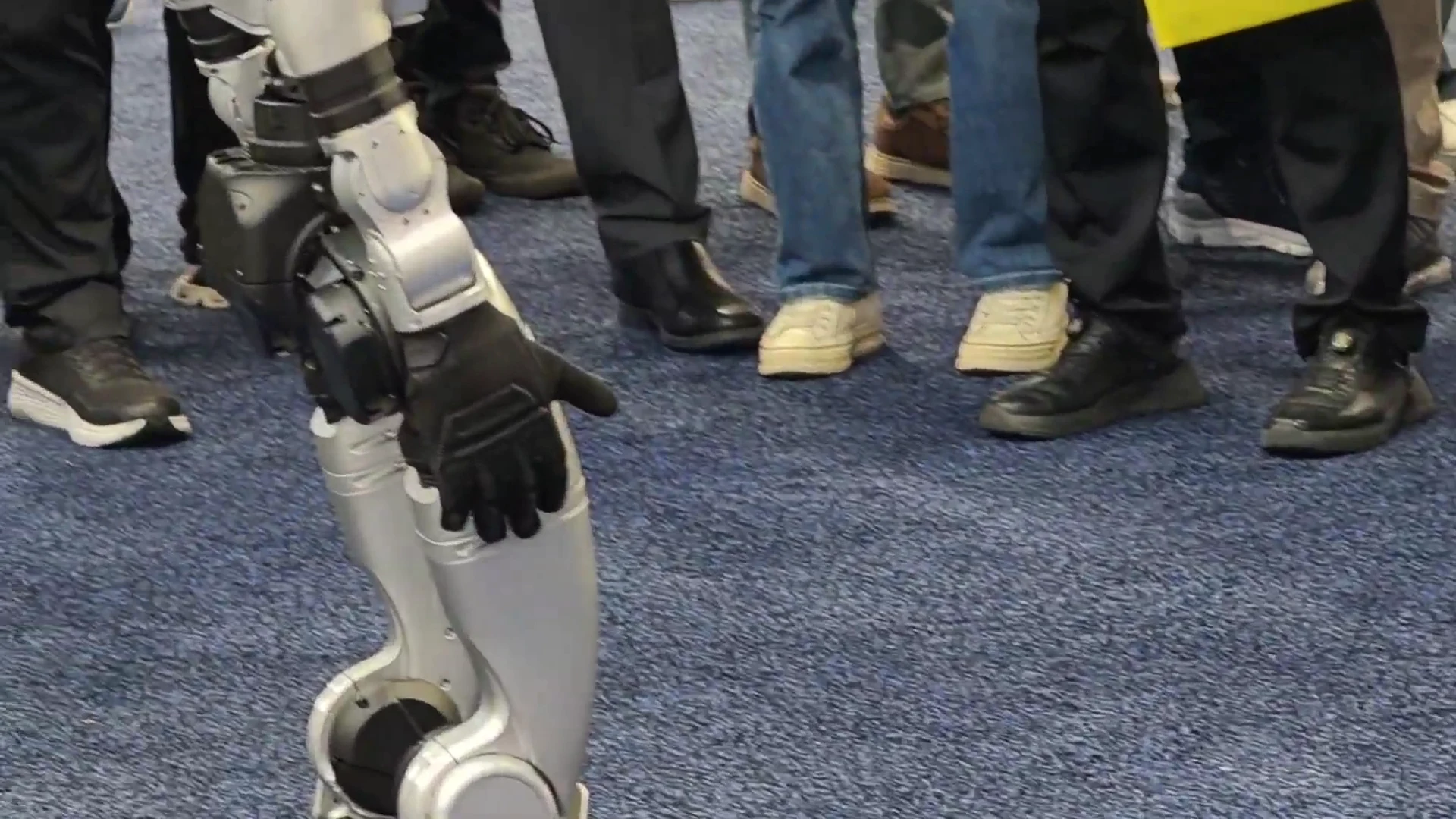
Children under 12 must not enter the exclusion zone unaccompanied. This applies to all robot rental for events bookings. Children are unpredictable in how they approach the robot — running, grabbing, and sudden movements all create fall risk. If your event has significant family attendance, brief your staff on this before opening, mark the zone clearly, and pre-plan a “child photo op” moment where the robot is stationary, arms lowered, and a parent or guardian is physically present.
Emergency stop procedure
Every briefed staff member should know the emergency stop: the controller’s E-stop button and the physical power-off sequence on the robot’s back panel. The G1 stops and holds position on E-stop — it does not fall. Run a practice E-stop during the Pro Setup & Training window so your team has done it at least once before the event floor opens.
Full-service vs. self-service supervision model
Full-Service Event bookings include a ZMProbots-certified operator who manages crowd interaction, handles the controller, runs battery swaps, and makes real-time adjustments. Self-Service Rental shifts the supervision responsibility to your trained team member after the Pro Setup & Training handover. For a deeper look at how events use the G1 day-to-day, the humanoid robot for events operator briefing covers floor-management specifics. Know which service tier you’ve booked and staff accordingly.
What’s Not Included in a Standard Booking
The booking covers the robot, standard batteries, the transport case, delivery, collection, and the ZMP Protection base cover. Everything else is either an optional add-on or your responsibility. Knowing this before booking prevents the most common post-event disputes.
Venue-side logistics
Loading dock reservations, freight elevator bookings, and service corridor access are arranged by you with your venue. ZMProbots delivers to the building — getting the robot to your specific room or booth floor is a joint operation between your venue contact and the delivery team. Do not assume the delivery driver handles all of this; in most commercial venues, a local liaison is required. For details on how ZMProbots routes delivery to your city, the same-day delivery logistics guide covers regional routing and lead times.
Custom choreography and branding
Standard demo modes cover greeting, walking demonstrations, arm movements, and photo-op positioning. Custom choreography — a specific dance sequence, a branded motion pattern, or an integration with your stage show — requires prior discussion, additional configuration time, and may carry an additional fee. Don’t request this on the day of setup. Build it into your brief at least two weeks before the event.
Vinyl wraps and physical modifications
Branded wraps, custom paint, LED additions, or any physical modification to the robot are not included and must be discussed in advance. The fashion week activation in NYC added a vinyl skin — this was arranged as a specific add-on and confirmed before delivery. Attempting to apply branding on-site without prior arrangement risks damaging the robot’s surface sensors and may void ZMP Protection coverage for that element.
Short-notice logistics costs
Bookings placed under 4 days before the event date carry additional shipping costs for expedited transit. These can add substantially to the total — the Napa corporate retreat team booked 4 days out and paid about 40% more on top of the standard rate for same-day-travel logistics. If you are planning anything within a 2-week window of the event date, confirm the cost difference before confirming the booking.
Wifi and mobile data
The robot does not require wifi for standard operation, but the operator’s tablet may for telemetry monitoring and updates. ZMProbots does not provide connectivity — use your venue’s event wifi or bring a dedicated mobile hotspot for the operator’s use. Budget a hotspot device into your event kit list.
Teardown and the Handover Record
The final phase of any G1 booking is teardown and collection. Get this right and the deposit comes back cleanly. Rush it or skip steps and you create disputes that take time to resolve.
Teardown timeline
Allow at least 45 minutes for teardown at the close of your event. This covers: final battery removal and storage, powering down the robot, joint locking for transport, lowering into the transport case, and case latching and labeling. If your event ends at 6 PM and the venue clears at 7 PM, you need to start teardown no later than 6:15. Do not leave teardown to the last five minutes of the venue window.
The Handover Record
At both delivery and collection, a Handover Record is completed by the operator or collection team. This document logs the robot’s condition: joint status, surface condition, battery charge level, any incidents during the booking period. Both parties sign at delivery and at collection. If anything happened during the booking — a fall, a crowd collision, a knocked accessory — it is documented at this point. Do not skip the Handover Record review at collection; it is your reference point if any condition questions arise later.
ZMP Protection coverage
Every booking includes ZMP Protection at the base tier. This covers accidental damage during Approved Use — standard operation within the defined exclusion zone, following the briefing protocols. Damage from Excluded Events (operating outside the defined zone, ignoring the exclusion protocol, unauthorized modifications) is not covered. The Handover Record at collection is how coverage status is determined. Know what constitutes Approved Use and operate within it.
Post-event collection
ZMProbots handles collection logistics on a pre-agreed timeline. Confirm the collection window with your booking contact before the event — don’t leave it open-ended. The robot’s transport case needs a clear path back to the collection point, in the same condition it arrived.
Mistakes First-Time Renters Make
Every first-time G1 rental produces the same handful of avoidable problems. Here are the ones we see most consistently, and what to do instead.
Not measuring doorways before delivery day
The robot needs 0.8 m of clearance. Most commercial corridors provide this, but service corridors, freight elevator openings, and older venue doorways often don’t. One team at a hotel-based product launch discovered on delivery morning that the service corridor from the loading dock to the event floor had a pinch point below the minimum width — they had to reroute through the main lobby, which required a different schedule and management approval. Measure during your site survey, not the morning of delivery.
Assuming shared venue power is sufficient
Convention center power looks abundant until you’re on the floor with AV rigs, lighting, and three neighboring booths all pulling from the same circuit. The G1 draws 1,000 W during charging — more than most laptops and AV systems combined on a single outlet. Request a dedicated circuit. At CES 2026, teams without dedicated circuits ran into competition from neighboring booths from day one. Borderline power means inconsistent charging, which means unpredictable demo downtime.
No plan for battery swap downtime
Battery swaps are a given on any event over 3 hours. First-time renters often don’t account for the 30-45 minute window when the robot is off the floor. Attendees arrive during that window, see nothing, and leave. The fix is simple: schedule swap windows during natural low-traffic periods, brief your staff on what to tell attendees, and place printed content at the booth during downtime. Better yet, book a spare battery so rotation time drops to under 10 minutes.
Skipping the site survey
The site survey is a 30-minute walk of your venue floor with your floor plan in hand. Teams that skip it discover problems on setup day — wrong outlet location, a doorway they didn’t measure, a floor surface that needs traction pads. None of these are hard to fix in advance; all of them are hard to fix in the tight window before a product launch opens with 400 people arriving at 9 AM.
Expecting the robot to run autonomously without supervision
The G1 can run pre-programmed routines without constant controller input, but someone trained and briefed must remain within line of sight at all times. First-time renters sometimes assume that once the demo loop is set up, their staff can focus entirely on other event management tasks. They cannot. Assign one person to robot supervision for the duration of the event floor hours.
Not briefing all floor staff on the E-stop
The Pro Setup & Training window is the time to brief every person who will be near the robot on the emergency stop procedure. If only the booking contact attends and then spends the event day in back-of-house, the floor staff running the booth don’t know what to do in an unexpected situation. Brief everyone. It takes five minutes and eliminates a significant risk.

What You Should Know
Before confirming a Unitree G1 booking, make sure your team has these operational facts in hand:
- Minimum booking: 3 days. The G1 is not available for single-day events on the Self-Service tier — those run as Full-Service Event bookings.
- Battery runtime: ~2 hours per charge. Plan spare batteries for events over 4 hours.
- Power requirement: One dedicated 15-amp circuit per robot charging simultaneously. Not shared power strips.
- Doorway minimum: 0.8 m width. Measure every doorway between the delivery point and the operating area before delivery day.
- Floor types: Most indoor floors are fine. Polished concrete and smooth tile require traction pads — request them in your booking brief.
- Exclusion zone: 1.5 m clear radius around the robot. Must be enforced by a dedicated staff member, not just marked on the floor.
- Pro Setup & Training: Approximately an hour and a half. Must be completed before the event floor opens. Required for all self-service bookings.
- Short-notice bookings: Logistics surcharges apply under 4 days’ lead time. Confirm the full cost before placing the booking.
- ZMP Protection: Included at base tier. Covers Approved Use only. The Handover Record documents condition at delivery and collection.
People Also Ask
How far in advance do you need to book the Unitree G1?
Standard bookings benefit from at least 2 weeks’ lead time to confirm availability, configure demo modes, and arrange logistics. Bookings under 4 days before the event date are possible but carry additional costs for expedited shipping and setup scheduling.
How long does the Unitree G1 run on one charge?
The G1 runs approximately 2 hours per charge under continuous demo operation. A quick charge takes about 45 minutes; a full charge from empty takes longer. For events over 4 hours, spare batteries or planned downtime windows are required.
What floor types work with the Unitree G1?
Carpet, tile, wood, and most commercial indoor floors are compatible. Polished concrete and smooth epoxy floors require traction pads on the robot’s feet. Loose rugs and raised thresholds over 20 mm need to be cleared before deployment.
Does the Unitree G1 need a dedicated power outlet?
Yes. The G1 draws up to 1,000 W during charging and needs a dedicated 15-amp circuit. Shared power strips, especially in convention environments, are not sufficient and create inconsistent charging that affects demo uptime.
What is the difference between Full-Service Event and Self-Service Rental for the G1?
Full-Service Event includes a ZMProbots-certified operator who manages the robot on the day. Self-Service Rental delivers the robot with Pro Setup & Training — after that window, your team runs it. The service tier determines who is responsible for supervision and crowd management on the event floor.
Is the Unitree G1 safe at public events with children?
Yes, with correct protocols. Children under 12 must not enter the exclusion zone unaccompanied. The robot is controlled and monitored at all times by a briefed operator or staff member. A designated “child photo op” position — robot stationary, arms lowered, guardian present — works well at family-friendly events.
What is the Handover Record and why does it matter?
The Handover Record documents the robot’s condition at delivery and again at collection. Both parties sign it. It is the reference document for any condition or coverage questions after the booking. Complete it carefully at both points — do not skip the collection review.
The Bottom Line
Renting a Unitree G1 is an operational project, not just a booking. Every successful deployment follows the same sequence: confirm power, floor, and clearance before delivery; use the Pro Setup & Training window to brief your full team; plan battery cycles around your event hours; and document everything through the Handover Record.
The teams that run into problems are the ones that skipped a step in pre-production — usually the site survey or the power confirmation. Neither takes more than 30 minutes to do properly. Both prevent the most common day-of failures.
For a complete overview of the Unitree G1’s capabilities and specs before you book, the complete Unitree G1 guide covers hardware, battery performance, and deployment context. The G1 is a 41-DOF humanoid robot on a 35 kg frame. Deployed correctly, it does exactly what it’s supposed to for the duration of your booking.