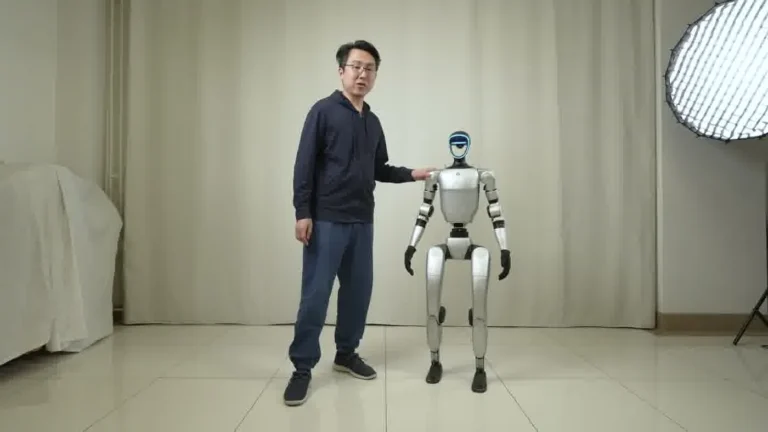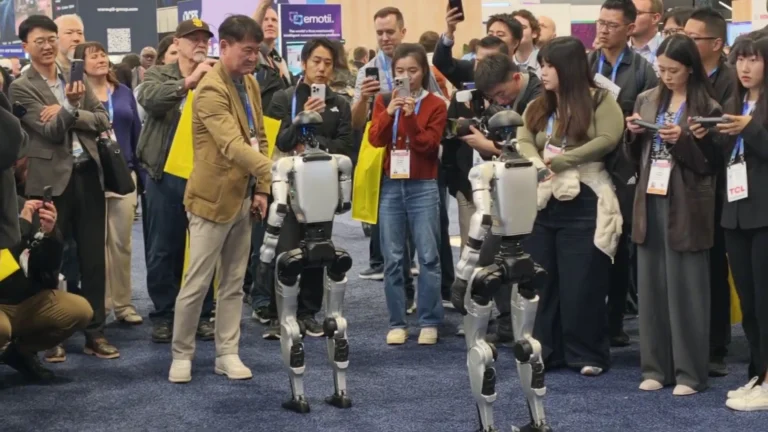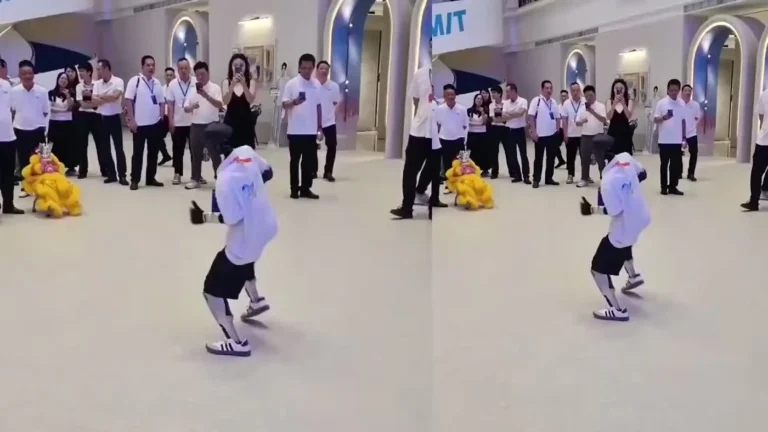
In September 2025, a Pfizer product launch team in Boston put 2 Unitree G1 robots on the activation floor for 3 days. That Unitree G1 brand activation is now one of four documented deployments we can break down in detail.
Table of Contents
- What a Unitree G1 Brand Activation Looks Like in Practice
- Case Study 1: Pfizer Product Launch, Boston (September 2025)
- Case Study 2: Grand Opening, Chicago Retail (August 2025)
- Case Study 3: Detroit Auto Show (January 2026)
- Case Study 4: CES Las Vegas (January 2026)
- The Pattern: What All Four Activations Had in Common
- What You Should Know
- People Also Ask
- The Bottom Line
Below: four case studies — different event types, different markets — with the setup decisions and results each team documented.
Unitree G1 Live Event Demo: Crowd Activation
Unitree G1 — At a Glance
- 127 cm tall | 35 kg
- 41 degrees of freedom
- Five-finger dexterous hands
- 2-hour operational battery
- Onboard NVIDIA Jetson Orin
- Available to rent from $299/day
What a Unitree G1 Brand Activation Looks Like in Practice
A Unitree G1 brand activation is not a gimmick display. At its most effective, it’s a structured interaction sequence: the robot greets attendees, runs a defined capability demonstration, holds a photo-op position, and resets. Each cycle takes between 2 and 5 minutes depending on crowd size and demo depth.
What sets the best deployments apart is not the robot itself — it’s the operational structure around it. Teams that pre-programmed demo loops, assigned a staff member to manage the exclusion zone, and scheduled battery swap windows into their event run of show performed consistently better on floor engagement metrics. Teams that treated the G1 as a standalone attraction and left it unmanaged did not.
For an overview of the full operational setup, the Unitree G1 operations playbook covers pre-booking to teardown in detail. This post focuses specifically on how four brand activation teams structured their G1 deployments and what each measured as a result.
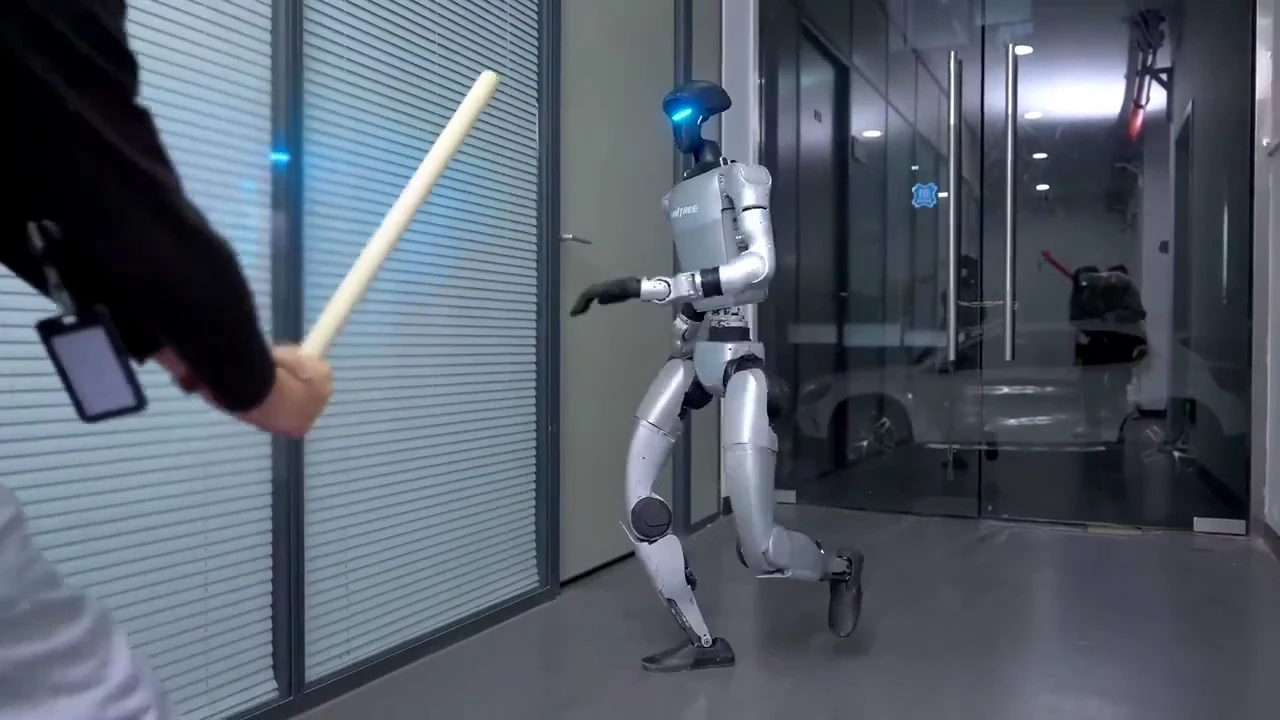
The G1 is a 41-DOF humanoid robot standing at 127 cm — the right height for direct eye-level interaction with standing attendees. Its five-finger dexterous hands and fluid walking gait make it visually distinct from wheeled or stationary robots, which is why brand teams have gravitated toward it for activations where the robot must hold attention in a crowded floor environment. According to Event Marketer, interactive brand activations consistently outperform static displays on dwell time and brand recall — the G1 functions as a live interactive element, not a prop.
Case Study 1: Pfizer Product Launch, Boston (September 2025)
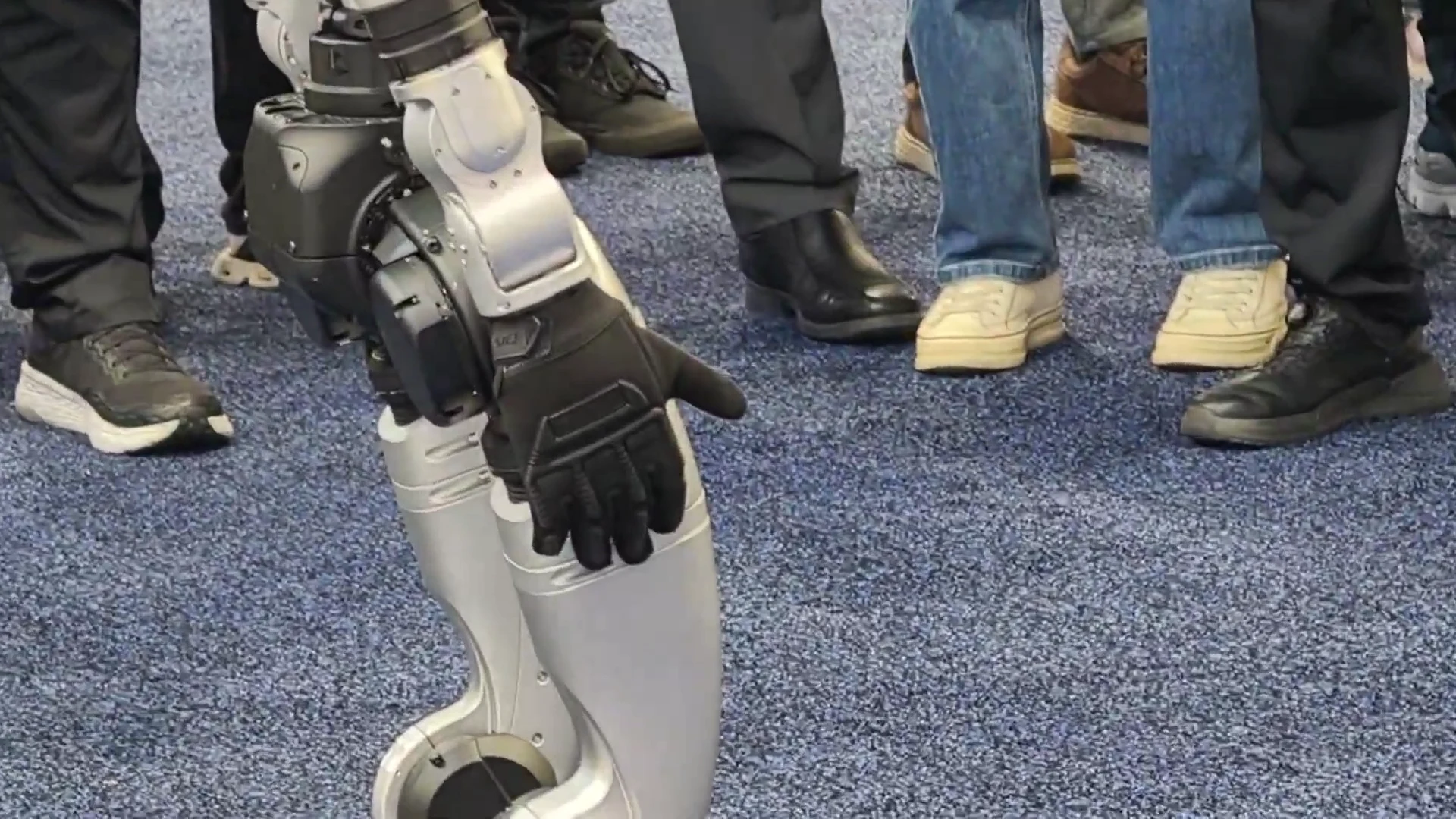
Setup: 2x Unitree G1, 1 ZMProbots operator, 3-day booking on the activation center floor. 400 expected attendees across 3 days. Power: 3 dedicated outlets confirmed with the venue coordinator. Wifi: event-provided, confirmed stable before robot delivery.
Demo loop: The team pre-programmed a 20-minute loop. Each cycle ran as: greeting motion (arms up, head orientation toward attendee), 3-minute capability sequence (walking, arm coordination, five-finger hand demo), 90-second photo-op position (stationary, arms at neutral), return to starting point and cycle reset. One operator managed both robots from a shared controller station at the rear of the exclusion zone.
Interaction cadence: Each battery charge covered approximately 5 full 20-minute demo cycles. With 2 robots on rotation — one active, one charging — the team maintained near-continuous floor presence for 8-hour event days. The charging robot stayed visible in its transport cradle at the side of the booth; attendees often photographed both robots, which extended dwell time even during swap windows.
What the team measured: The Pfizer event team tracked average dwell time at the activation booth versus the prior year’s equivalent booth (which had no robot). Dwell time was approximately 3x higher with the G1 present. Social media posts tagged to the event spiked significantly on day 2. The team attributed the sustained engagement on day 2 to a scheduling adjustment — they moved battery swaps to early-morning windows before the event floor opened, eliminating any visible downtime during peak hours.
Specs reference: Unitree publishes the G1’s full capability envelope at unitree.com/g1, including arm payload, walking speed, and joint configuration — all relevant when briefing event teams on what the robot can and cannot demonstrate safely.
Case Study 2: Grand Opening, Chicago Retail (August 2025)
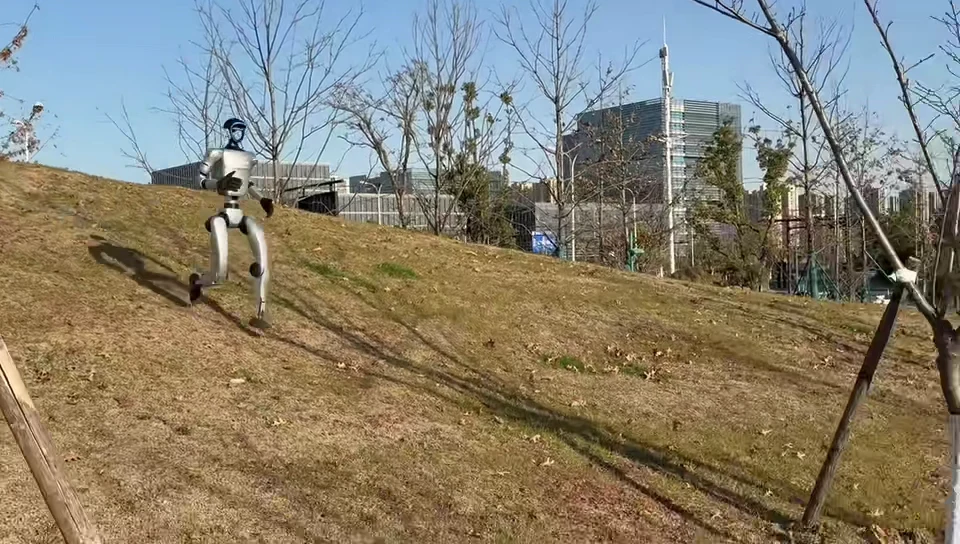
Setup: 2x robots (both Unitree G1), 1 operator, 1-day booking. Retail entrance and main floor area. The event team placed one robot at the entrance for a greeting loop and one on the main shopping floor for a walking demonstration circuit.
Demo structure: Entrance robot ran a 4-minute greeting loop: wave, walking approach toward arriving visitors, stop at 1.5 m exclusion zone boundary, hold photo-op position, reset to entrance position. Floor robot ran a 6-minute circuit through a defined path between display areas, pausing at each to execute a hand-coordination demo with a product prop (a packaged item the robot held briefly in its five-finger hand configuration).
Traffic outcome: The event team measured foot traffic using their entrance counter system. On opening day with both robots deployed, total foot traffic was approximately 3x the comparable prior-year opening day count. The team cannot attribute all of that increase to the robots — it was also a higher-profile event with additional marketing — but they noted that the vast majority of social media content from the opening day featured the G1 prominently.
Operational note: Polished retail floor required traction pads on the robot’s feet. These were pre-requested and arrived with the delivery, but the team had not accounted for the 20 minutes needed to fit and calibrate them during the Pro Setup & Training window. Build floor-surface add-ons into your setup timeline estimate, not as an afterthought.
Case Study 3: Detroit Auto Show (January 2026)
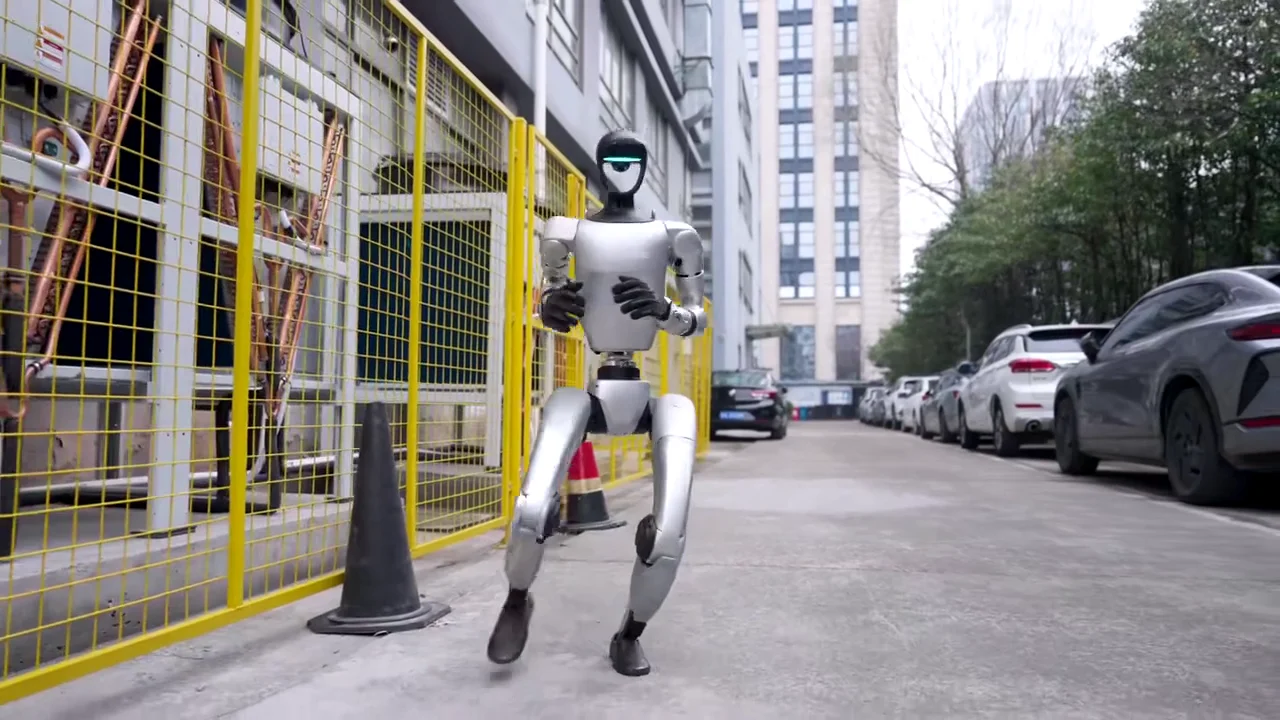
Setup: 3 robots total (2x Unitree G1, 1x AgiBot A2), 2 operators, 4-day booking. The G1 robots were positioned at the main brand booth; the AgiBot ran a separate secondary display. Both Unitree G1 units were placed on freshly polished showroom floor — traction pads were required and had been specified in the booking brief.
Demo loop: The auto show format runs long hours across multiple days, so the team prioritized battery management over demo complexity. Each G1 ran a simplified 10-minute loop focused on walking pattern and hand demonstration, rather than the more complex choreography used at the Pfizer activation. This decision was made in the Pro Setup & Training window after the operator assessed the floor space and crowd density — the shorter loop allowed a higher interaction volume per hour.
Staffing: With 2 operators across 3 robots, the team assigned primary robot responsibility per operator and used a shared secondary protocol for unplanned crowd interactions. The key operational insight from this event: for shows over 3 days with multiple robots, having one operator per robot is significantly easier than shared coverage. The 4-day show ran without incident, but the team noted that the shared-coverage model created unnecessary coordination friction during the busiest floor hours.
KPI: The brand team tracked press mentions and social media reach post-show. G1-specific content generated by attendees — photos and short video clips — was cited in the post-event media report as a primary driver of earned media coverage for the brand’s show presence.
Case Study 4: CES Las Vegas (January 2026)
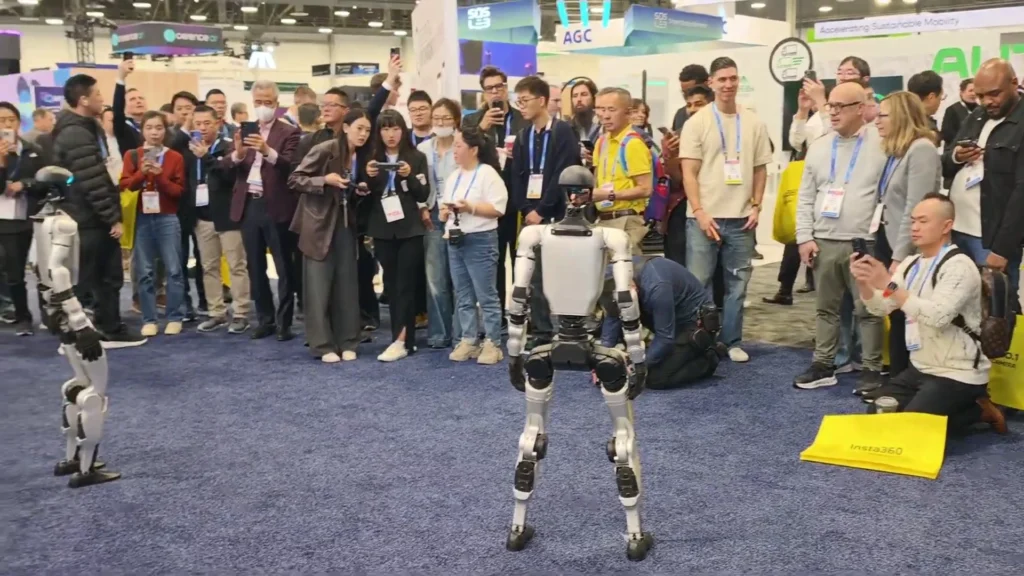
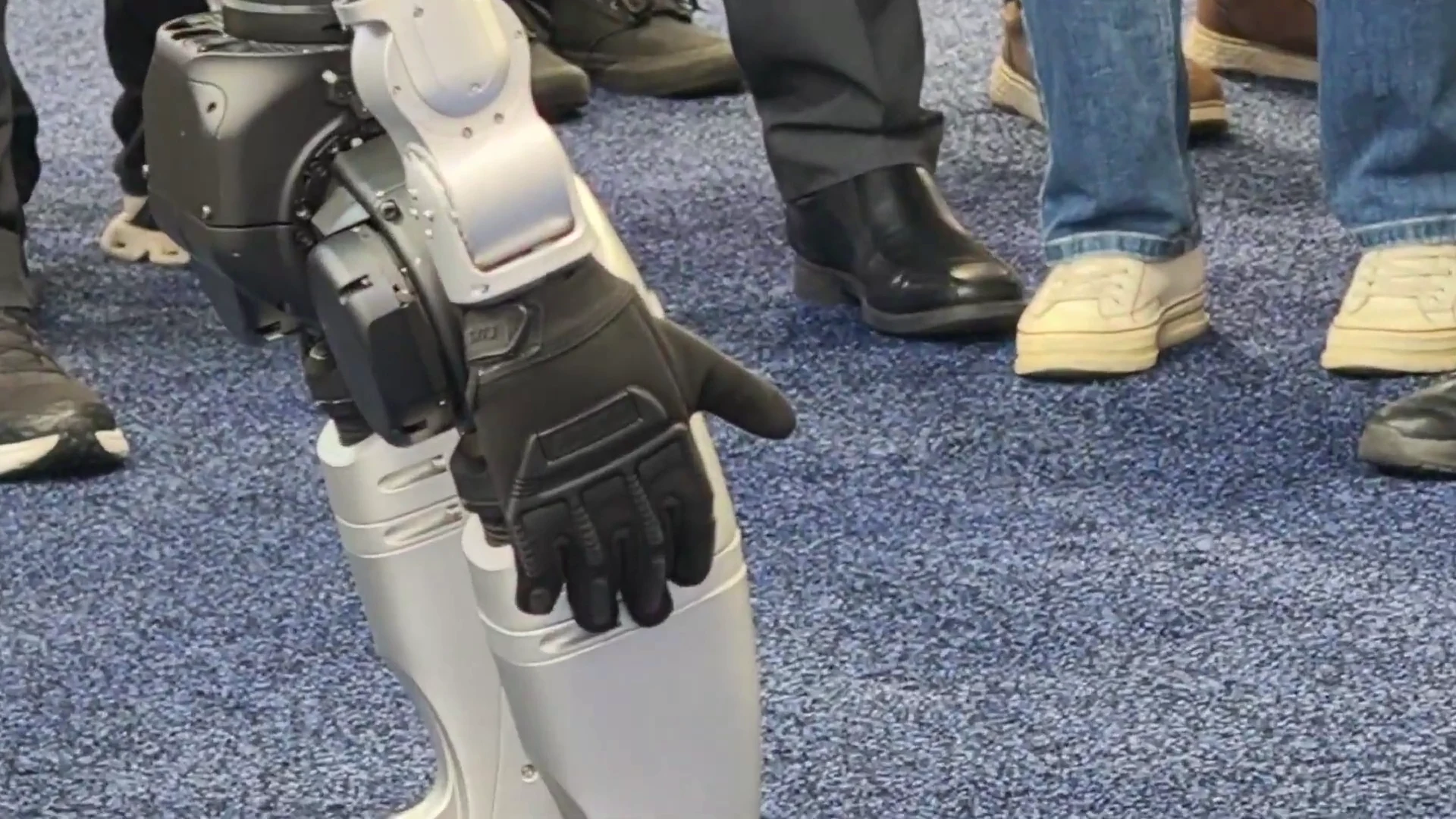
Setup: 4 robots, 3 operators, 5-day booking at the Las Vegas Convention Center. This was the largest Unitree G1 brand activation in the library by robot count. The team ran a structured rotation: 2 robots active on the floor at any time, 2 in charge or standby. Operators managed floor coverage in shifts.
Power challenge: Convention center circuits at CES are consistently borderline. The team confirmed dedicated circuits with the convention floor manager before the event, but neighboring exhibitors’ power draw fluctuated throughout each day. The team brought a bank of spare batteries — 3 additional packs per robot — which allowed continuous rotation without depending solely on in-booth charging. This was the single most important logistical decision of the 5-day run. Teams at the same show without spare batteries lost floor time on days 3 and 4 due to charging competition.
Demo format: The CES team ran two distinct demo modes depending on floor density. During peak traffic hours (10 AM to 2 PM each day), robots ran a high-frequency 8-minute loop with a shortened individual interaction window. During lower-traffic hours, the loop extended to 15 minutes with longer attendee engagement per group. This adaptive cadence was pre-configured during setup and toggled by the operator at the controller without requiring a reprogramming session mid-show.
Outcome: The team tracked booth badge scans (leads captured) across the 5-day show. Badge scan volume on days with higher robot floor time (when power management was optimized) was approximately 40% higher than on days with extended robot downtime. The correlation isn’t proof of causation, but it informed the team’s decision to book spare batteries as standard for future multi-day shows. For the full cost breakdown of multi-day bookings including spare battery add-ons, see the Unitree G1 rental cost guide.
The Pattern: What All Four Activations Had in Common
Across all four case studies, the same operational conditions correlated with better engagement outcomes:
- Pre-programmed demo loops. Every high-performing activation had a defined, repeatable sequence set up during the Pro Setup & Training window — not improvised on the day.
- Dedicated power circuits. All four teams confirmed power access before delivery day. The teams that ran into problems (the CES case, neighbors at CES) were reacting to shared-circuit competition, not their own power confirmation failures.
- Battery rotation planning. No team that pre-planned battery swap windows had significant floor downtime. Teams that left swaps unscheduled lost presence during peak traffic.
- Exclusion zone management. In every case, a designated staff member managed the 1.5 m exclusion zone actively. Events where this role was distributed across multiple people without a clear owner experienced more zone violations and more frequent operator interruptions.
- Structured interaction windows. The 60–90 second per-group interaction window appeared consistently across all four deployments. Shorter and attendees felt rushed; longer and queue pressure built.
What didn’t appear to matter as much: floor size, city, or industry. The G1 performed comparably in a Boston conference room, a Chicago retail store, a Detroit auto show floor, and a Las Vegas convention center. The robot adapts to different surfaces and spaces; the operational structure around it determines whether it performs to its potential. For more on why brands are adopting humanoid robots for events, the post why brands rent humanoid robots covers the ROI rationale in broader terms.
If you’re planning a robot rental for events and want to model your activation on one of these case studies, the setup questions are the same regardless of event type: power confirmed, floor confirmed, demo loop defined, battery plan documented.
What You Should Know
Before planning a Unitree G1 brand activation, confirm these operational facts with your team:
- Demo loop design: Decide your demo loop structure before delivery day, not during setup. Give the operator the sequence in writing at the start of the Pro Setup & Training window.
- Power: Confirm a dedicated 15-amp circuit per robot charging simultaneously. Shared circuits at busy venues — especially convention centers — create unpredictable charging downtime.
- Battery planning: For events over 4 hours, book spare batteries. The ~2-hour runtime means multiple swap cycles per day. Unplanned downtime is avoidable with spare inventory.
- Floor type: Polished concrete and smooth tile require traction pads. Request them in your booking brief, not on delivery morning.
- Interaction window: 60–90 seconds per group is the standard. Design your staffing plan around this cadence — one person at the exclusion zone boundary, managing queue flow.
- Measurement: Decide what you’re measuring before the event. Dwell time, badge scans, and social reach are all trackable with standard event tools. The G1 generates content; build the capture mechanism into your activation plan.
People Also Ask
How long does a Unitree G1 brand activation run on one battery?
The G1 runs approximately 2 hours per charge under continuous demo operation. For full-day activations, you need spare batteries or planned downtime windows of around 45 minutes per swap. Most activation teams book at least one spare battery pack per robot.
What KPIs do brand teams typically measure for robot activations?
The most common metrics are dwell time at the activation area, social media content volume generated by attendees, and badge scans or lead captures at trade show environments. Foot traffic comparisons (year-over-year or versus non-robot activations) are also used where venue counters allow it.
How many staff does a Unitree G1 brand activation require?
At minimum, one person must supervise the robot at all times — either a ZMProbots operator (Full-Service Event) or a briefed team member (Self-Service Rental). High-traffic activations benefit from a dedicated exclusion zone manager as a separate role. For multi-robot events, one operator per robot simplifies real-time management.
Can the Unitree G1 carry branded props during an activation?
Yes. The G1’s five-finger dexterous hands can hold objects up to 3 kg per hand. Light branded props — packaged products, marketing items, small display objects — are compatible with the standard demo sequence. Test the prop during the Pro Setup & Training window before the event floor opens.
What floor types work for Unitree G1 brand activations?
Carpet, tile, wood, and standard commercial floors are compatible without modification. Polished concrete and smooth epoxy require traction pads on the robot’s feet. Specify the floor type in your booking brief so the operator arrives with the correct equipment.
The Bottom Line
Four brand activations. Different industries, different cities, different event types. The G1 performed in all of them. What separated the higher-engagement deployments from the lower-engagement ones was not the robot — it was the operational structure the event team built around it before the doors opened.
Pre-program the demo loop. Confirm the power circuit. Plan battery swaps into your run of show. Brief the exclusion zone staff. Design the attendee interaction window. Those five decisions account for most of the variance in how a Unitree G1 brand activation performs.
The complete Unitree G1 guide covers the robot’s specifications and capabilities in full. For booking and event-specific pricing, start with the event rental page and build your activation brief from there.