Our unitree g1 rental faq covers the questions we hear most from first-time renters in 2026 — before they book, after they see the robot in person, and every step in between. If this is your first time considering a humanoid robot rental, you’re in the right place.
Table of Contents
Staff Training
What You Should Know
Before getting into the questions, here is a quick orientation on what the Unitree G1 actually is and how renting one works in 2026.
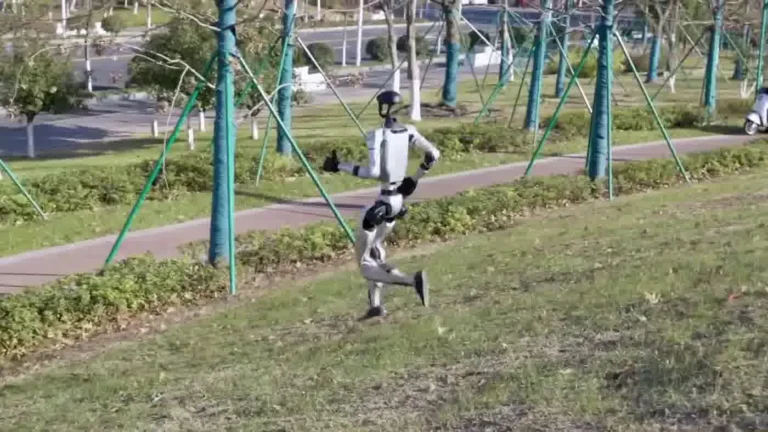
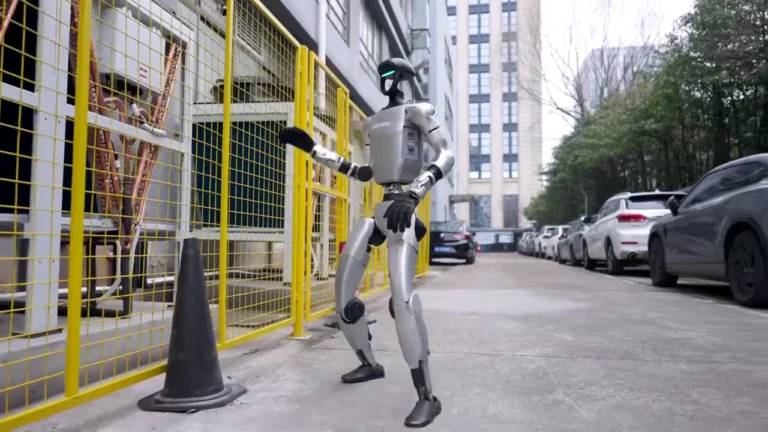
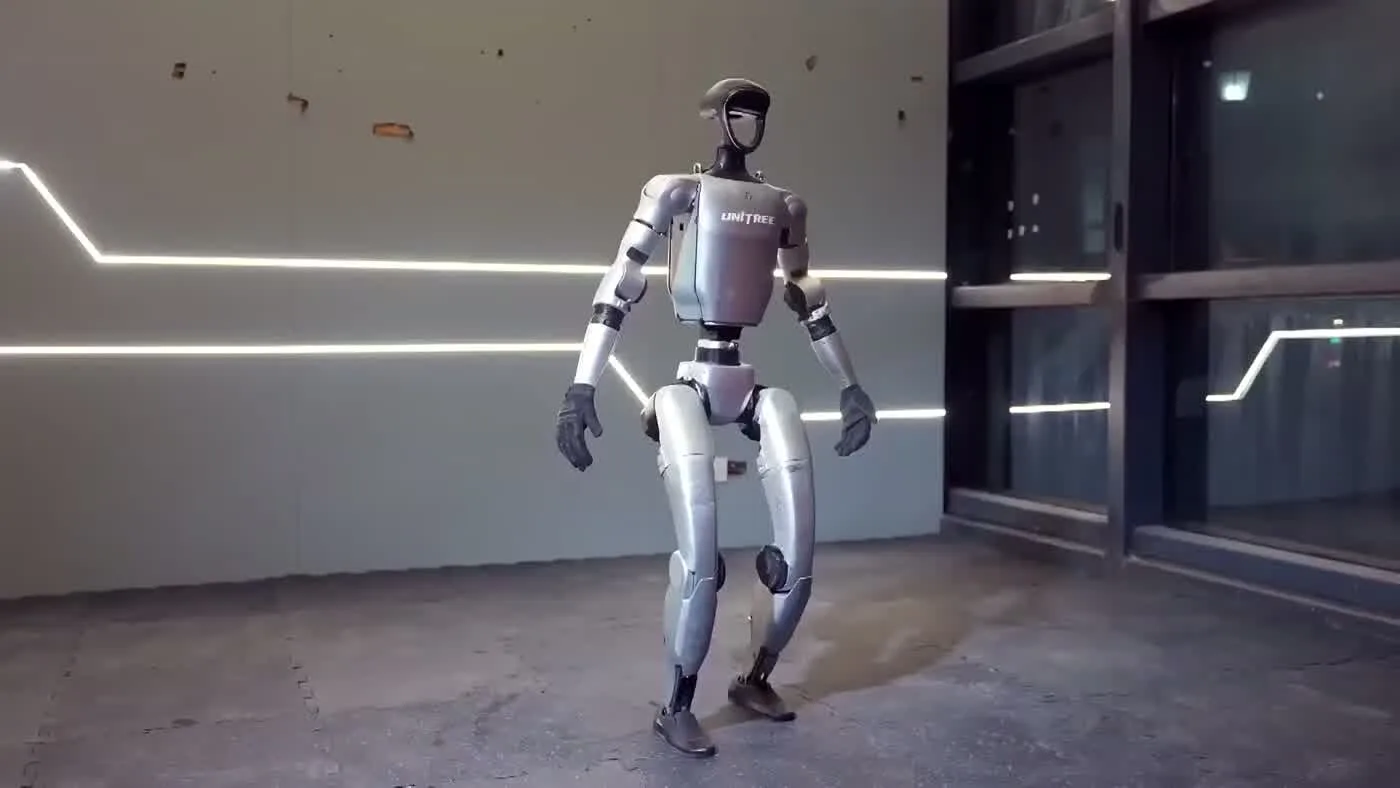
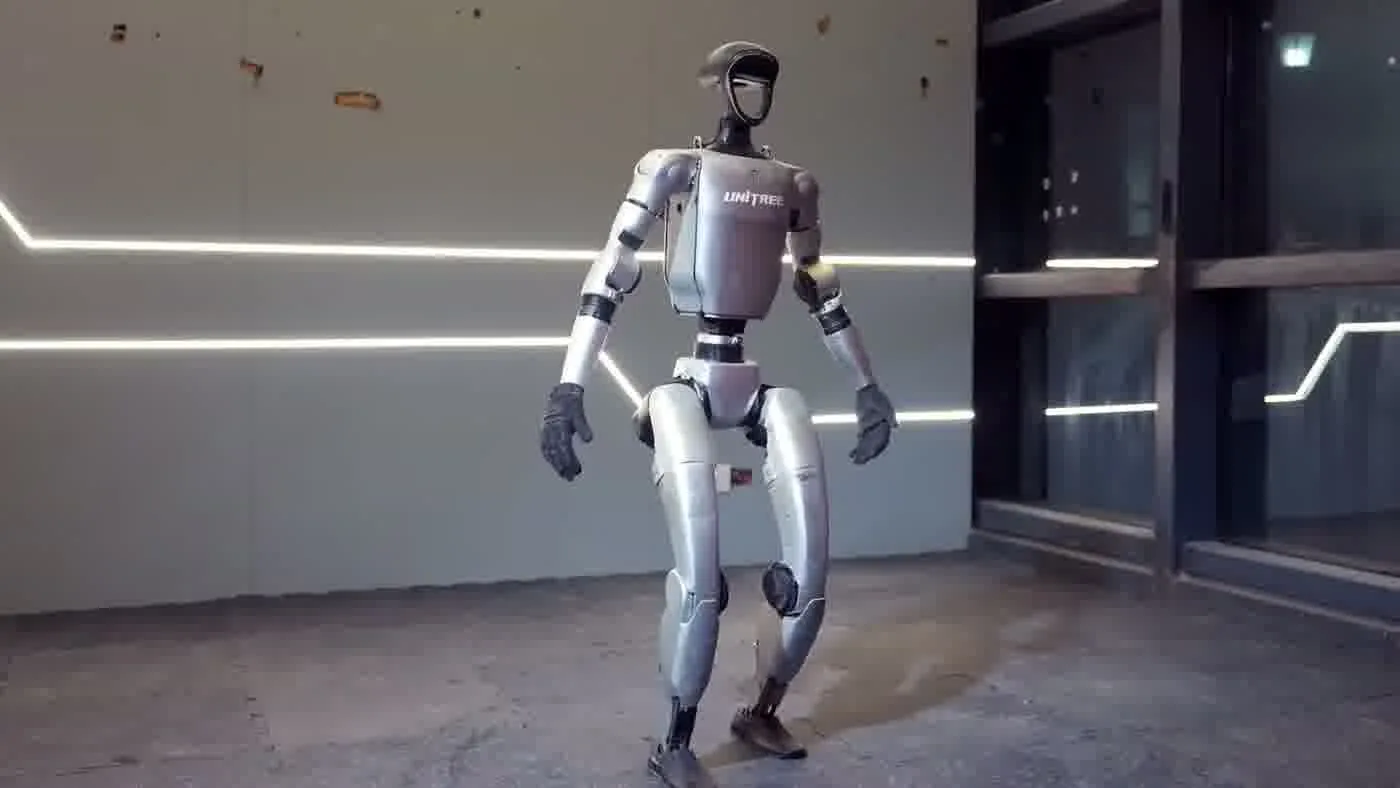
- The G1 stands 127cm tall, weighs 35kg, and has 41 degrees of freedom — it moves more like a person than any prior generation of humanoid robots available to rent.
- It runs on a 9000mAh battery giving roughly 2 hours of operation per charge, with a 45-minute fast-charge cycle back to full using a standard 15A outlet.
- Shoulder width is 45cm, so it fits through any doorway 80cm or wider — standard commercial and residential doors are fine.
- There are two rental tracks: Self-Service Rental (you operate it) with a 3-day minimum, and Full-Service Event (we provide a trained operator) with a 1-day minimum.
- Both tracks are available across 48 US states, Canada, the UK, and Europe (EU member states plus Norway and Switzerland).
- The G1 is equipped with BrainCo Revo 2 dexterous hands capable of 3kg arm payload — it can carry objects, hand items to people, and perform fine manipulation tasks.
- Every booking detail — what is included, what the operator does, what the G1 cannot do — is covered in the sections below.
Pricing and Booking Questions
How much does it cost to rent the Unitree G1?
Self-Service Rental starts from $299/day with a 3-day minimum. The daily rate depends on rental duration, region, and the specific configuration you need — longer bookings generally carry a lower per-day cost. Full-Service Event rentals, where we supply a trained operator alongside the robot, are priced per engagement. You’ll need to submit a quote request for that track. For a breakdown of what goes into the pricing, the post on unitree g1 rental cost breaks it down in detail.
What is the minimum rental period?
Self-Service Rental requires a minimum of 3 consecutive days. This reflects the time needed to ship the robot to you, complete setup orientation, run your deployment, and return the unit. Full-Service Event bookings have a 1-day minimum, since the operator handles all of the logistics and the robot does not need to be shipped.
How do I request pricing for a Full-Service Event?
Submit a request through the robot rental for events page. We will follow up with a quote based on your event date, location, duration, and any specific capability requirements. Most quotes are returned within one business day. There is no obligation to book after receiving a quote.
Is a deposit required?
Yes. A deposit is collected at booking to confirm your date and reserve the unit. The deposit amount is applied toward the total rental cost. Deposit details are provided during checkout for Self-Service Rental and in the quote documentation for Full-Service Events.
Which regions do you serve?
We ship and deploy in all 48 contiguous US states, Canada, the United Kingdom, and Europe — including all EU member states plus Norway and Switzerland. If you are outside those regions, reach out and we will assess feasibility on a case-by-case basis.
Setup, Delivery, and Logistics Questions
How far in advance do I need to book?
For Self-Service Rental, we recommend booking at least 2 weeks before your start date to allow for shipping and scheduling. High-demand periods — trade show season, Q4, major convention dates — can push availability tighter. For Full-Service Events, especially multi-day or multi-city deployments, 3 to 4 weeks notice is safer. The post on unitree g1 lead time walks through the booking timeline in detail.
How does delivery and pickup work for Self-Service Rental?
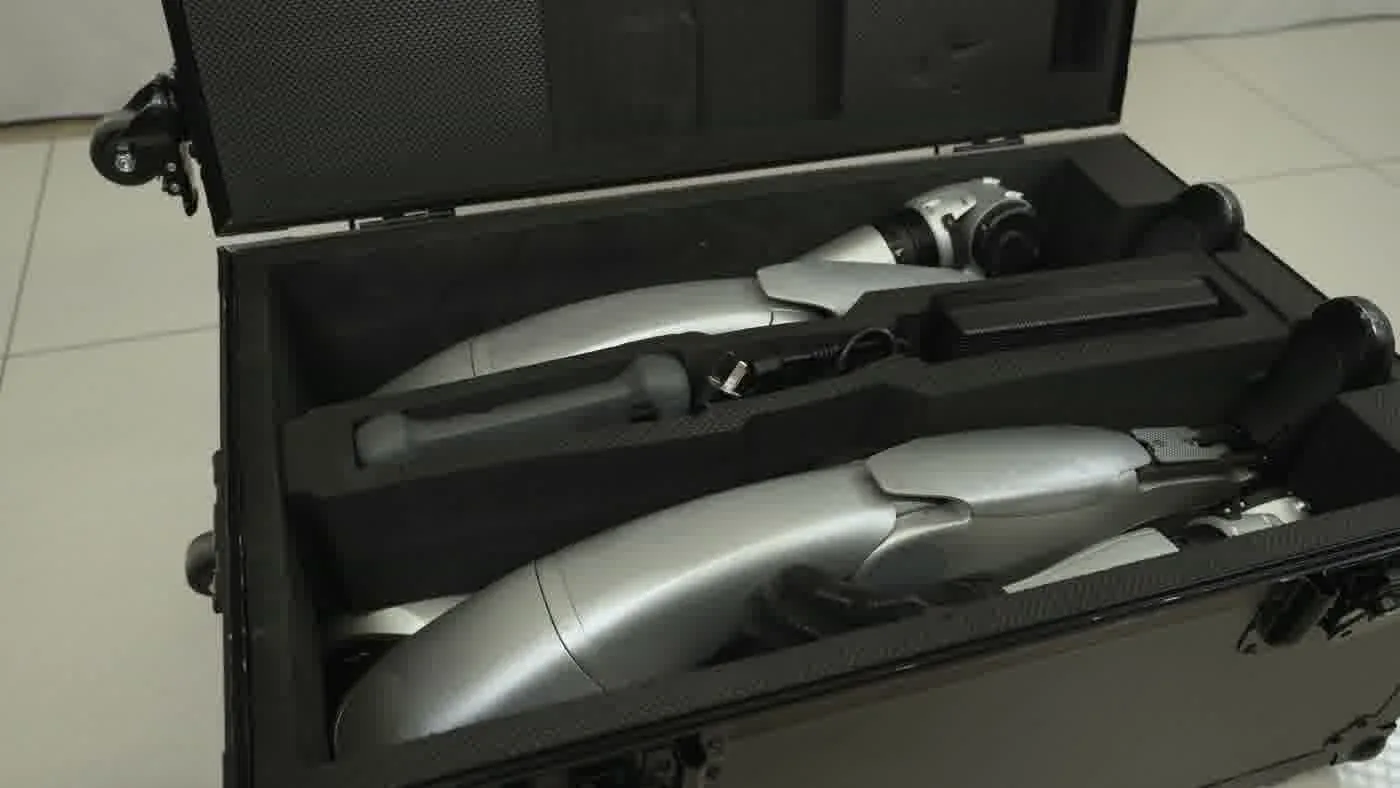
The robot ships in a custom transport case via freight carrier. Delivery is coordinated to arrive before your rental start date. At the end of your rental period, the same carrier picks up the case. You do not need to arrange your own shipping — we handle both legs. Full-Service Event bookings do not involve shipment; the operator brings and retrieves the robot directly. For a full walkthrough, the guide on unitree g1 setup, delivery, and charging covers every step.
What space and power do I need?
The G1 needs at least 80cm of clear doorway width to move between rooms. For active demonstration areas, a footprint of roughly 2m x 2m gives the robot and any onlookers comfortable clearance. Charging requires a standard 15A outlet and draws up to 1000W peak. A dedicated circuit is ideal but a standard outlet shared with normal office or event loads generally works fine. No special three-phase power or industrial electrical setup is required.
What does setup involve for a Self-Service renter?
When the robot arrives, you will receive orientation materials and access to our support team. Setup includes unboxing, powering on, connecting to your network, and running through the control interface. Most renters are operational within an hour of unboxing. We also provide a pre-event checklist and safety briefing as part of every Self-Service booking. Details are in the robot rental company checklist.
Can I extend my rental if I need more time?
Extensions are possible subject to availability. Reach out as early as possible — ideally two days before your scheduled return date. Extensions are not guaranteed, particularly during peak periods, but we accommodate them whenever the unit is not committed to another booking.
Robot Capabilities and Operator Questions
What can the G1 actually do at an event?
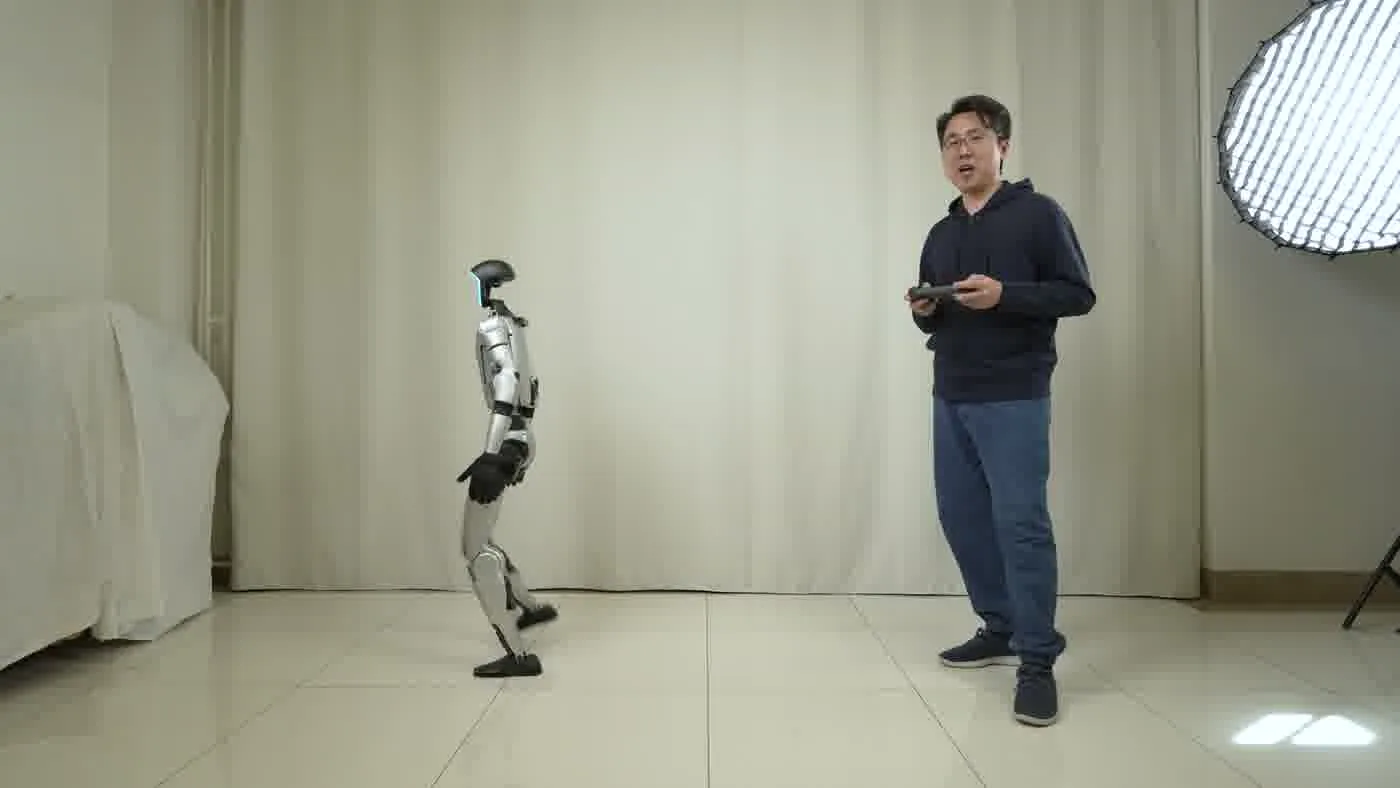
The G1 walks, waves, turns, and interacts with people at close range. Its BrainCo Revo 2 hands can grip objects, hand items to attendees, and perform basic manipulation tasks with up to 3kg of arm payload. It navigates flat indoor spaces at up to 2 m/s and handles minor floor irregularities. Common event use cases include meet-and-greet demos, product handoffs, interactive photo opportunities, and ambient presence at booths or activations. It does not speak autonomously by default — audio responses are either pre-recorded or triggered by the operator in Full-Service mode. For context on how humanoid robots are used at live events, BizBash covers the event production angle well.
What does the operator do in a Full-Service Event rental?
In Full-Service mode, a trained operator from our team attends your event and handles everything: transport, setup, safety monitoring, and real-time robot control. The operator manages crowd flow, ensures the robot stays in its designated area, handles any technical adjustments, and keeps the interaction safe and engaging throughout. You and your staff do not need any robotics training. The operator is there for the full scheduled deployment window. The post on unitree g1 safety and operator supervision breaks down how operator oversight works in practice.
What can the G1 not do?
The G1 is not designed to climb stairs, operate in outdoor or uneven terrain, or carry loads above its payload limit. It cannot make unsupervised decisions or handle unscripted conversations without a control interface. It is not a customer service chatbot on legs — think of it as a physical demonstration platform that requires a human in the loop. It also cannot operate safely in dense, uncontrolled crowds without proper crowd management in place. IEEE Spectrum has published useful context on the real-world limits of humanoid robots if you want a technical reference point.
Do I need any training to operate a Self-Service Rental?
No prior robotics experience is required, but you should expect a learning curve. Self-Service renters receive an orientation guide and access to our support team throughout the rental period. The control interface is designed for non-technical users. That said, the first day is typically spent getting comfortable — plan your meaningful demonstrations for day two onward. The 3-day minimum exists partly for this reason. The guide on what every G1 booking comes with covers the orientation materials included.
What happens if something goes wrong during my rental?
Technical support is available throughout your rental window. For Self-Service Rental, we provide remote troubleshooting support. For Full-Service Events, the operator on site handles any issues directly. If the robot has a hardware fault that prevents operation, we work with you to find a resolution — including replacement units where available. Damage caused by misuse outside the agreed operating parameters is handled through the damage provisions in your rental agreement.
People Also Ask
Is the Unitree G1 available for a single-day rental?
A single day is only available through the Full-Service Event track, which has a 1-day minimum. Self-Service Rental requires at least 3 consecutive days. If you need the robot for just one event day, Full-Service is the appropriate track — the operator handles all the logistics that would otherwise require multi-day shipping and setup time. Pricing for Full-Service is by quote, submitted through the event rental page.
Can I rent the G1 for an outdoor event?
The G1 is designed for controlled indoor environments. Outdoor deployments are evaluated case by case. Flat, dry, paved surfaces with no steps or significant grade changes may be feasible. Rain, uneven ground, gravel, grass, or extreme temperatures are outside the robot’s rated operating conditions. If you are planning an outdoor activation, discuss the specific venue conditions before booking — do not assume outdoor use is included.
How does the G1 compare to other humanoid robots available to rent in 2026?
The G1 is one of the few production humanoid robots actually available for short-term rental in 2026. Most competitors — including newer entrants from Figure AI and Apptronik — are not yet available through commercial rental programs. The post on humanoid robot rental FAQ covers the broader market. MIT Technology Review has good coverage of where the humanoid robot industry stands if you want independent analysis.
What does a typical Full-Service Event day look like?
The operator arrives well before your event opens — typically an hour or more — to unpack, run a systems check, and position the robot in your designated area. During the event, the operator stays on site and controls or monitors the robot the entire time. At close, they pack down and depart. You do not need to provide any support staff for the robot itself — the operator handles the whole deployment. For trade show and exhibition context, Exhibitor Magazine has covered humanoid robots as booth draws in recent issues.
Can the G1 be customized with our branding?
Basic branding options — such as branded displays on a tablet or monitor attached to the robot, or branded signage in the robot’s operating area — are straightforward to arrange. Physical modifications to the robot chassis itself are not permitted. For branded content that the robot can display or for custom audio scripts, discuss your requirements when you submit a quote request. The robot rental company checklist covers what to ask any provider about customization before you commit.
The Bottom Line
The Unitree G1 is a serious piece of hardware, and renting one is straightforward once you know which questions to ask. Self-Service Rental gives you direct control from $299/day with a 3-day minimum — right for product launches, long-run deployments, and teams who want hands-on time with the robot. Full-Service Event puts a trained operator in the room with you, which is the right call for one-day activations, high-traffic events, and situations where you cannot afford any operational uncertainty.
If this FAQ has answered your main questions and you are ready to determine what a booking looks like for your specific situation, the humanoid robot rental page covers both tracks and gets you to a quote in a few steps. The robot is available. The main variable is timing, so book earlier than you think you need to.