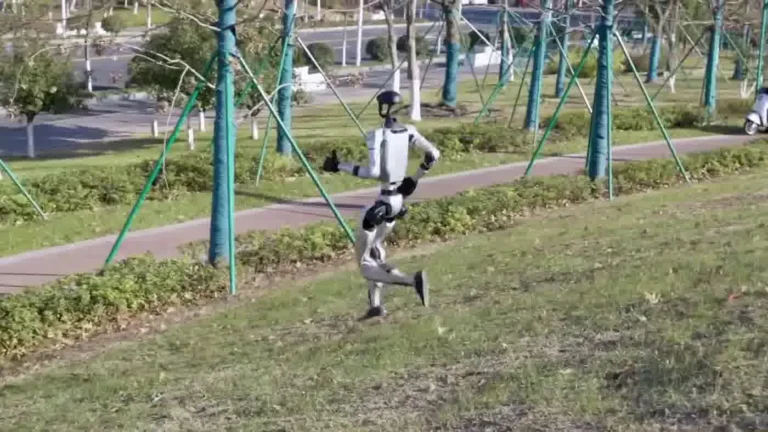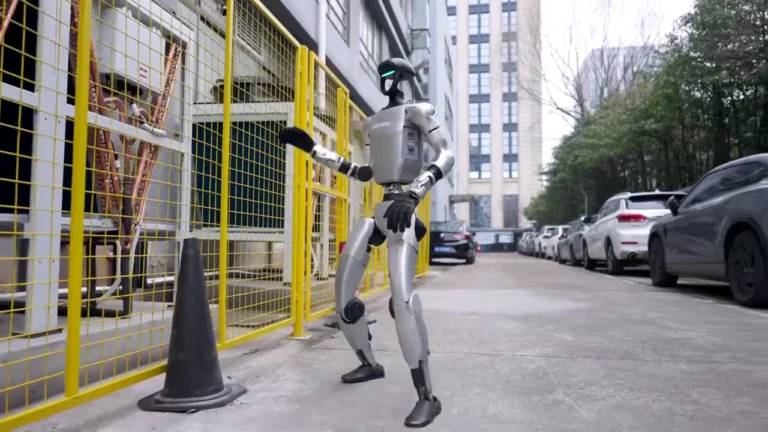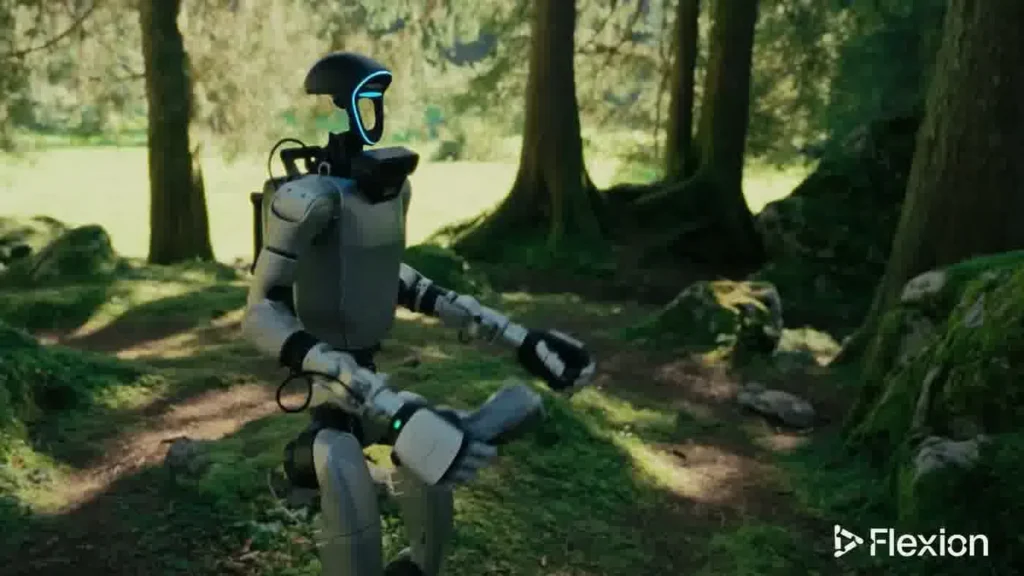
Every unitree g1 setup we run in 2026 follows the same sequence: case-protected delivery, a 20-minute on-site assembly window, and at least one full charge before the event clock starts. Whether you are booking our Self-Service Rental or our Full-Service Event package, knowing what the logistics look like ahead of time saves friction on the day.
Table of Contents
Office Hallway Walk Demo
Unitree G1 — At a Glance
- 127 cm tall | 35 kg
- 41 degrees of freedom
- Five-finger dexterous hands
- 2-hour operational battery
- Onboard NVIDIA Jetson Orin
- Available to rent from $299/day
What You Should Know
Before the G1 arrives at your venue, a few facts about the robot shape the entire logistical plan. These are the numbers our operations team works from on every deployment.
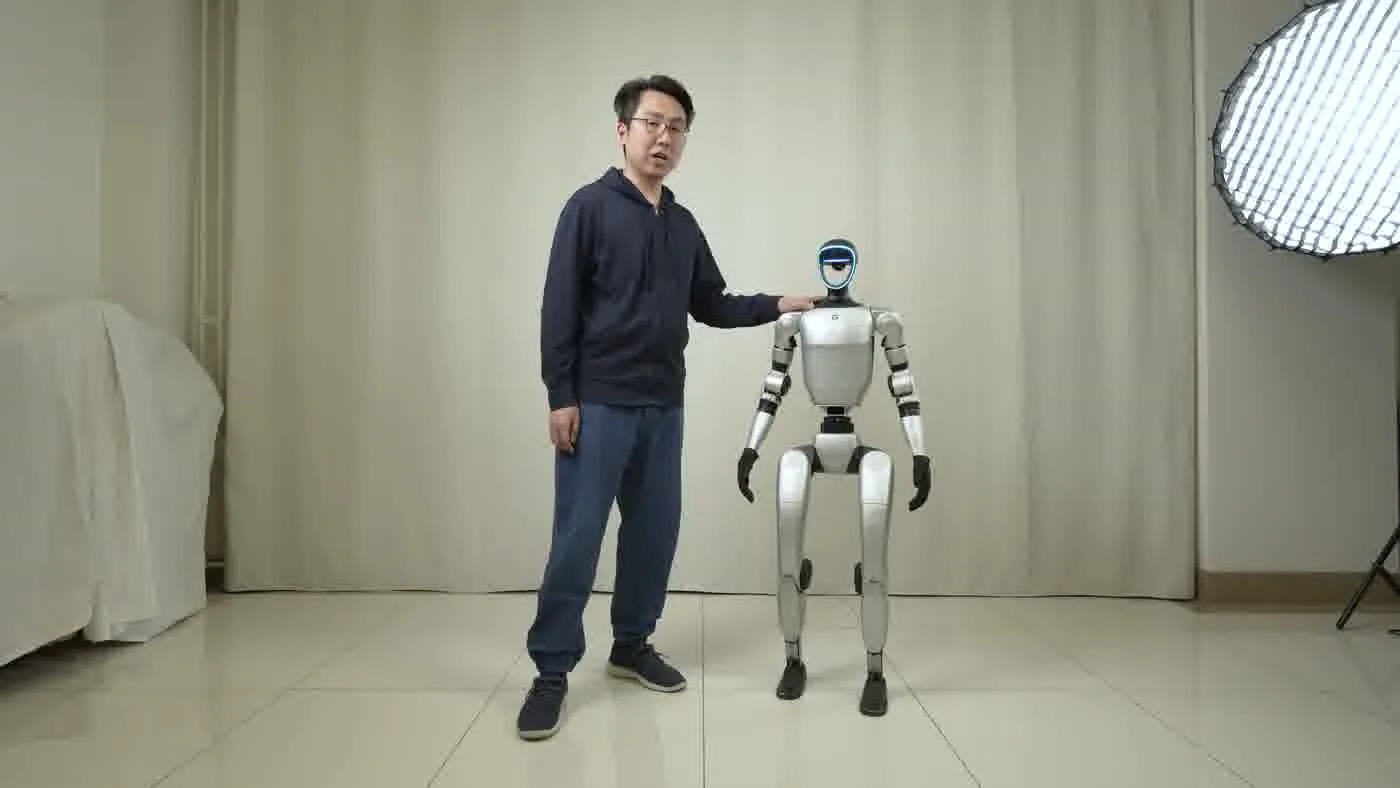
- Weight and dimensions: The G1 stands 127cm tall and weighs 35kg. Shoulder width is 45cm — narrower than most people assume. It fits through any doorway wider than 80cm.
- Battery runtime: The 9000mAh battery delivers roughly 2 hours of operation per charge. For events longer than 2 hours, we plan battery rotations or bring a spare. The full breakdown is in Unitree G1 battery life guide.
- Charge time: A full charge from near-empty takes approximately 45 minutes via standard outlet. Peak draw during charging is 1000W on a 15A circuit.
- 41 degrees of freedom: The G1’s 41 DOF make it capable of precise movement, but that same joint count means a careful, case-protected transport protocol.
- Transport method: We ship in a Pelican-style flight case, not loose in a van. The case fits in standard SUVs and cargo vehicles.
- Setup time: Allow 20 minutes from case open to fully operational. For Full-Service Events, our operator handles this. For Self-Service Rental, we walk you through it before handoff.
- Floor requirements: The G1 needs level, hard flooring or low-pile carpet. Thick rugs and uneven stone surfaces add risk. The operating zone should be at least 3m x 3m clear.
Delivery and Transport
The G1 travels in a Pelican-style flight case engineered to absorb road shock and protect the robot’s joints in transit. No strapping the robot upright in a cargo van. The case closes around the G1 in its folded position and fits into a standard SUV, minivan, or mid-size cargo vehicle without modifications.
We ship to all 48 contiguous US states, Canada, the UK, and the EU. For domestic US bookings, the G1 typically arrives the day before your event, giving us and you time to confirm site conditions before the start time. International shipments follow customs documentation requirements and lead times vary by region — our booking process covers this when you robot rental for events.
The case itself weighs roughly 50kg loaded. Two people can carry it, though a hand truck is faster on long venue corridors. If your venue has loading dock access, note the dock height — we have handled everything from convention centers with full freight elevators to boutique hotels with tight service corridors.
A few things that affect transport planning:
- Elevator minimum: The case needs an elevator with at least 90cm clear door width and a platform able to hold 60kg. Most commercial elevators qualify.
- Stairs: The case can be carried up stairs by two people, but we prefer to confirm ahead of time that a mechanical option exists. More than two flights by hand is a booking flag.
- Distance from parking to setup zone: On-site transit adds time. A 200m walk from the loading bay to the event floor is normal. More than that, we account for it in arrival time.
For Self-Service Rental bookings, the handoff happens at your delivery address or a pre-agreed site. We confirm the robot is operational before leaving. For Full-Service Events, our operator stays with the G1 from arrival to pack-down. More on both service models in our Unitree G1 rental operations playbook.
On-Site Setup and Space Requirements
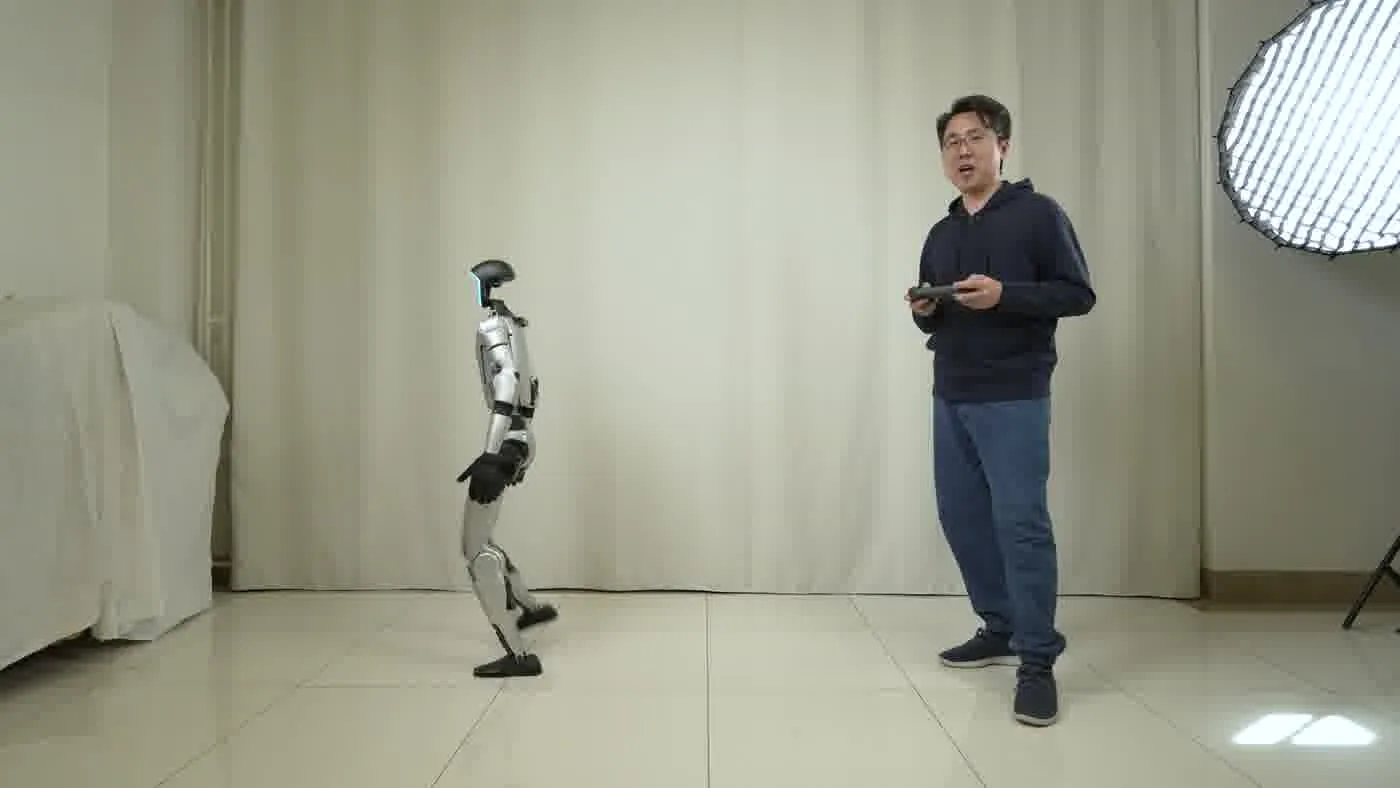
Once the case reaches your event floor, setup is a defined sequence, not improvisation. The G1 is removed from the case, placed upright on a flat surface, powered on, and given a short boot sequence before it is ready to operate. The full process from case-open to walking demo is around 20 minutes.
What your venue needs to provide:
- Minimum doorway width: 80cm. The G1’s shoulder width is 45cm, so it passes through standard commercial doorways with clearance to spare. Where things get tight is with the case — budget 90cm for case transport through corridors.
- Operating zone: 3m x 3m minimum clear floor area. For demos with crowd interaction, 4m x 4m gives the operator room to manage spectators and keep a safe perimeter.
- Flooring type: Hard flooring, low-pile commercial carpet, or flat concrete. The G1 handles these surfaces without modification. High-pile rugs, thick mats, or outdoor grass require pre-approval and setup adjustments.
- Crowd barrier or rope line: Not required, but strongly recommended for high-traffic environments. It reduces operator intervention and keeps the robot’s operating zone consistent.
Venue teams sometimes ask about the robot’s footprint when stationary versus in motion. Stationary, the G1 occupies about 0.5m x 0.3m. In motion during a walking demo, count on a 2m diameter bubble. For events where the G1 interacts with visitors — handshakes, gestures, voice responses — an operator should always be within arm’s reach.
We conduct a site walkthrough as part of our pre-event coordination on Full-Service Events. For Self-Service Rentals, we send a checklist covering all the points above. Most commercial venues — convention halls, hotel ballrooms, tech campuses, retail flagship stores — pass without any changes. The edge cases are usually older buildings with narrow service corridors or venues with decorative flooring that needs protecting. We flag those in advance.
For a broader look at what full event setup entails beyond the physical logistics, the robot rental for events 2026 guide walks through the full operator workflow from booking to breakdown.
Charging Logistics During Events
The G1’s 9000mAh battery supports about 2 hours of operation under normal event conditions — active demo mode with walking, gestures, and crowd interaction. That number shortens under high-intensity motion sequences run back to back. It extends past 2 hours if the robot spends time in standby between demo sessions.
For events running 4+ hours, plan for at least one battery rotation. Here is how we handle it:
- On-site charging spot: The G1 charges from a standard wall outlet on a 15A circuit. Peak draw during charging is 1000W. A dedicated circuit is preferred — sharing with high-draw equipment like espresso machines or lighting rigs can cause issues.
- Charge time: Near-empty to full takes approximately 45 minutes. A partial charge from 30% takes around 30 minutes and meaningfully extends the next session.
- Swap logistics: If you have a spare battery pack (available on Full-Service Event bookings), hot-swapping takes about 5 minutes. The robot powers down, battery is swapped, and it boots back up within that window.
- Where to charge: Most venues have power access backstage, in a service corridor, or under a table at the booth. The G1 charges in a seated or folded position, so it does not need a large dedicated area — just clear access to an outlet within cable reach.
A common mistake at trade shows is not scoping the nearest 15A outlet during venue walkthrough. Some booths are entirely fed from a shared power strip that cannot support a 1000W charge draw. Confirm your venue’s power setup when you book. Our Unitree G1 battery life guide covers runtime estimates by use case in more depth.
Trade show operators and event planners covered in Event Marketer have noted that structured battery rotation schedules are now standard practice for any humanoid robot deployment running beyond a single 2-hour session. For multi-day activations, we build the charging schedule into the daily run sheet. Day 1 ends with the battery on charge overnight so Day 2 starts at 100%. The what’s included in G1 rental post details what equipment comes standard versus what requires an add-on for extended operations.
According to IEEE Spectrum, humanoid robots at public demonstrations are increasingly paired with on-site charging protocols rather than relying on single-battery sessions — a practice that reflects the operational reality of 2-hour runtimes in high-engagement environments.
People Also Ask
How long does it take to set up the Unitree G1 on-site?
From case-open to fully operational, setup takes approximately 20 minutes. That includes removing the G1 from the flight case, positioning it on-site, running the boot sequence, and confirming it is responding correctly. For Full-Service Events, our operator handles this entirely. For Self-Service Rentals, we walk you through the process before handoff so you can replicate it independently.
What kind of power outlet does the G1 need to charge?
The G1 charges from a standard wall outlet on a 15A circuit. Peak charge draw is 1000W. A dedicated circuit is preferred — not a shared power strip alongside other high-draw equipment. Most commercial venues have suitable outlets backstage, in service corridors, or at booth power drops. Charge time from near-empty is approximately 45 minutes.
Does the venue need to do anything special before the G1 arrives?
The main requirements are: a clear operating zone of at least 3m x 3m, hard flooring or low-pile carpet, doorways at least 80cm wide for the robot (90cm for the case), and access to a 15A circuit for charging. Most commercial event venues meet these without any preparation. We send a pre-event checklist for Self-Service Rentals and conduct a coordination call for Full-Service Events. See the humanoid robot rental FAQ for more common first-timer questions.
Can the G1 be transported internationally?
Yes. We ship to the US (48 states), Canada, the UK, and the EU. International shipments require customs documentation and advance lead time that varies by destination. The UK and EU involve additional clearance steps compared to domestic North American bookings. We coordinate this as part of the booking process — you do not handle customs paperwork yourself.
What happens if the battery runs out during an event?
With 2 hours of runtime, a planned charging rotation prevents mid-event battery loss. For events running 4+ hours, we build battery rotations into the run schedule. If a rotation is missed and the battery depletes, the G1 enters a safe shutdown. Full-Service Event bookings include an operator who manages this proactively. For Self-Service Rentals, the pre-event briefing covers how to monitor battery levels and time rotations correctly. The G1 battery life guide has the full runtime breakdown by use case.
The Bottom Line
The Unitree G1 setup process is predictable when the logistics are planned in advance. The robot travels in a protective flight case, requires a 20-minute assembly window on-site, and charges from a standard 15A outlet in roughly 45 minutes. Venues need 80cm minimum doorways, a 3m x 3m operating zone, and hard or low-pile flooring. None of these requirements are unusual for commercial event spaces.
What trips people up is not the robot — it is the planning gap. Power access not confirmed, loading dock dimensions not checked, battery rotation not scheduled. These are solvable problems with a proper pre-event checklist. We provide that for every booking.
If you are ready to move from logistics questions to actual scheduling, our humanoid robot rental page covers service tiers, regions, and how to get a booking started.