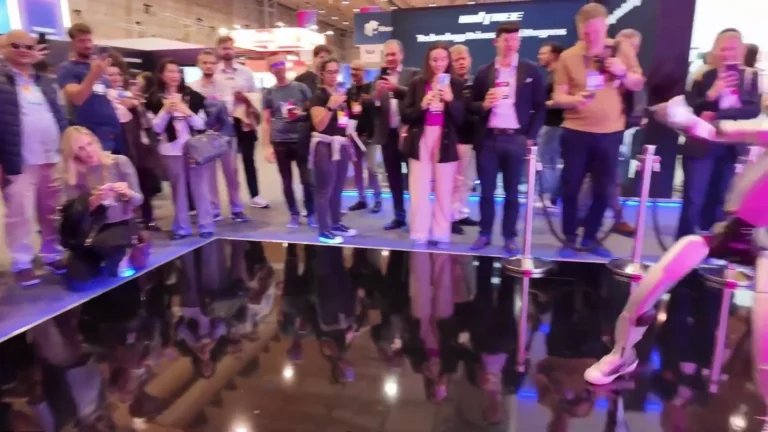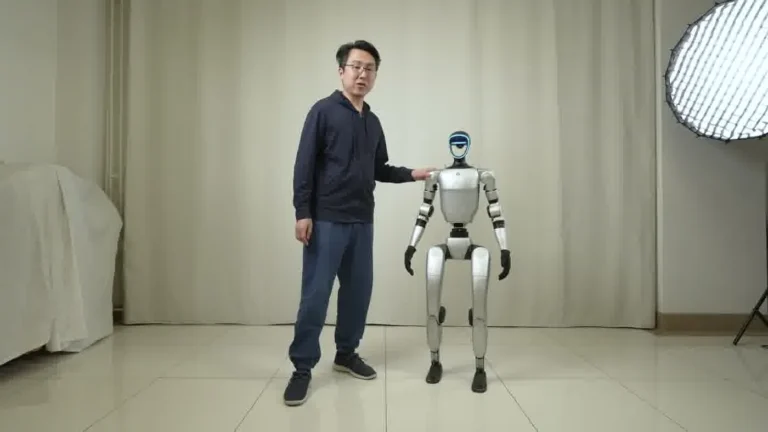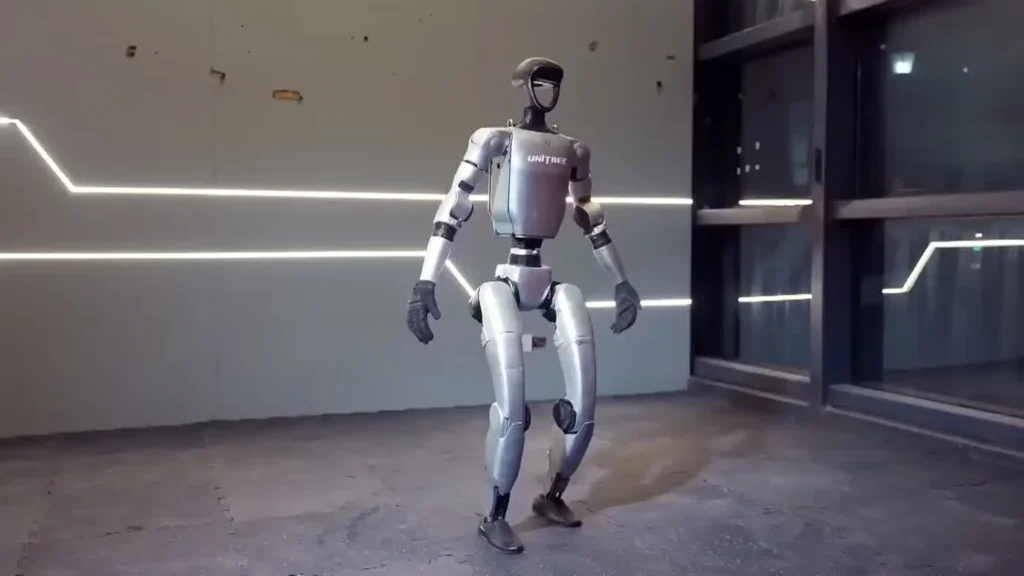
The sections below cover what those numbers mean on a real event floor, how we schedule charge cycles across an eight-hour day, and what power the venue needs to provide.
Table of Contents
Stand Up Recovery — Living Room
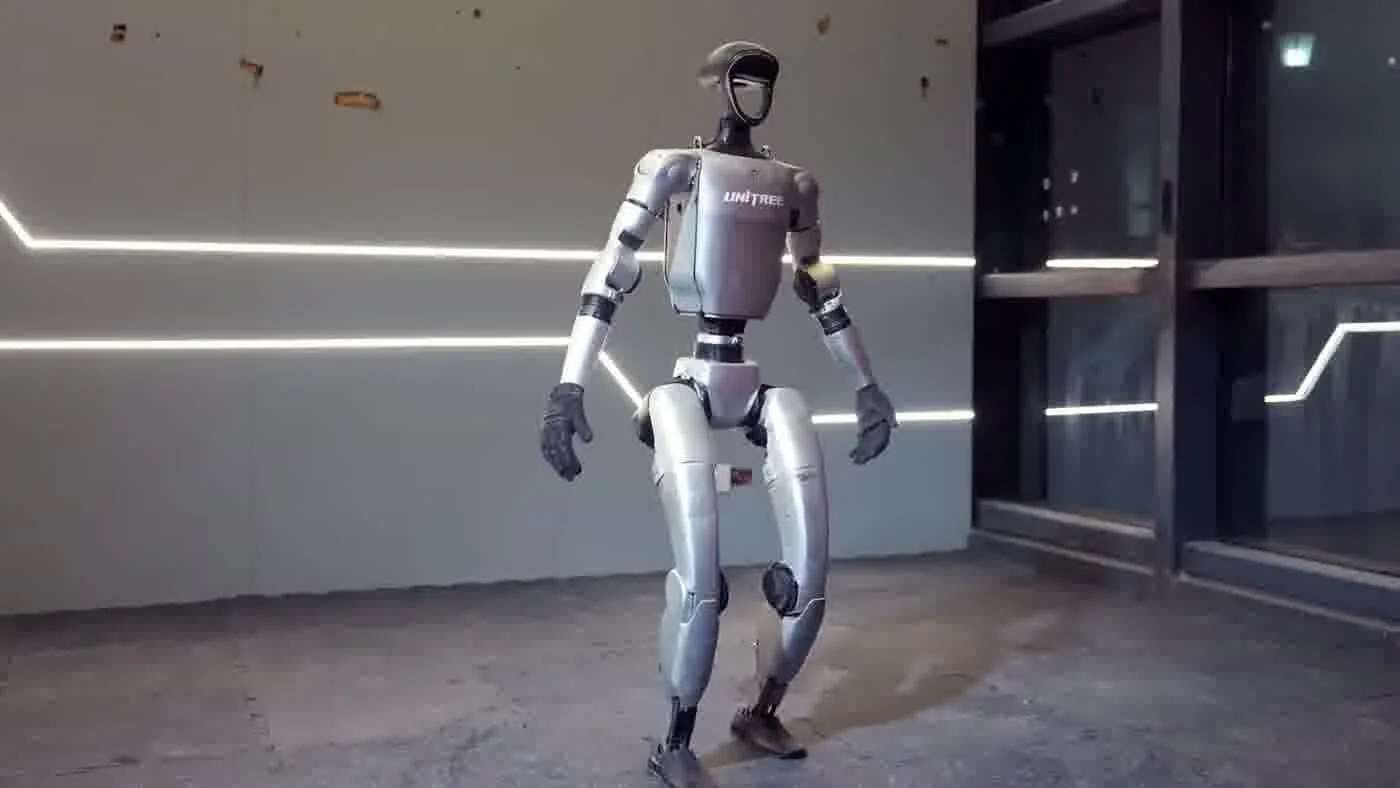
Unitree G1 — At a Glance
- 127 cm tall | 35 kg
- 41 degrees of freedom
- Five-finger dexterous hands
- 2-hour operational battery
- Onboard NVIDIA Jetson Orin
- Available to rent from $299/day
Key Takeaways
What You Should Know
- The Unitree G1 runs for approximately 2 hours per charge at typical event activity levels
- Battery capacity: 9,000 mAh; charge time: approximately 45 minutes
- ZMProbots uses a rotation schedule for multi-hour and all-day events
- Active movement and demonstrations consume battery faster than stationary display
- Peak power draw during charging is approximately 1,000 W — standard 15A event circuit
Battery management is a solved problem for all-day humanoid robot events once you plan for it in advance. For a deeper look at the G1 hardware specification, the Unitree G1 specs for 2026 post covers every technical dimension.
What the Numbers Actually Mean
The Unitree G1 carries a 9,000 mAh battery pack and delivers approximately 2 hours of runtime per charge cycle under typical event conditions. Charge time from depleted to full is approximately 45 minutes. Those are the official figures and they hold up in practice — with a caveat about what “event conditions” actually means.
Active Movement vs Stationary Display
Battery draw on the G1 is not a flat line. When the robot is standing still, greeting visitors with small arm gestures, and running light interaction routines, the draw is at the lower end of the range. When it is walking continuously, performing high-range-of-motion demonstrations, or doing back-to-back movement sequences, draw climbs. In practice, a well-managed event rotation — active demonstrations for 10 to 15 minutes, lighter interactive greeting mode the rest of the time — consistently delivers the full 2-hour figure.
What ‘2 Hours’ Means on an Event Floor
Two hours is longer than it sounds at a trade show booth. A 2-hour active block covers two full conference session slots and the rush periods around keynotes or lunch breaks. The right way to use this figure is as a scheduling unit: plan your day in 2-hour blocks, schedule a charge cycle during natural low-traffic windows, and the robot runs all day without interruption.
Charge Time and Spare Packs
At 45 minutes of charge time, a single spare battery pack means you always have one pack charging while the other runs the robot. The robot never goes dark waiting for a charge. Two spare packs give you additional buffer for events with no predictable low-traffic window. This is the same rotation approach we describe in our G1 rental operations playbook.
Peak Charge Draw: 1,000 W
The G1 draws up to 1,000 watts at peak during charging. That is the number to give your venue contact when they ask about power. A standard 15-amp event circuit handles it without issue. More on this in the venue power section below.
All-Day Event Strategy
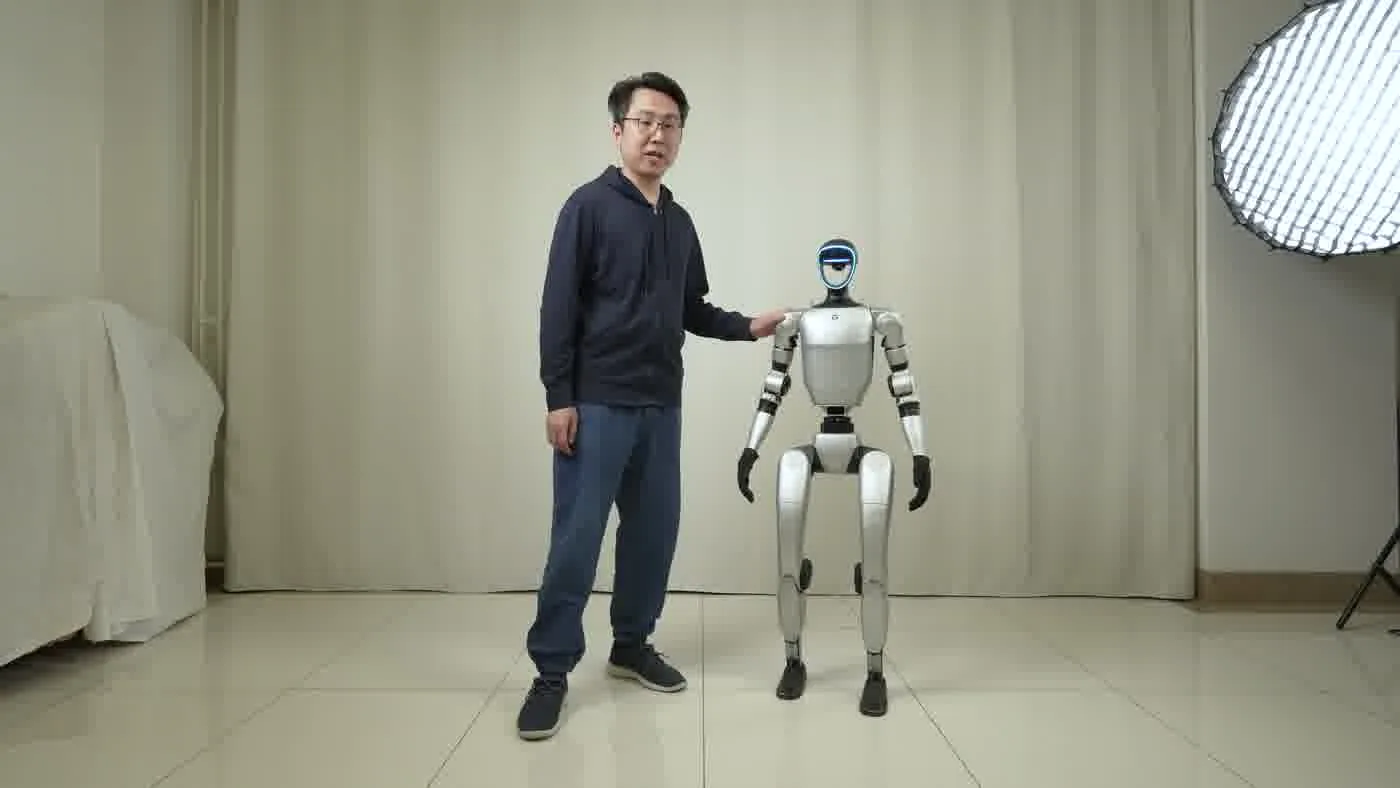
Running the Unitree G1 through a full-day event — eight hours of show floor time — is not complicated once you design the rotation. Here is how we handle it at ZMProbots and what Self-Service rental clients need to plan for on their own.
The Rotation Schedule
The core rotation is straightforward: the robot runs on Pack A for two hours, then Pack A goes on the charger while Pack B goes into the robot. By the time Pack B is nearing the end of its two-hour block, Pack A is fully charged and ready. With two packs you are cycling cleanly all day. With a third pack, you have a cold spare in case a pack underperforms or a charge cycle gets interrupted.
The swap itself takes about five minutes. The robot powers down, the operator swaps the battery, powers back up, and the robot is ready again. On a well-run booth floor, this swap window coincides with a natural break — the end of a demonstration block, a presenter changeover, or a meal break. Attendees rarely notice.
Active vs Rest Scheduling
We schedule the robot for high-activity periods — the post-registration rush, the conference lunch window, the afternoon peak — and lighter interaction during the slower mid-morning and late-afternoon stretches. This concentrates the robot’s best demonstrations on the moments when the floor is fullest. The humanoid robot for events guide covers the broader deployment strategy this fits into.
Full-Service vs Self-Service Logistics
In a Full-Service Event deployment, ZMProbots handles all of this. Our operator manages the rotation, the charger setup, the pack tracking, and the timing. The client confirms a 15-amp circuit is available at the booth and that the venue AV team knows we are bringing charging hardware.
For Self-Service rental clients, the rotation schedule is part of the operational briefing we provide at pickup. Self-Service starts from $299 per day with a three-day minimum. For a multi-day event context, the multi-day humanoid robot rental guide walks the additional logistics that come with longer deployments.
Power Requirements at Venues
The G1 charges at up to 1,000 watts peak draw. That number tends to alarm venue contacts who hear it without context. A standard 15-amp circuit at typical event venues has enough capacity to handle the G1 charger with headroom to spare. This applies whether you are in the US, Canada, UK, or EU — the charging hardware works on standard commercial building power in all four of our operating regions.
What to Tell the Venue AV or Power Team
The conversation with the venue is usually one sentence: “We need one standard 15-amp outlet for a robotic charging unit drawing up to 1,000 watts.” That is it. Every convention hall and hotel ballroom has 15-amp circuits. The venue’s AV or production team will know exactly where the nearest outlet is for your booth assignment. The charger uses a standard plug — no special wiring, no dedicated circuit, no generator required.
Convention Venues
Exhibition and convention centers are the venues where this question comes up most often, because booth power is billed separately by the venue electrical contractor. The standard booth electrical order is a 5-amp or 15-amp circuit at most venues. Order the 15-amp circuit if you are running a G1. That single line item on your electrical order form is the only venue-side electrical requirement. Trade show operations guidance from Exhibitor Online consistently identifies power planning as the most-overlooked booth logistics detail — and the G1 power requirement is one of the smallest on that list compared to large LED displays or audio systems.
Multi-Zone Events and Outdoor Shows
Outdoor events and multi-zone setups with limited fixed power are the edge cases worth planning for. If the event is outdoors with generator power, confirm the generator is running on a stable sine wave output before connecting the G1 charger. Most modern event generators are fine. For events where power access is variable, we bring a third battery pack and plan for longer charge windows between active blocks. The underlying robot platform and its power architecture are covered in more depth in our inside a humanoid robot components post.
If your event is at an exhibition or trade show, the G1 robot at trade shows post covers the full booth integration picture including power, floor space, and staff coordination.
People Also Ask
How long does the Unitree G1 battery last?
The Unitree G1 runs approximately 2 hours per charge cycle under typical event conditions. Active walking and complex movement routines draw more power and shorten runtime slightly. Stationary display with light arm gestures stays close to the full 2-hour figure. ZMProbots designs event rotations around 2-hour active blocks with battery swaps during natural low-traffic windows.
How long does it take to charge the Unitree G1?
Charging the Unitree G1 battery from depleted to full takes approximately 45 minutes. This means a single spare pack is enough to keep the robot running continuously — one pack charges while the other powers the robot, and the first pack is ready again before the second one runs down.
What is the Unitree G1 battery capacity?
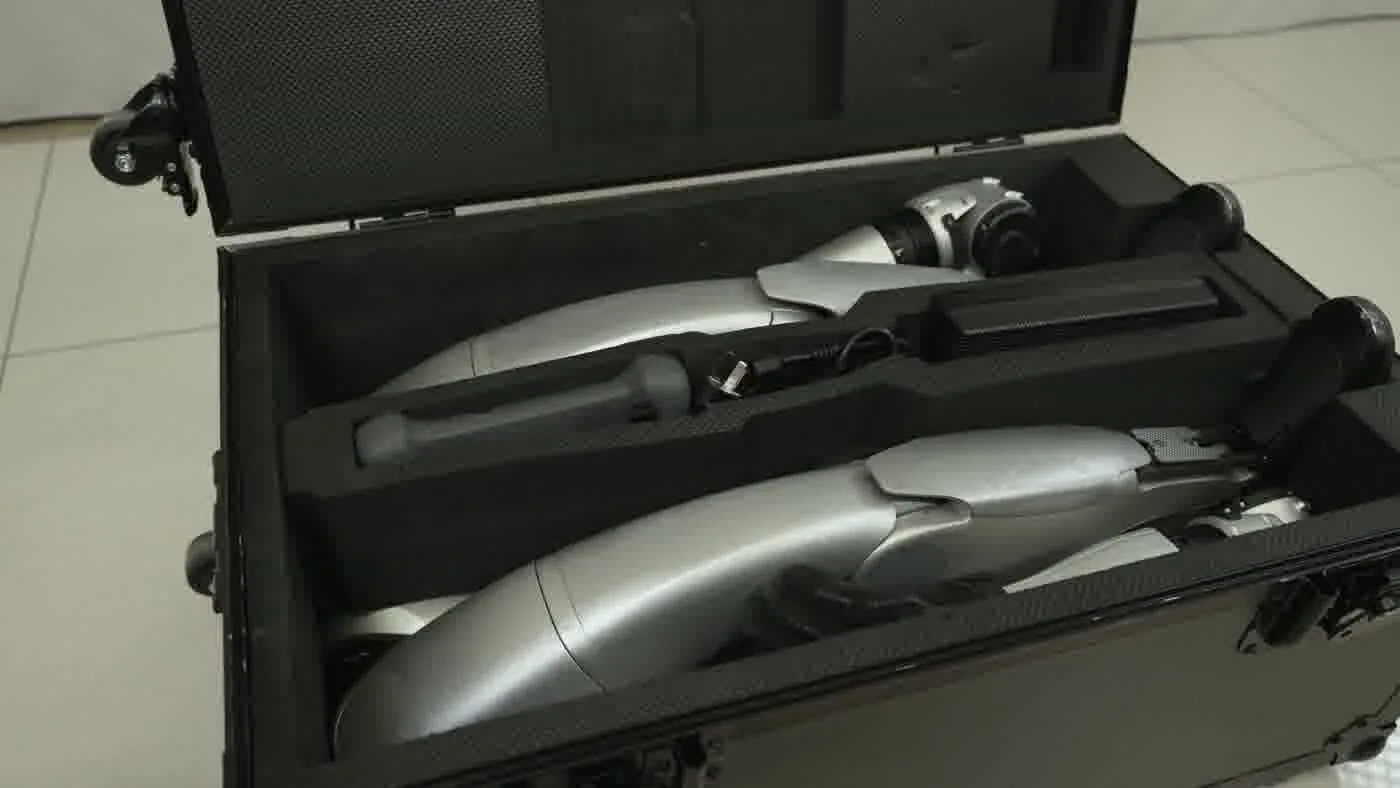
The Unitree G1 battery pack has a capacity of 9,000 mAh. The quick-release design allows battery swaps without tools in under five minutes.
Does the Unitree G1 need special power at events?
No. The G1 charger draws up to 1,000 watts at peak, which fits comfortably on a standard 15-amp event circuit. Every convention hall, hotel ballroom, and exhibition center has 15-amp outlets. The venue’s AV or power team can route a standard circuit to your booth on the standard electrical order form. No generator or special wiring is needed. Technical reporting from IEEE Spectrum on humanoid robot deployment infrastructure confirms this level of power draw is well within standard commercial building capacity.
Can the Unitree G1 run all day at an event?
Yes. With one or two spare battery packs and a rotation schedule, the Unitree G1 can run for a full event day of eight or more hours without any gap in availability. The rotation involves swapping packs during low-traffic windows — a swap takes about five minutes and is invisible to most attendees. This is how we run all-day events across all four of our operating regions: US, Canada, UK, and EU. See the complete Unitree G1 guide for 2026 for the full operational picture.
The Bottom Line
Battery life is not a limiting factor for all-day Unitree G1 events once you plan the rotation correctly. Two hours per charge, 45 minutes to refill, and a spare pack or two — that is the whole logistics picture. The venue side is equally simple: one standard 15-amp circuit at the booth.
For Full-Service events, ZMProbots handles all of this. For Self-Service rental, we provide the briefing and the rotation schedule at pickup. Ready to plan a deployment? Visit the Unitree G1 humanoid robot page to review service options and start a booking. For the broader event logistics picture, the robot hire for exhibitions post covers booth setup through end-of-day breakdown.