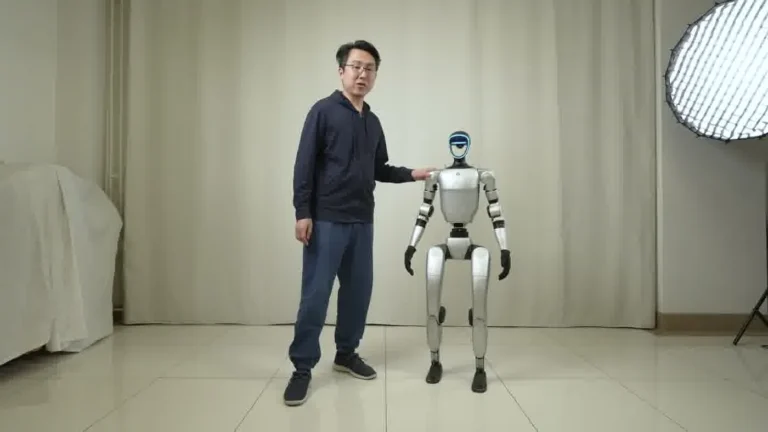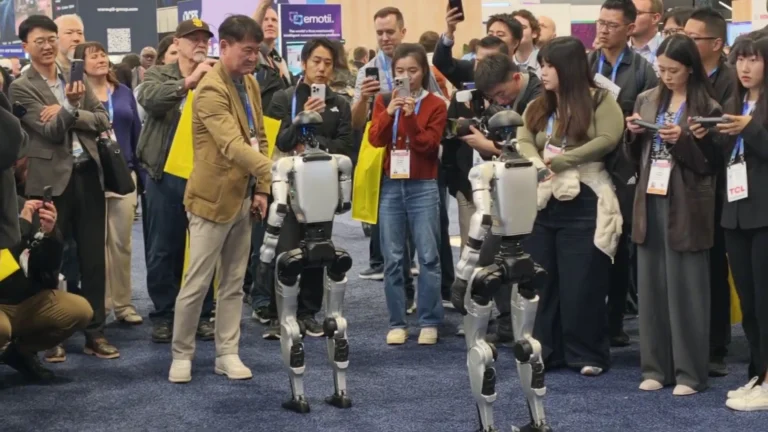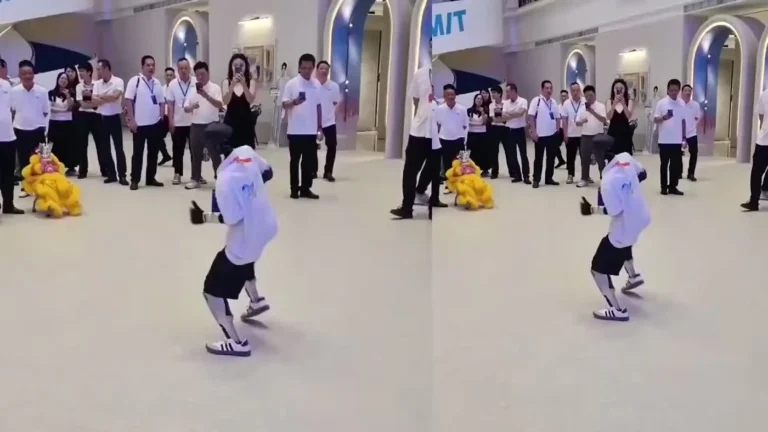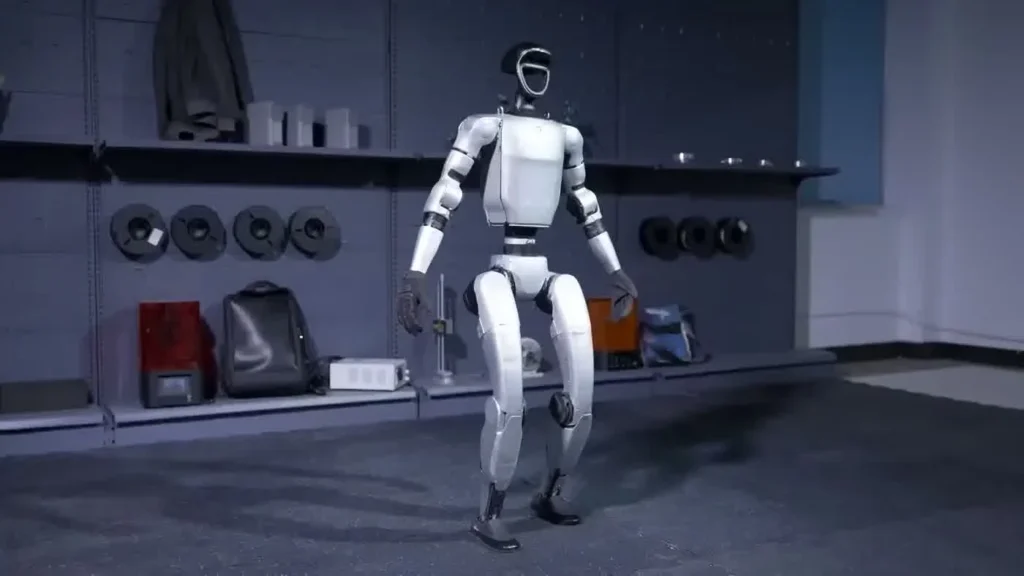
University of Plymouth Demo
Unitree G1 — At a Glance
- 127 cm tall | 35 kg
- 41 degrees of freedom
- Five-finger dexterous hands
- 2-hour operational battery
- Onboard NVIDIA Jetson Orin
- Available to rent from $299/day
What You Should Know
What You Should Know
- A g1 robot trade show shift is built around battery cycles — roughly two hours of active demonstration followed by a 45-minute swap-and-charge window on standard convention power
- The Unitree G1 is 127 cm tall, 35 kg, with 41 degrees of freedom and BrainCo Revo 2 dexterous hands — those numbers shape every booth layout decision
- Most show-day problems are environmental: wireless congestion, polished floor surfaces, lighting that confuses the depth camera — none of which are robot faults
- Operator interactions run 60 to 90 seconds per booth visitor; longer and the queue stalls, shorter and the demo feels unfinished
- Pre-show prep — venue diagrams, gesture library, charging cadence — does more for show success than any on-the-day improvisation
None of this is unique to one client or one venue. The pattern repeats. The operators who get good at it are the ones who build the same routine into every show, then adjust at the margins for the specific exhibition floor in front of them.
Pre-Show: The Week Before the Booth Opens
The work that decides whether a g1 robot trade show appearance lands well happens before the operator boards the flight. The week before the booth opens is mostly information collection and rehearsal — boring on paper, decisive in practice.
Venue Diagrams and Power
The first item every operator pulls is the booth diagram from the exhibition organizer. We mark the power drops — convention floors run on 15-amp circuits at standard venues, sometimes 20-amp on request — and confirm placement of the back-of-booth charging area where the spare battery and controller live. A G1 charging from empty pulls under 1000 watts at peak and finishes in roughly 45 minutes, so one dedicated circuit handles the rotation without flickering the booth lights.
Doorway and Aisle Survey
With shoulder-width near 45 cm, the robot needs a clear 80 cm minimum doorway to walk through during load-in. Service corridors at large convention centers are usually fine. The pinch points are the booth’s own back-curtain entrances and any custom-built scenic walls. Operators measure those, not the published aisle widths.
Gesture Library Prep
The operator-side software has a library of pre-validated motions — waves, handshakes, two-handed presentation gestures, scripted dance segments. The week before, the operator builds a show-specific playlist: which gesture cues to which client moment, which fallback motion plays if a guest does not engage. Industry coverage from outlets like Exhibitor Magazine consistently lists scripted activation as the single biggest factor in booth interaction quality. We treat it that way.
Crew Roles
Even a small booth needs at least two people: one operator on the tablet and one ground person managing crowd flow, queues, and the inevitable selfie line. Trying to run both jobs from one seat is how operators end up missing emergency stops and missing client engagement at the same time. For deeper guidance on operator routines beyond trade shows, see the Unitree G1 rental operations playbook.
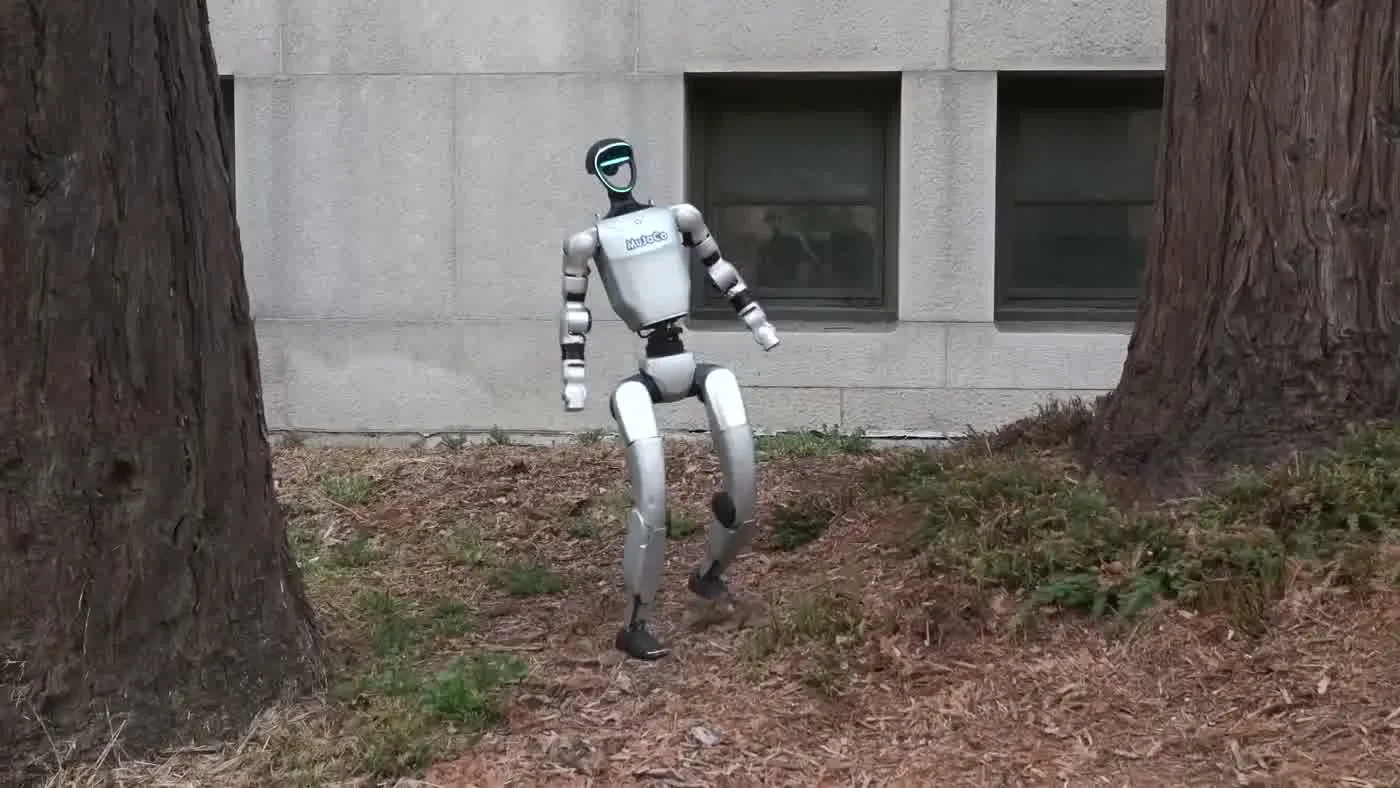
Setup Morning: The Hour Before Doors Open
Show mornings are tighter than they look. Doors open on a fixed clock, and the booth has to be ready, robot warmed, batteries charged, lighting tested, and at least one walk-through run completed before the first attendee turns the corner. The routine below is the one our operators run on every g1 robot trade show day. Same sequence, every venue.
Unbox and Visual Inspection
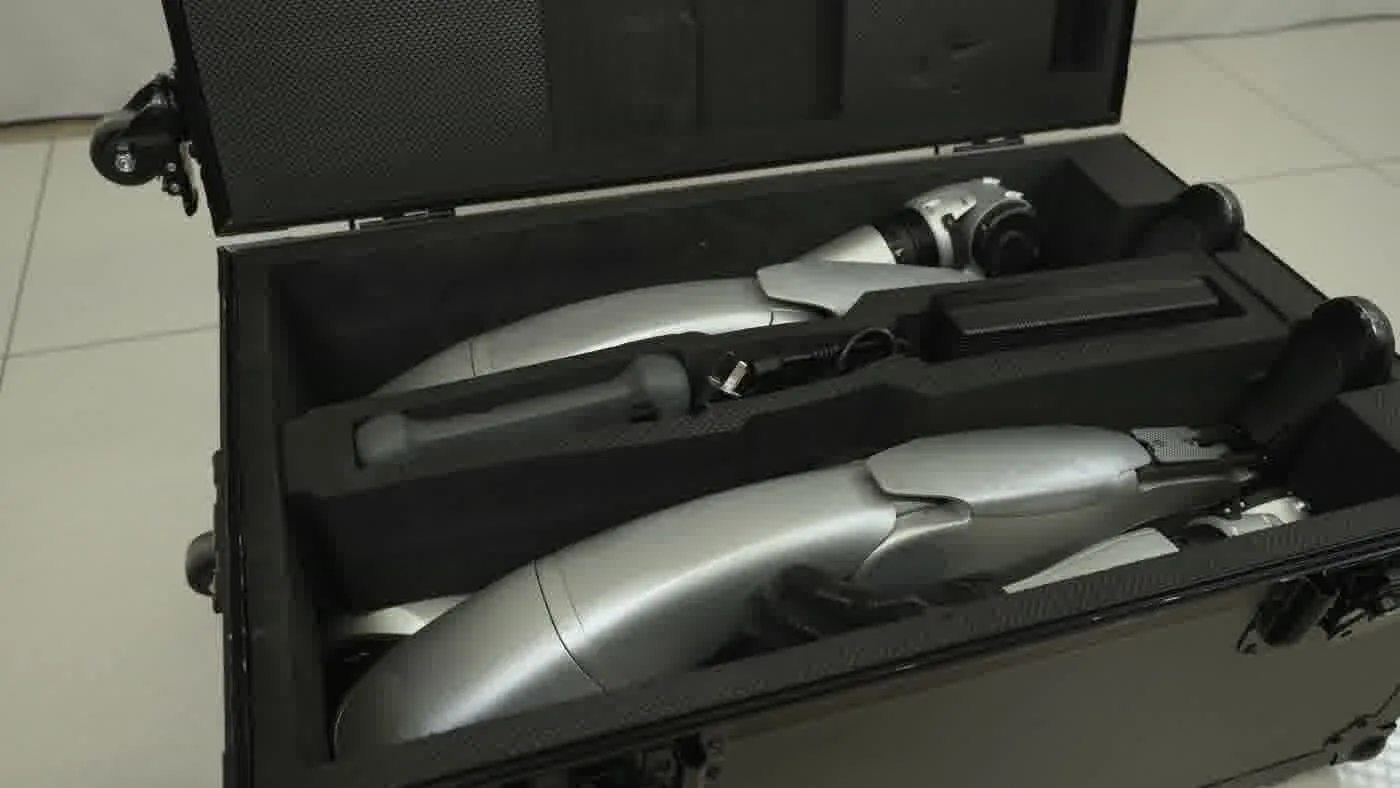
The robot rides in a hard case. First step on the morning is a visual inspection — joints, cabling, hand fingers, foot pads. Trade show transport is the rough part of the rental life; visible damage gets photographed and logged before power-on, never after. This protects everyone in the loop and keeps the next deployment clean.
Power-On and Self-Test
Power-on runs through the controller, not the robot directly. The G1 boots, runs a joint-by-joint self-test, and reports any motor that drew unusual current overnight. On a clean unit the self-test finishes in well under three minutes. If a joint flags, the operator pauses, runs the recovery sequence, and only proceeds when the report comes back green.
Floor Surface Check
The single most common surprise on convention floors is the surface itself. Polished concrete, vinyl over plywood, raised carpet, and steel grating all change how the G1 walks. The operator performs a short walk loop on the actual booth floor — five meters forward, pivot, five meters back. Foot spacing default is around 30 cm; on slick surfaces the operator narrows it and slows the pace.
Lighting and Camera
Booth lighting designers love hot key lights aimed at robot-height. Those lights wash the depth camera and make person-detection unreliable for scripted interactions. The setup-morning check is a 60-second test: stand at the booth’s main approach line, walk toward the robot, confirm it registers and tracks. If it does not, the lighting moves, not the robot.
Final Dry Run
Last 10 minutes before doors open: a full dry run of the morning’s primary gesture sequence with the booth team standing where attendees will stand. This catches lanyard interference, signage blocking the camera, and audio mixing problems before anyone outside the booth sees them.
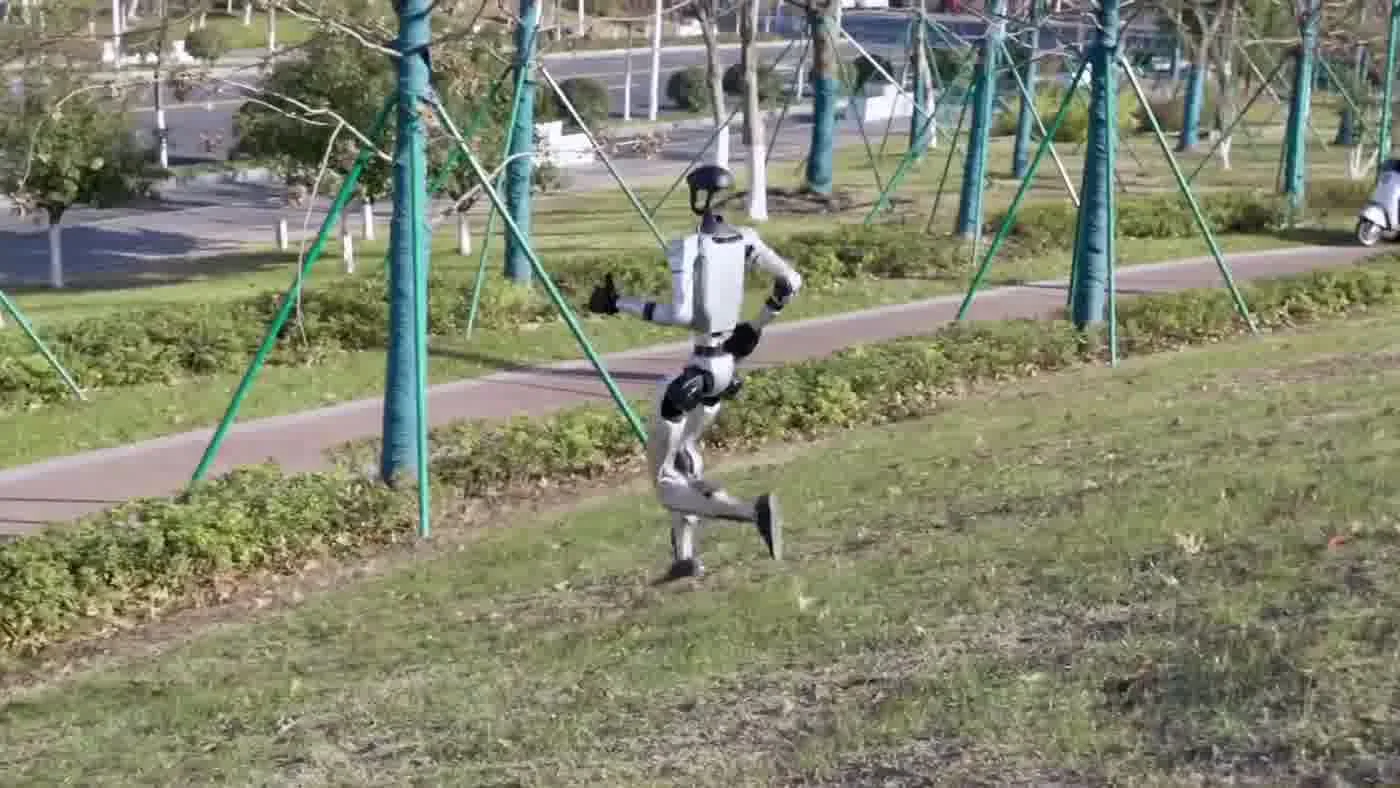
Running the Hour: How the Robot Interacts with Booth Visitors
Once doors open, the rhythm of a g1 robot trade show shift is built around two clocks: the battery clock and the queue clock. Both run continuously, and the operator manages them in parallel.
The Interaction Window
Each booth-visitor interaction runs roughly 60 to 90 seconds. That is long enough for a wave, a scripted gesture sequence, a co-presented gift or sample if the client built one in, and a clean exit so the next person can step up. Push past 90 seconds and the queue at the booth perimeter starts to drift away. Trim shorter and the encounter feels rushed — attendees do not get the photo or video they came for, and the booth loses its share-out value.
Battery Cadence
Active demonstration time on a single 9000 mAh pack is roughly two hours. Operators run the show in active blocks with a built-in swap window, not all the way to depletion. Letting the pack run flat in front of a queue is a confidence-killer; planned rotations preserve the perception that the robot is always ready, even though it is physically charging behind the curtain for part of each hour.
Crowd Management
The ground crew member, not the operator, manages the queue. Attendees naturally form a semicircle facing the robot at about three meters. The ground person keeps that distance — too close and the depth camera saturates with foreground bodies, too far and the photos look thin. Most booths benefit from a low rope line at about two meters. Hard barriers feel hostile; rope lines read as theater.
What Goes on the Camera Roll
The reason every booth visitor stops is the camera roll. The G1 at human scale, walking and gesturing in a crowded exhibition hall, produces a short clip that does well on social. Smart booths make this easy: a lit photo line marked on the floor, a brand-friendly backdrop behind the robot, a QR code on the perimeter that pulls up the brand handle for tagging. The booth’s reach extends every time an attendee shares. For brand-side activation tactics that pair with the operator side, see the Unitree G1 brand activations write-up.
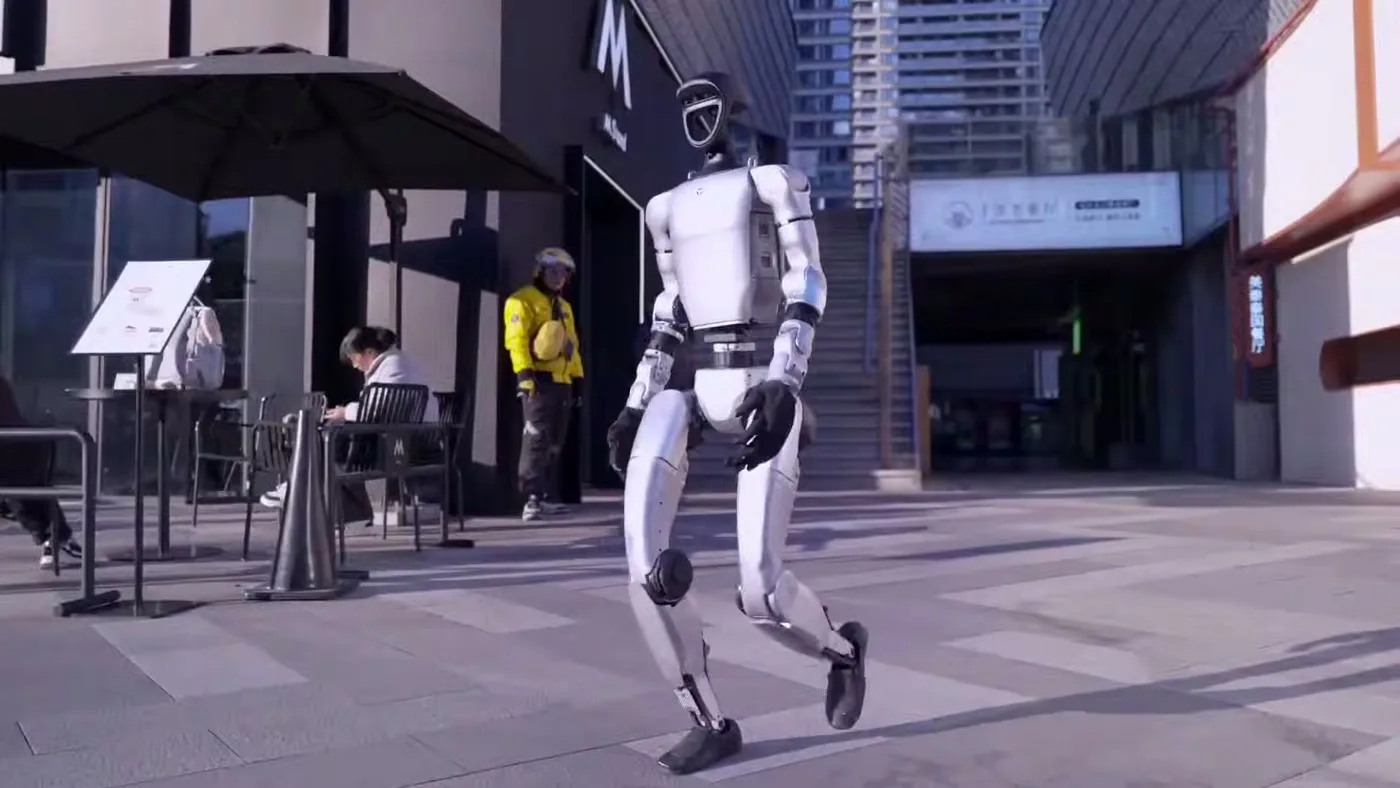
Common Mid-Show Issues and How Operators Handle Them
Every multi-day exhibition produces at least one mid-show issue. Almost none of them are robot faults. The mistake first-time deployers make is treating each issue as a hardware emergency. The operator routine is to identify the cause as environmental first, hardware second, and act on the evidence.
Wireless Congestion
By mid-morning on day one of a large show, the lower wireless band is saturated. Hundreds of booths running wireless mics, IoT demos, and attendee phones flood the spectrum. Symptom: laggy control response from the tablet. Fix: switch to the higher band on the controller if the venue supports it, move the operator station closer to the robot to shorten the link, or fall back to the wired controller tether. The fix takes under a minute. No teardown needed.
Polished Floor Surfaces
If the venue waxes its floors overnight, day-two walking can feel different from day-one. Symptom: the robot’s gait gets cautious or the foot-placement controller compensates aggressively. Fix: shorten the demo loop, narrow the foot spacing, and stage the robot statically for gesture sequences rather than walking ones. Attendees still get the show; the operator avoids a fall.
Hot Lights and Depth Sensing
Booth lights mounted directly above the robot’s working height can cause sporadic person-detection drops as the depth camera deals with infrared interference. Symptom: scripted interactions trigger late or not at all. Fix: ask the venue lighting tech to reaim or filter the offending fixture. We have never had a venue refuse this request. The booth designer wants the robot to land as much as we do.
Crowd Pressure
If the queue overruns the rope line and attendees crowd to within touching distance, the depth camera sees only foreground bodies and the planned demo cannot execute. The ground crew member resets the perimeter, the operator pauses the routine, the queue resets, and the show continues. This happens at almost every well-attended booth. It is normal, not a problem.
When to Power Down
If the self-test flags a real fault — joint behavior inconsistent with the recovery sequence, thermal warnings from the controller, or repeated emergency-stop triggers — the operator powers down. A dark booth is recoverable; a damaged robot is not. Independent reporting on humanoid robot field operation from outlets like IEEE Spectrum consistently notes operator restraint as the single trait that distinguishes mature deployments from immature ones.
Teardown and Post-Show
Teardown is where rental hardware gets damaged. Tired crews, late hours, and the rush to make the load-out window create exactly the conditions where cables get yanked and joints get torqued wrong. The operator routine on the back end of a g1 robot trade show shift is as scripted as the morning routine, for the same reasons.
Cool-Down and Power-Off
Last attendee out, last photo done, the robot moves into the back-of-booth area for cool-down before power-off. Joint temperatures take a few minutes to settle after a long shift. Powering down hot is fine in emergency; for routine teardown the operator waits.
Pack-Down Order
Hard case first, foam inserts checked, controller and tablet last so any post-show diagnostics can still run. The spare battery rides in its own compartment, never loose in the main case. Cables coil, never fold. Operators who learned this rule the expensive way do not forget it.
Show Notes for the Next Operator
Every show generates a short post-show log: what worked, what surprised the team, which gestures the audience reacted to most, any unusual sensor behavior. That log travels with the unit to the next venue. Operators who inherit a robot mid-tour are reading those notes before the cargo case clicks open.
Post-Show Client Handoff
The last operator job is the client handoff — a quick recap with the brand or agency team, a share of the day’s anonymized engagement count, and confirmation of the next booth day if the show is multi-day. Done well, this is also the natural moment for the agency to discuss the rest of their event calendar. For pricing and tier comparison guidance specific to events of this scale, see robot rental for events 2026.
People Also Ask
How long can a g1 robot run continuously at a trade show?
Active demonstration time on a single 9000 mAh battery pack is roughly two hours. Operators schedule a battery swap before depletion and the spare pack charges behind the booth on a short cycle. Run continuously by rotating packs, not by pushing one pack to empty.
Does the operator stay at the booth the whole day?
On a Full-Service Event booking, yes — the operator is on the booth for the entire show window and runs the robot, the gesture cues, and the recovery routine. On a Self-Service Rental, the client’s own trained staff fills that role. Either way, someone with controller training is at the booth whenever the robot is active.
What if the robot stops responding during a busy hour?
The operator pauses the routine, runs the on-tablet diagnostic, and identifies the cause. Most stoppages are wireless or environmental, not hardware — covered in the mid-show issues section above. Real hardware faults are rare and result in a clean power-down rather than a forced recovery, to protect the unit for the rest of the rental.
Can the g1 robot work in a hangar-style venue with no climate control?
Yes, within reason. Temperature extremes affect battery performance more than they affect the robot itself. Operators plan extra charge cycles in cold venues and watch for thermal warnings in hot ones. Outdoor or semi-outdoor venues need a covered staging area for setup and teardown — weatherproof operation is not a designed feature.
Does the trade show audience get to touch the robot?
This is a brand-side decision, not an operator decision. Some clients want a fenced exhibit, some want a meet-and-greet handshake moment. Either is fine. The operator’s job is to execute whatever the brand briefed, safely, for every interaction.
The Bottom Line
A g1 robot trade show deployment lives or dies on operator routine. The robot itself is capable enough that hardware is rarely the constraint — the constraint is whether the operator has rehearsed the booth, planned the battery rotation, prepared for wireless congestion, and built a show-day checklist that survives a busy exhibition floor. Mature operators make the shift look effortless. That is the work.
If your team is evaluating whether to run the deployment yourselves or to book an operator-led event, the right call depends on whether you have someone in-house who can do the routine above. For specs, configurations, and the rental path, see the Unitree G1 humanoid robot page, and read the humanoid robot for events briefing for the brand-side angle.