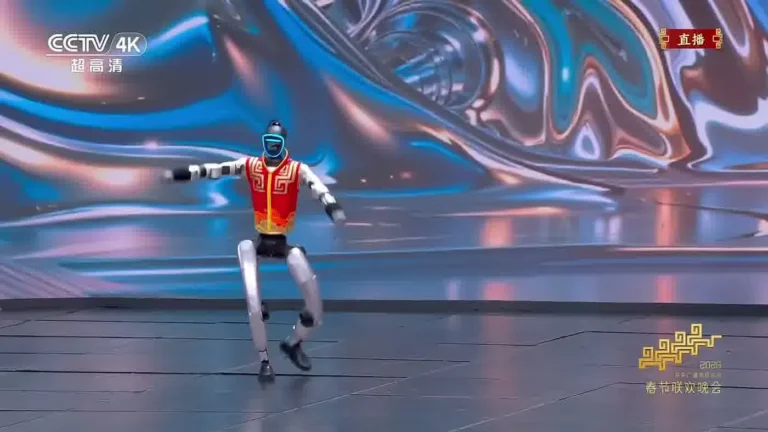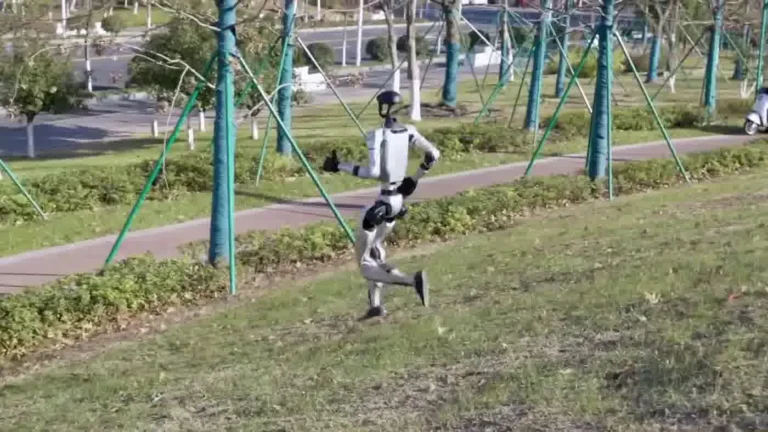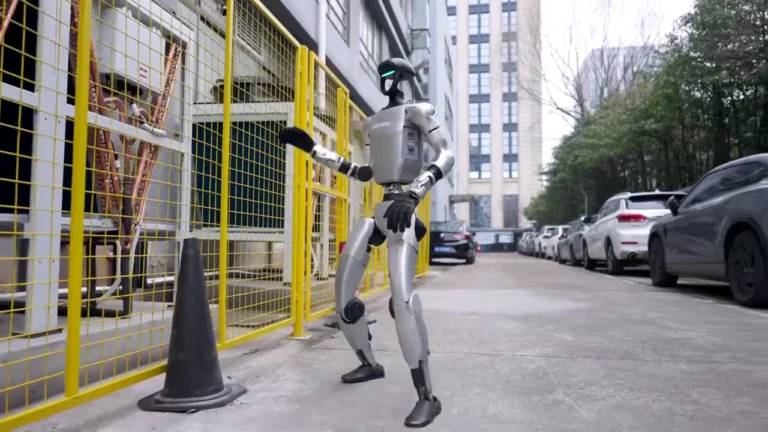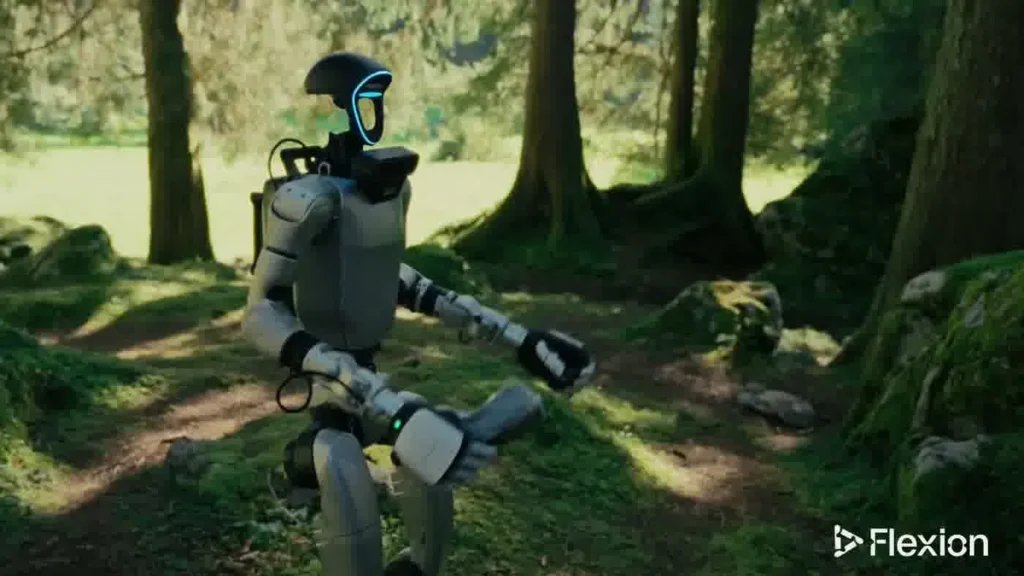
Our team gets asked about unitree g1 safety before nearly every event booking in 2026. It makes sense — a 35kg humanoid robot moving through a crowd is something venues have never dealt with before. The G1 is designed for public environments, and we have structured every rental around the controls that make that work. Here is what you need to know before your event.
Table of Contents
Built for Real Work
What You Should Know
Before deciding on a humanoid robot for your event, these are the key facts about how the G1 operates in public settings and what safety controls are built into every deployment.
- The G1 weighs 35kg and stands 127cm tall with a shoulder width of 45cm. It is compact enough for standard doorways (minimum 80cm clearance) and most venue corridors.
- Top speed is 2 m/s — roughly a brisk walking pace. The G1 does not sprint in event contexts; operators configure movement speed for the venue floor plan.
- Battery runtime is 2 hours on a single charge from a 15A standard outlet. Multi-hour events use a scheduled rotation with a second unit or planned charging breaks.
- A trained operator is always on-site. Full-Service Event bookings include a ZMProbots operator for the entire engagement. Self-Service Rental requires the renting organization to have a trained operator present.
- The G1 operates inside a designated zone defined before the event. The robot does not wander freely through a venue — zone boundaries are agreed upon during setup with the venue coordinator.
- ZMP Protection covers accidental damage during Approved Use, so event organizers do not need to arrange separate damage coverage for the robot itself.
- Flat surfaces are required for walking. Steps, escalators, and uneven outdoor terrain are outside the operating envelope for standard event deployments.
How the G1 Stays Safe in Public Spaces
The Unitree G1’s physical design and operational setup work together to keep people and the robot out of trouble during public deployments. Safety at an event is not a feature you add — it is built into how the unit moves, what it can perceive, and where it is allowed to go.
Zone containment
Every G1 deployment starts with a designated operating zone. This is a defined area — typically 3 to 6 square meters at a booth or activation space — with physical or logical boundaries. The operator sets these boundaries during setup and the robot stays within them during the event. Guests interact with the G1 inside that zone; they do not follow it into crowd areas.
Speed and movement mode
At 2 m/s max, the G1 is not fast enough to cause sudden crowd incidents. In event mode, operators typically configure the unit to move at half that speed or less. The G1 also has onboard sensing that flags unexpected obstacles — if something appears in its path, it stops rather than pushing through. This behavior is consistent across the G1’s standard firmware.
Crowd clearance protocol
During any active movement, the operator maintains a 1 to 2 meter clearance zone around the robot. This is not optional — it is a standard operating procedure on every ZMProbots deployment. The operator manages crowd encroachment in real time, which is why a human operator is non-negotiable for events with more than a handful of guests.
Shoulder width and body geometry
The G1’s 45cm shoulder width means it fits through most commercial doorways and does not swing wide when turning. Its arms can be positioned close to the body during navigation to reduce the effective envelope further. This matters at congested venues like trade show floors or conference lobbies where space is tight.
External research context
IEEE Spectrum’s coverage of humanoid robot deployments at public venues has consistently noted that zone-based operation and dedicated supervision are the two factors that separate safe deployments from incidents. The G1’s design supports both. See IEEE Spectrum’s robotics section for ongoing reporting on humanoid robot public safety standards.
For a detailed look at how G1 setup and pre-event configuration work on a typical booking, see the unitree g1 setup guide on our blog.
What the Operator Does During Deployment
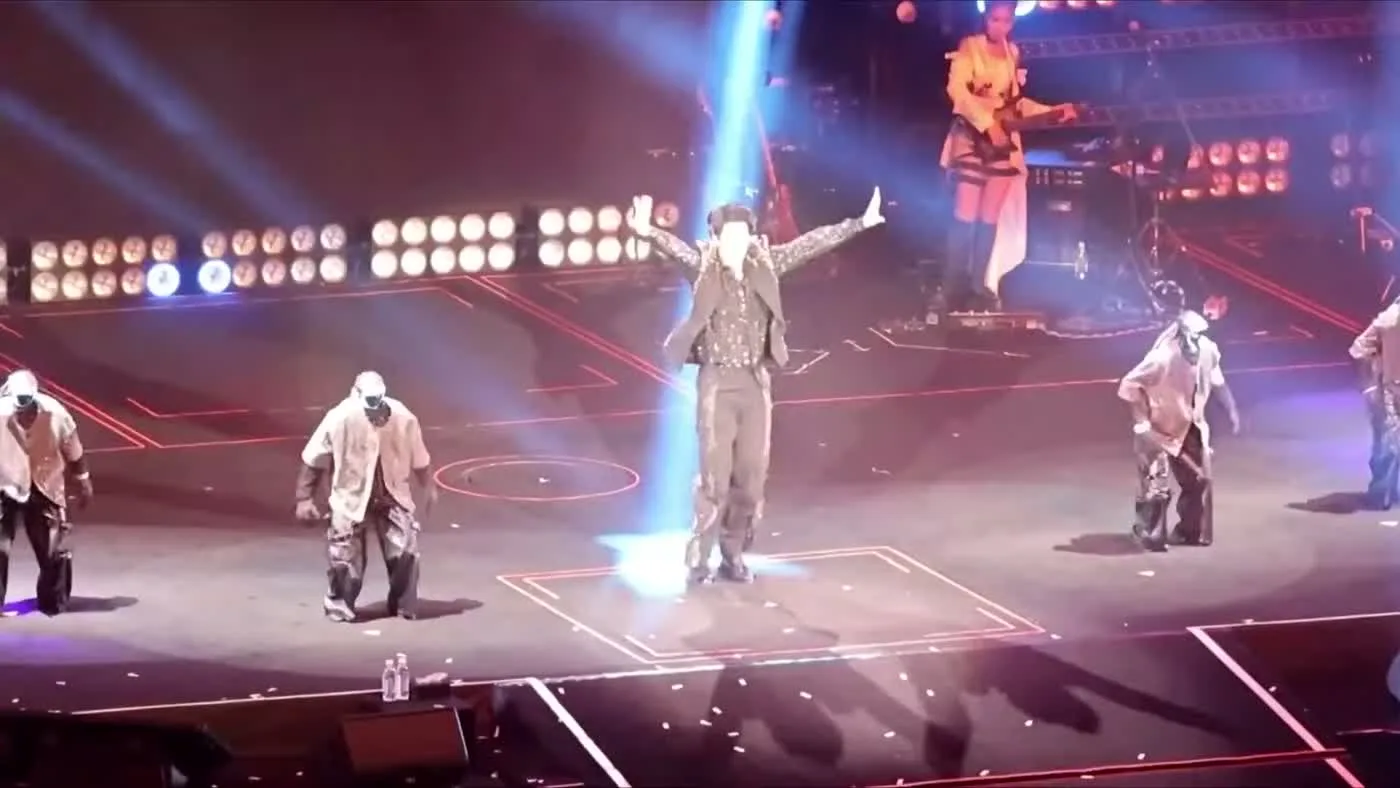
The operator is the most important safety element at any G1 event. Hardware controls and zone limits are set in advance, but real-time conditions at events — crowds that shift, guests who crouch unexpectedly, children who dart forward — require a trained person making judgment calls on the spot.
Pre-event setup
Before the event opens, the operator runs through a checklist that includes confirming the floor surface, marking or verifying zone boundaries, testing the G1’s movement at the actual venue speed, and checking battery charge. The operator also coordinates with venue staff on emergency stop procedures. Anyone running the G1 through a ZMProbots Full-Service booking has completed this process before guests arrive. You can see the full checklist scope at the rental operations playbook.
Active crowd management
Once guests are present, the operator watches the crowd constantly and maintains the 1 to 2 meter clearance zone during any movement sequence. If the G1 is stationary and guests are approaching for photos, the operator monitors distance and posture. If someone reaches toward a joint or tries to grab the robot’s arm, the operator intervenes verbally first and physically if needed. This is standard procedure, not a reaction to rare edge cases — guests at public events are curious, and that curiosity needs active management.
Remote stop capability
The operator has the ability to stop the G1 immediately at any point during the deployment. This stop function does not require proximity to the robot — the operator can halt movement from several meters away. In practice, operators use this to pause the G1 during unexpected crowd surges or if a guest gets too close before the operator can physically reach the area.
Battery rotation and downtime management
With a 2-hour battery, multi-session events require the operator to plan charging windows. The operator manages this rotation so the G1 is never running on a depleted charge, which can affect movement stability. Charging uses a standard 15A outlet — the operator confirms outlet location and access during the site walk.
Self-Service deployments
Organizations that book a Self-Service Rental are responsible for providing their own trained operator. ZMProbots requires that operator to meet the same proficiency standard as our own staff before the rental goes out. If your team has not operated a G1 before, a Full-Service booking is the right starting point. More on what distinguishes the two service tiers is covered in what’s included with a G1 rental.
The broader picture of what makes a humanoid robot for events work well operationally comes down to this supervision layer more than any single hardware specification.
Venue Requirements for Safe Deployment
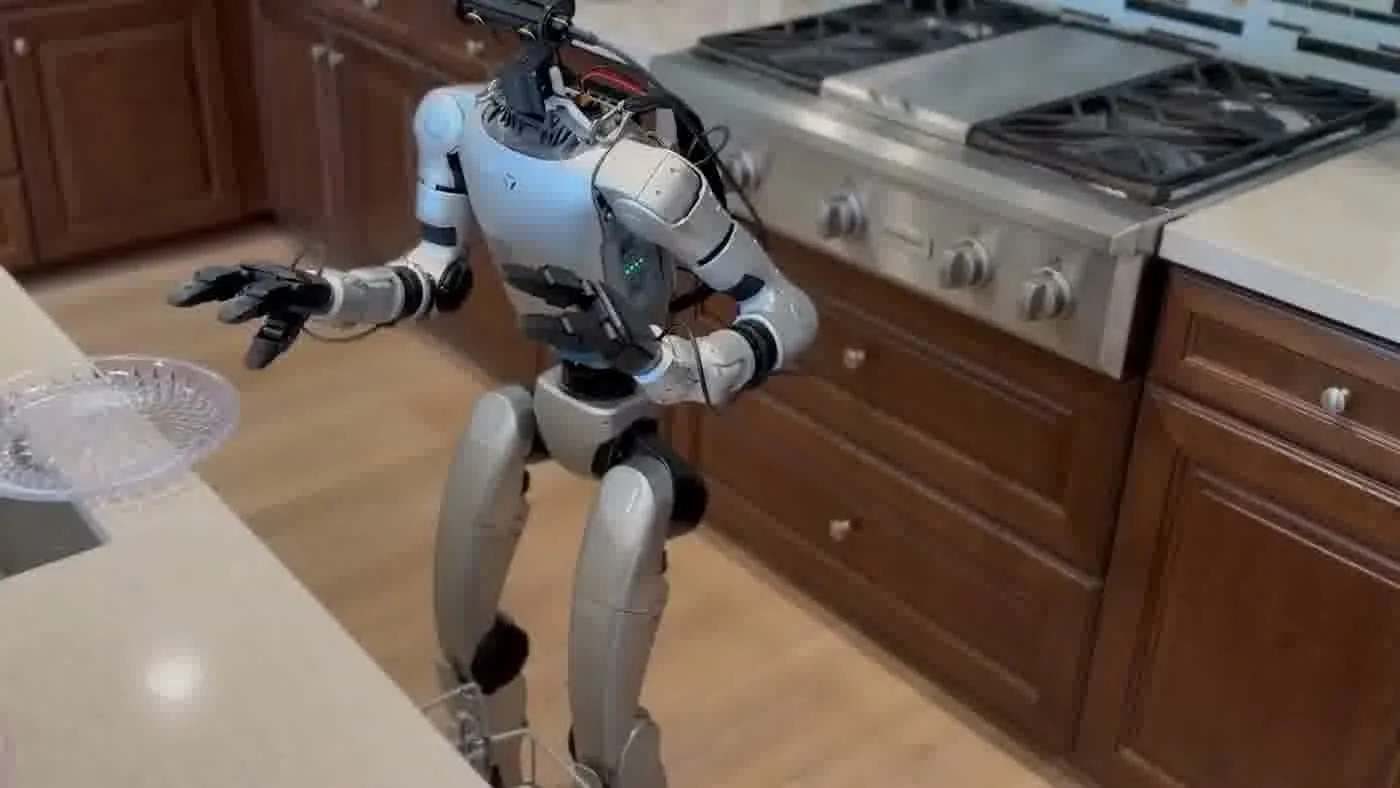
Not every venue is ready for a G1 deployment on day one. Most pass the basic checks easily, but there are specific conditions that need to be confirmed before setup begins. Event planners who work through these in advance avoid delays on the event day.
Floor surface
The G1 requires a flat, hard surface for walking. Polished concrete, hardwood, carpet (low pile), and smooth tile all work. Thick carpet, rubber matting with deep grooves, outdoor grass, and gravel are outside the standard operating surface. If your venue has mixed flooring, define the operating zone on the suitable section and keep the robot there.
Doorway and corridor clearance
Minimum 80cm clearance is required for the G1 to pass through a doorway. Most commercial venue doors are 90cm or wider. For corridors where the G1 will walk, 120cm or more is recommended so the operator can maintain position alongside the robot without squeezing past guests. Narrow vendor rows at trade shows often do not meet this standard — in those cases, a stationary activation zone works better than a walking demonstration.
Power access for charging
A 15A standard outlet within reach of the activation zone is required for battery charging between sessions. Extension cords can work if the cable run does not cross pedestrian traffic areas without proper matting. Confirm outlet location during the pre-event site walk.
Guest management controls
Venues with formal crowd barriers or defined queuing infrastructure make operator work significantly easier. A simple stanchion line around the zone boundary gives the operator a physical reference point and signals to guests that there is a boundary. Venues without any crowd management infrastructure can still work, but they require more active intervention from the operator.
Coordination with venue security and AV teams
The operator needs a direct contact at venue security and the AV team before the event. Security needs to know what the emergency stop procedure looks like. The AV team needs to know the G1 draws from a 15A circuit so it does not compete with stage power. This coordination takes 15 minutes and prevents the majority of venue-side surprises.
Industry publications like BizBash and Event Marketer have both covered the logistics of live technology activations at events — the common thread is that venue prep and day-of coordination determine success more than the technology itself.
If you are in the early stages of planning and want to know what questions to ask a rental provider, the robot rental company checklist covers the full evaluation process.
People Also Ask
Is the Unitree G1 safe to use at public events?
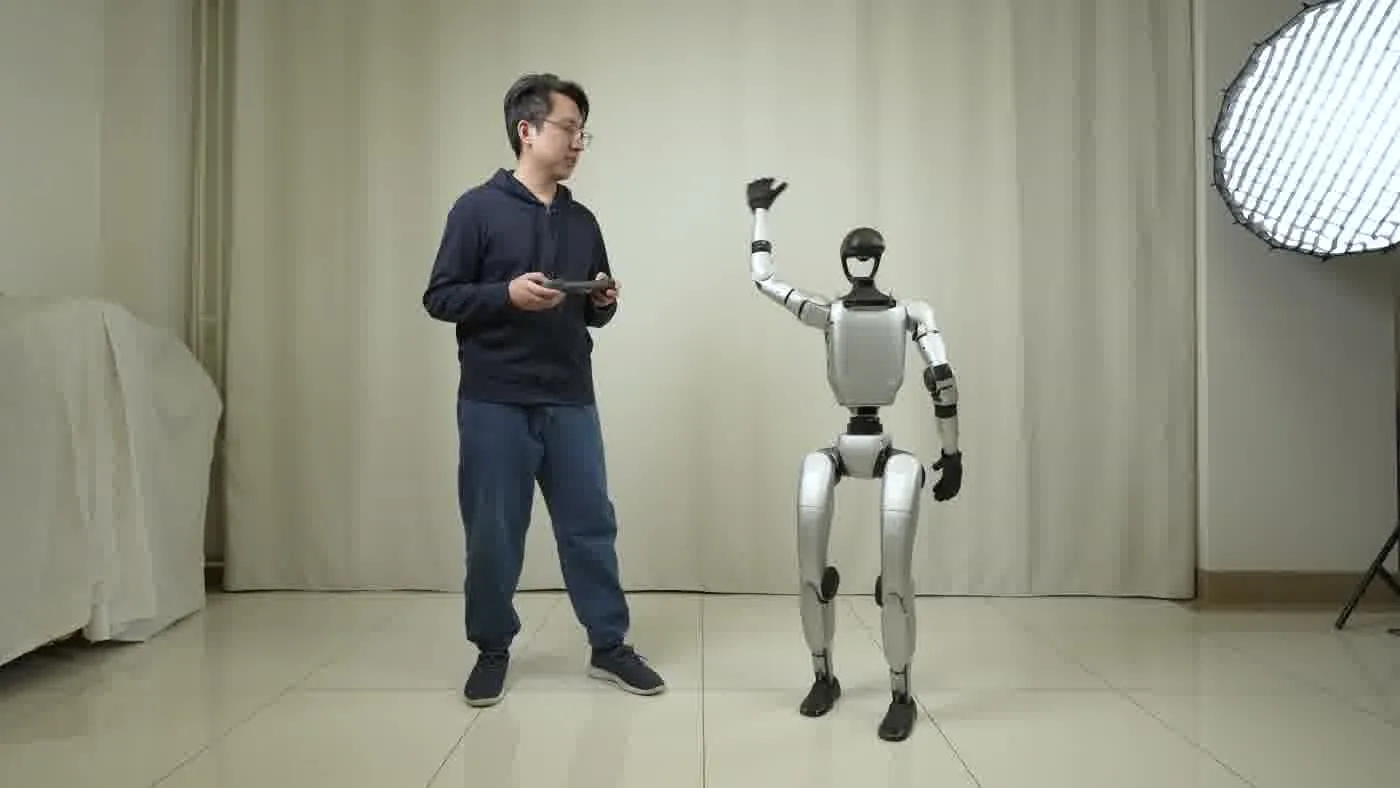
Yes, when deployed with a trained operator and within a defined zone. The G1’s 2 m/s top speed, 45cm shoulder width, and obstacle-sensing firmware make it manageable in public settings. The operator layer — maintaining crowd clearance, running pre-event checks, and holding remote stop capability — is what makes that safety reliable in practice.
Does a humanoid robot need supervision at an event?
Yes. No humanoid robot at the current state of development can safely manage crowd interaction without a human operator present. For Full-Service Event bookings, ZMProbots provides that operator. For Self-Service Rental, the renting organization must supply a trained operator who meets ZMProbots’ proficiency requirements.
What happens if the G1 falls or tips over at an event?
The G1 has onboard fall recovery capability. In standard event deployments, falls are rare because the operating surface is pre-verified and the zone is controlled. If a fall does occur during Approved Use, ZMP Protection covers accidental damage to the robot itself. The operator is trained to manage the situation calmly so guests are not alarmed.
What floor surfaces work with the G1?
Flat, hard surfaces — polished concrete, hardwood, low-pile carpet, and smooth tile. Uneven outdoor terrain, thick carpet, gravel, and grass are outside the standard operating envelope. If your venue has mixed flooring, the activation zone is set on a suitable section.
Can the G1 operate outdoors?
Outdoors is possible on flat, paved surfaces in dry conditions. The G1 is not rated for rain, standing water, or rough terrain. Wind and direct sun also introduce variables that the operator must assess on-site. Most event deployments with an outdoor component use a covered or sheltered area for the activation zone. For more on planning an event deployment, see robot rental for events 2026.
The Bottom Line
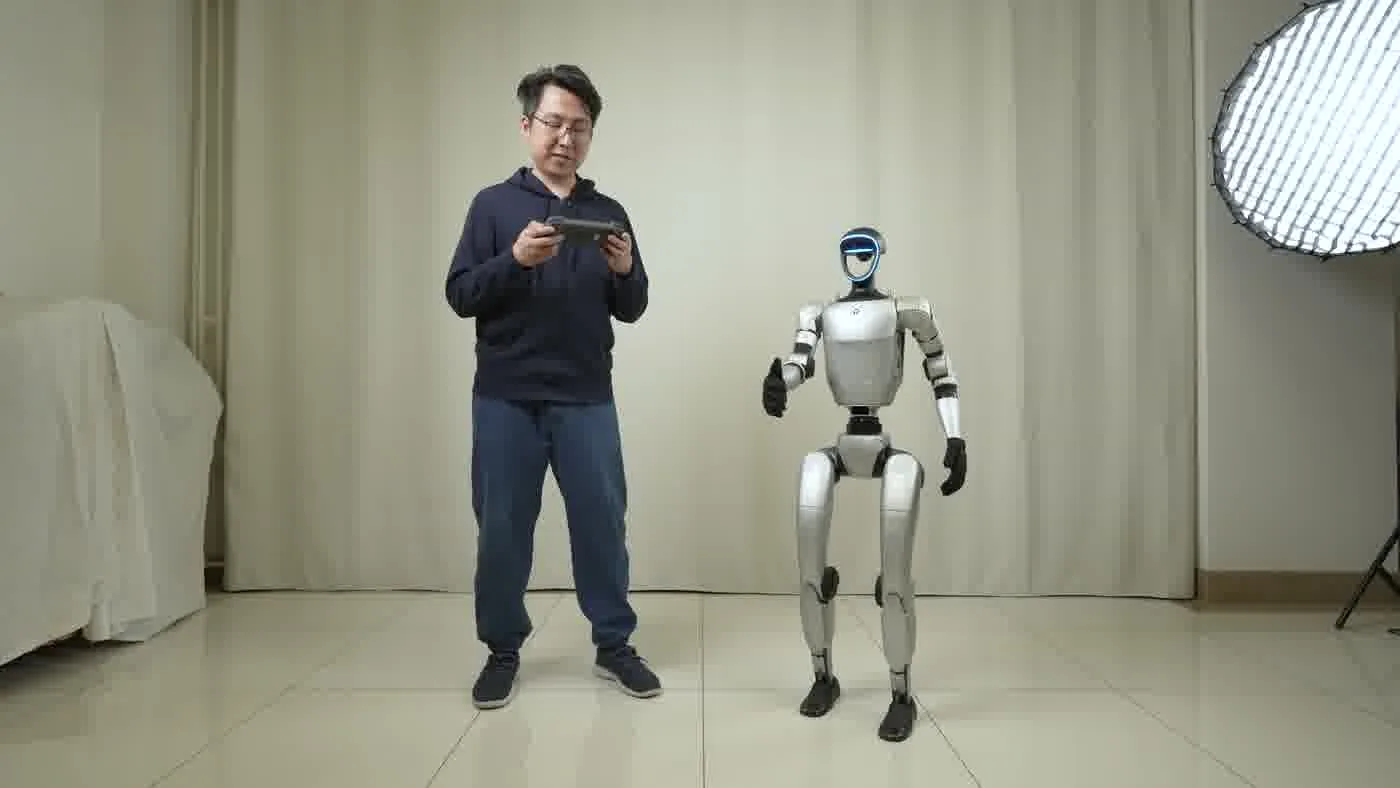
The Unitree G1 is a practical choice for public events because its physical specs are matched to controlled event environments — 35kg, 127cm, 2 m/s, 80cm doorway minimum. What makes a deployment actually safe is not any single hardware number but the combination of zone containment, trained operator supervision, and pre-event venue prep that ZMProbots builds into every booking.
For venues preparing their first robot activation, the checklist is short: flat floor, 80cm doorways, a 15A outlet nearby, and a coordination call with venue security. Most commercial event venues clear all four without changes.
If you are ready to plan a deployment, start with our humanoid robot rental page, where you can see service tiers and request a quote. You can also review common booking questions at humanoid robot rental FAQ before you reach out.