Hiring a humanoid robot for your event is straightforward — but the details matter. The questions below cover everything from delivery windows and power requirements to what happens if the robot needs a charge swap mid-event. Answer these before you book and your activation will run cleanly.
Table of Contents
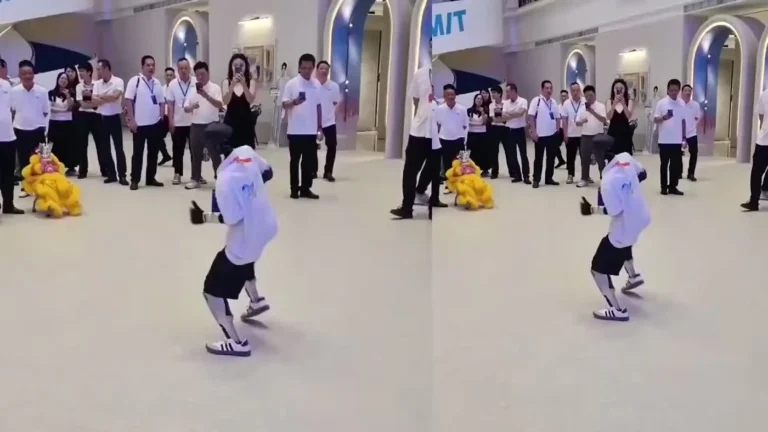
Walking in Mall Corridor
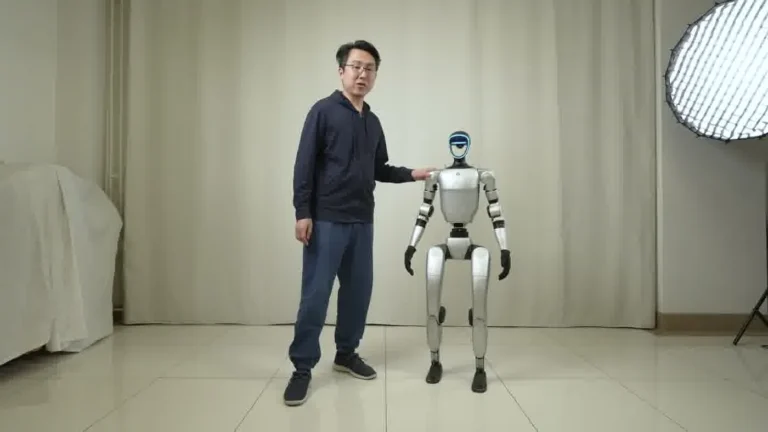
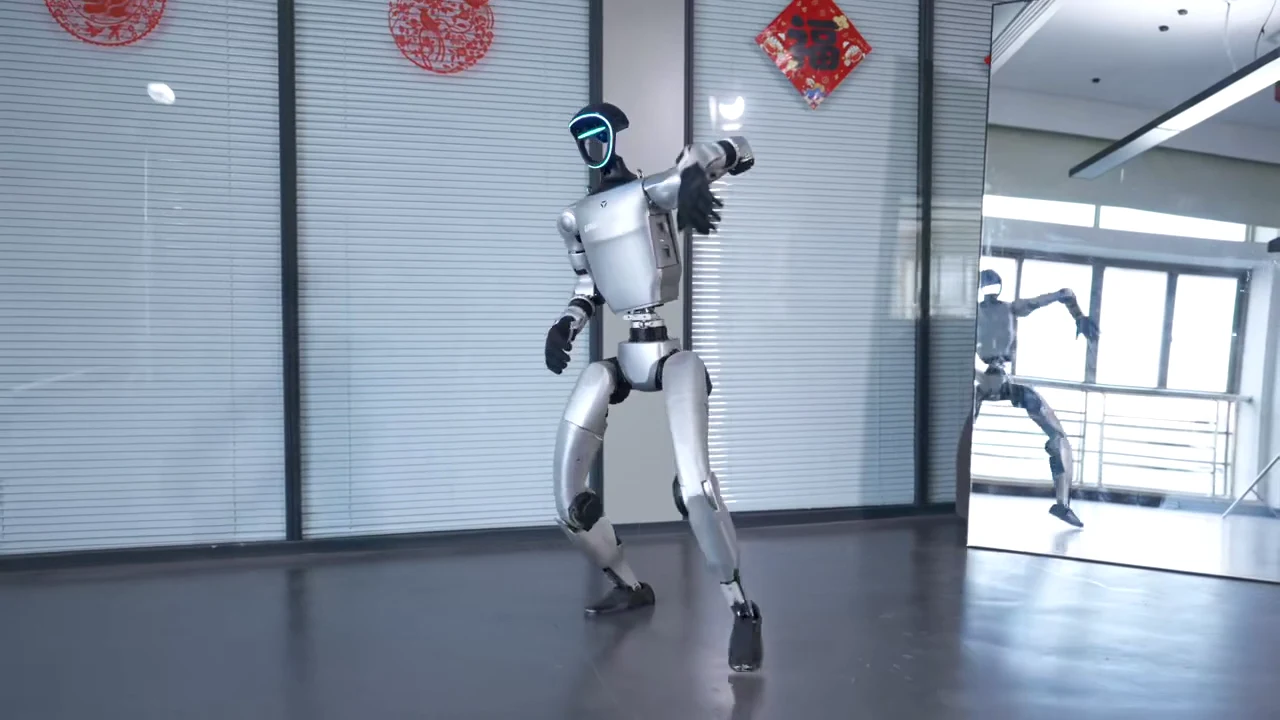
Unitree G1 — At a Glance
- 127 cm tall | 35 kg
- 41 degrees of freedom
- Five-finger dexterous hands
- 2-hour operational battery
- Onboard NVIDIA Jetson Orin
- Available to rent from $299/day
Questions 1 to 4: Logistics and Delivery
1. What is the delivery lead time?
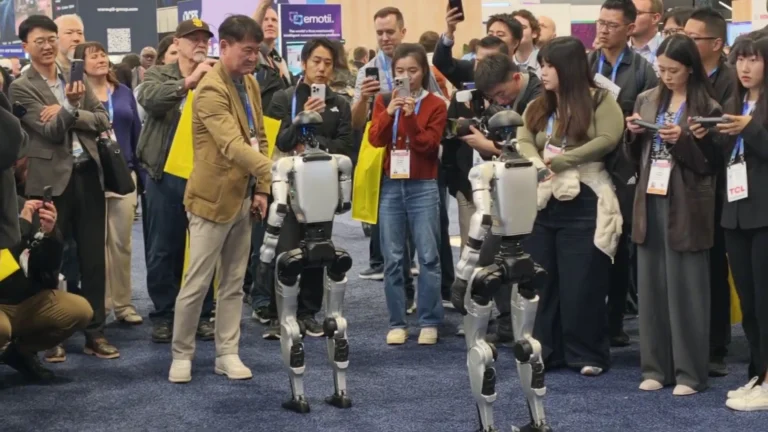
We recommend booking 7 to 14 days before your event for standard single-robot activations. For multi-robot deployments or large conferences (CES, NAB, SXSW), 30 days is the safe window. Same-week bookings may be possible depending on availability — contact us directly rather than assuming it will clear online.
2. Who handles delivery and setup?
A trained ZMProbots operator delivers the unit in a freight-rated transport case, handles the power-on and locomotion check, and stays on-site for the full booking period. You do not need to assign venue staff to the robot. The operator is the point person for everything technical.
3. What does the venue need to provide?
One standard 110V outlet near the interaction zone. That is it. No special wiring, no three-phase power, no generator. The charging station draws approximately 1.5A. A Wi-Fi connection is useful for remote ops monitoring but is not required for the robot to perform its demo loop.
4. What is the minimum floor space required?
A 3m x 3m cleared area around the robot is the minimum for safe operation. In practice, most booth setups and venue floors exceed this comfortably. For narrow conference corridors or small popup spaces, confirm dimensions with our operator before delivery — they will tell you if the space is workable.
Questions 5 to 8: The Robot Itself
5. Which robot model will be deployed?
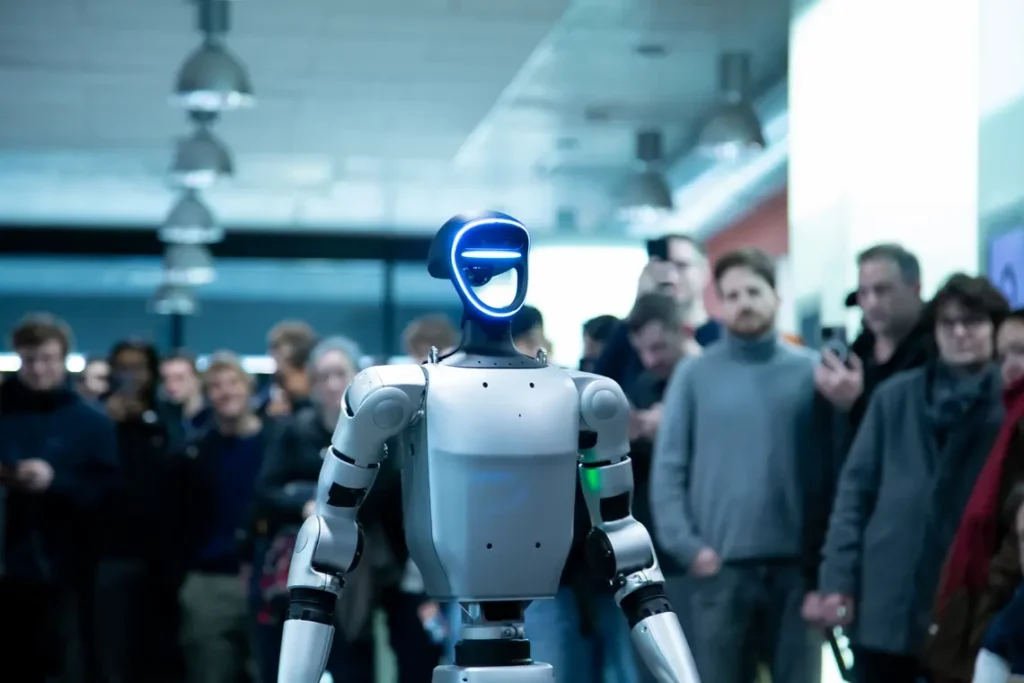
ZMProbots rents one model: the Unitree G1. There is no model picker. The G1 is 127cm tall, 35kg, with 41 degrees of freedom and five-finger dexterous hands. It is the same unit used at Pfizer product launches, automotive trade shows in Detroit, and university R&D deployments. If you have seen ZMProbots activation footage online, that is the G1.
6. How long does the battery last, and what happens when it runs out?
Battery runtime is approximately 2 hours under typical event conditions. For bookings of 4 hours or longer, we bring two batteries. The swap process takes under 10 minutes and is handled by the operator during a natural break in the interaction loop. Your guests see a brief pause, not a failure.
7. Can the robot speak or respond to questions from attendees?
During standard rental activations, the G1 does not respond to guest verbal commands. It performs a scripted interaction loop: gestures, greetings, object handling, and movement sequences pre-programmed to your event brief. Voice interaction capabilities exist in the G1 hardware but are not configured for open-ended attendee conversations in our current rental setup.
8. Can I request a custom demo loop or branded behavior?
Yes, with the Pro Setup & Training add-on ($100 one-time). This covers programming a custom sequence — a specific wave pattern, a branded greeting, a product demonstration gesture, or a scripted route through your booth. Request it at booking. You can add it up to 72 hours before delivery. After that, standard loop only.
Questions 9 to 12: Cost, Coverage, and Cancellation
9. What is the total cost including deposit?
The rental rate runs $199 to $299 per day depending on your booking window, plus a $1,000 Refundable Deposit. A 3-day booking at $299/day is $897 rental + $1,000 deposit = $1,897 at booking. The deposit returns after collection. See our full humanoid robot rental page for all tier totals.
10. What does ZMP Protection cover?
ZMP Protection is included at no charge and covers normal wear and Approved Use scenarios where the robot is supervised by our operator. Your financial exposure for accidental damage is capped at the Refundable Deposit. There is no paid upgrade tier. Excluded Events — drops, spills, unauthorized use — remain the customer's responsibility.
11. What happens if I need to cancel or change my dates?
Cancellation and date-change terms are set in your Reservation at booking. Review these before confirming — they are clearly stated on the checkout screen. Contact us directly for changes beyond the standard modification window. We work with clients on date adjustments where logistics allow, but we cannot guarantee availability for last-minute rescheduling.
12. What is the Handover Record and why does it matter?
The Handover Record is the condition report our operator produces at delivery and again at collection. Both parties sign it. It documents the robot state at each point and forms the basis of the deposit return assessment. Read it carefully at delivery — the co-signed record is the reference document if there is any dispute about condition at collection.
What to Send Your Venue Before Delivery Day
Once your Reservation is confirmed, send your venue coordinator this one-page brief:
- Robot dimensions: 127cm tall, 35kg, transport case footprint approximately 80cm x 60cm x 180cm
- Power requirement: one standard 110V outlet within 5m of the interaction zone
- Cleared floor space needed: 3m x 3m minimum around the robot during operation
- Arrival window: our operator arrives 60 to 90 minutes before your event start for setup
- Load-in access: confirm whether the operator should arrive at a service entrance or main lobby
- Wi-Fi network name and password: optional but useful for ops monitoring during the event
Most venues that have hosted any major consumer electronics or tech event are already prepared for this. The brief is mostly to avoid a phone call at 7am on setup morning. For a guide to planning the full event activation around the robot, read how to rent a humanoid robot.
FAQ
Can I hire a humanoid robot for a single day?
No. The minimum rental window is 3 days. This is a logistics constraint — freight delivery and collection on a 1-day window is not operationally viable. Book 3 days even if you only run the robot for 1 event day.
Do I need technical staff at my event to manage the robot?
No. A trained ZMProbots operator travels with every unit and handles everything from power-on to pack-down. Your event staff do not need to interact with the robot hardware at any point.
What robots does ZMProbots rent?
One model: the Unitree G1. It is the only humanoid robot in our current rental fleet. There is no model comparison or tier selection — every booking gets the same G1 configuration.
Which regions does ZMProbots serve?
We serve the United States (48 contiguous states), Canada, United Kingdom, and EU member states. Alaska and Hawaii are not served.
How do I confirm the robot is available for my dates?
Check availability on the booking page. If your preferred dates are not available online, contact us directly — occasionally units are held for multi-booking confirmations that have not cleared the calendar yet.
Conclusion
The 12 questions above cover the practical decisions most event organizers face before a humanoid robot booking. Work through them before you Confirm Reservation and you will arrive on delivery day with nothing to improvise. The operator handles the rest.
Ready to check availability? See current pricing and open dates at our humanoid robot rental page.